
Introduction
Slow Wi-Fi can interrupt everything — work meetings, online classes, gaming, and streaming. The good news is that most Wi-Fi issues can be fixed with simple adjustments. In this guide, we explain practical steps that improve your internet speed without needing technical knowledge.
1. Check Your Router Placement
Wi-Fi signals weaken when they pass through walls, metal objects, or appliances. Place your router:
- In an open area
- Away from the floor
- Far from microwaves and cordless phones
A central location improves coverage for the whole home.
2. Restart Your Router the Right Way
A simple restart clears temporary network issues. Turn off the router for 20 seconds, then turn it back on. If problems continue, you may need a firmware update or a new router model.
3. Reduce Device Overload
Too many devices slow down your Wi-Fi. Smart TVs, phones, laptops, gaming consoles, and home devices all use bandwidth. You can improve speed by:
- Disconnecting unused devices
- Limiting downloads while streaming
- Using Ethernet for gaming or PC setups
4. Upgrade to a Dual-Band or Mesh System
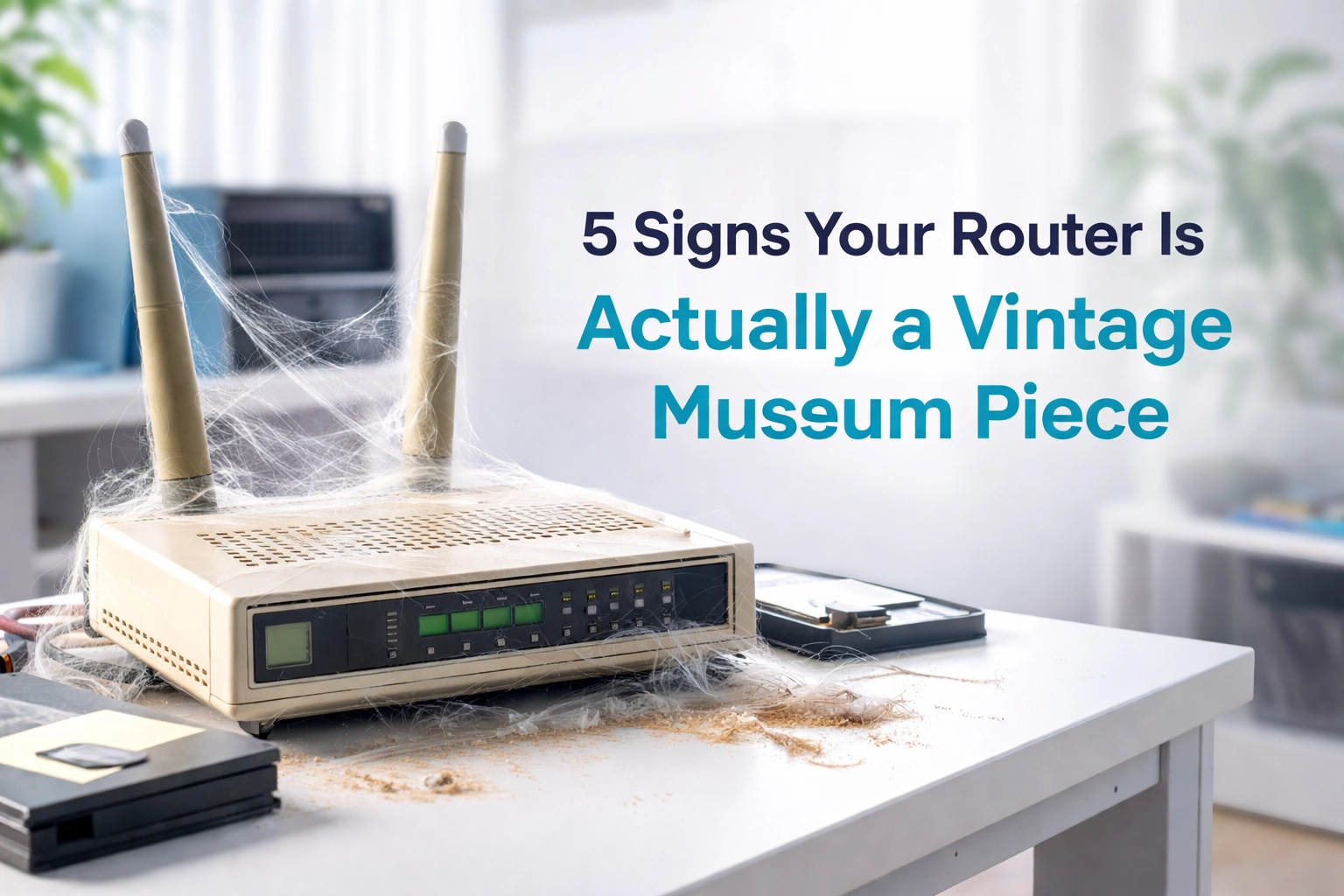
Older routers struggle in modern homes. If you experience dead zones, upgrading to:
- Dual-band routers, or
- Whole-home mesh systems
…can significantly improve stability.
5. Call a Wi-Fi Specialist
If nothing works, it may be a wiring, signal interference, or network configuration issue. A professional survey identifies the problem quickly.
Conclusion
Slow Wi-Fi doesn’t have to be a daily struggle. Small improvements create a big difference in speed and stability.
Need expert help? Contact WiFi Heroes for a free site survey and get reliable Wi-Fi everywhere in your home.