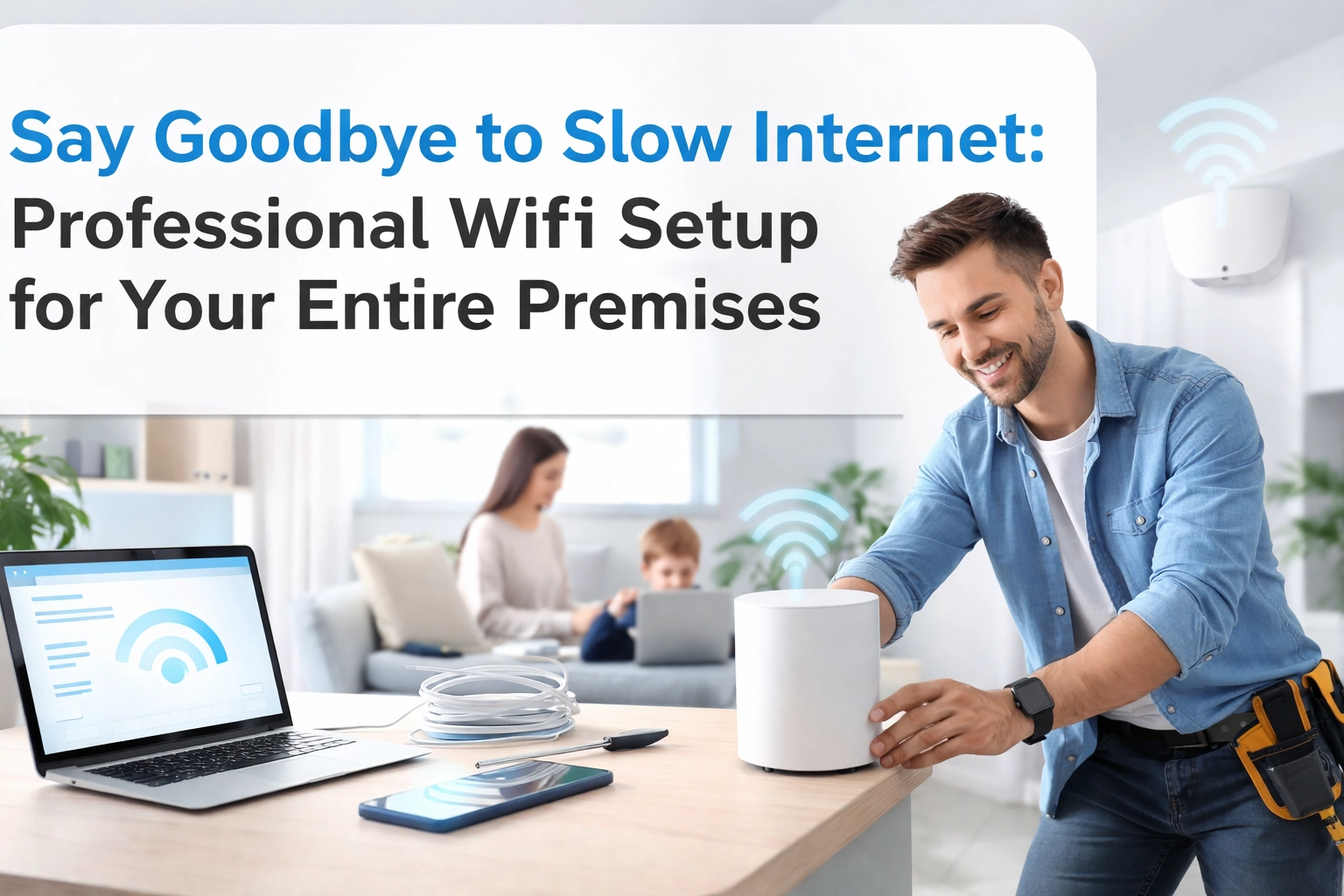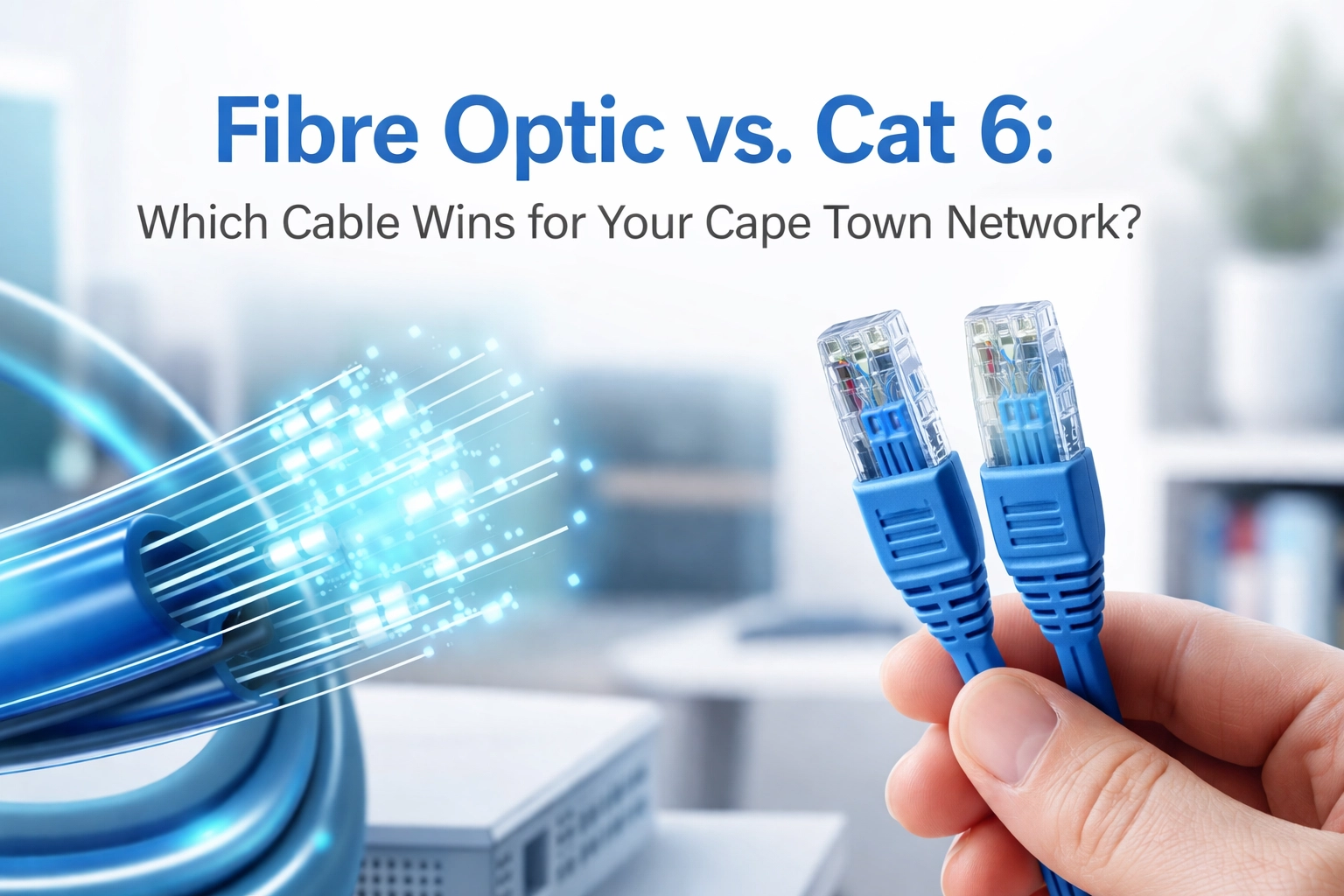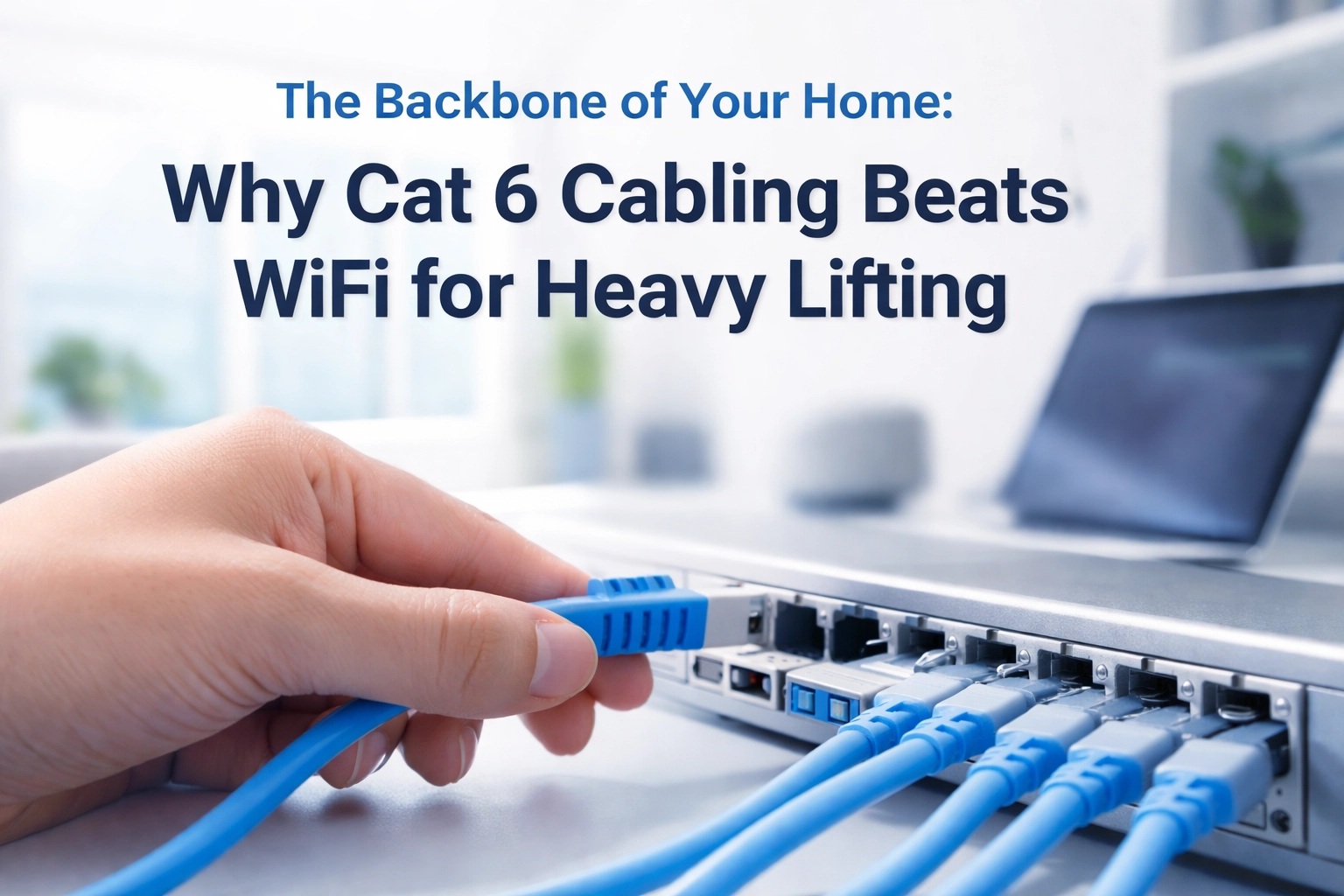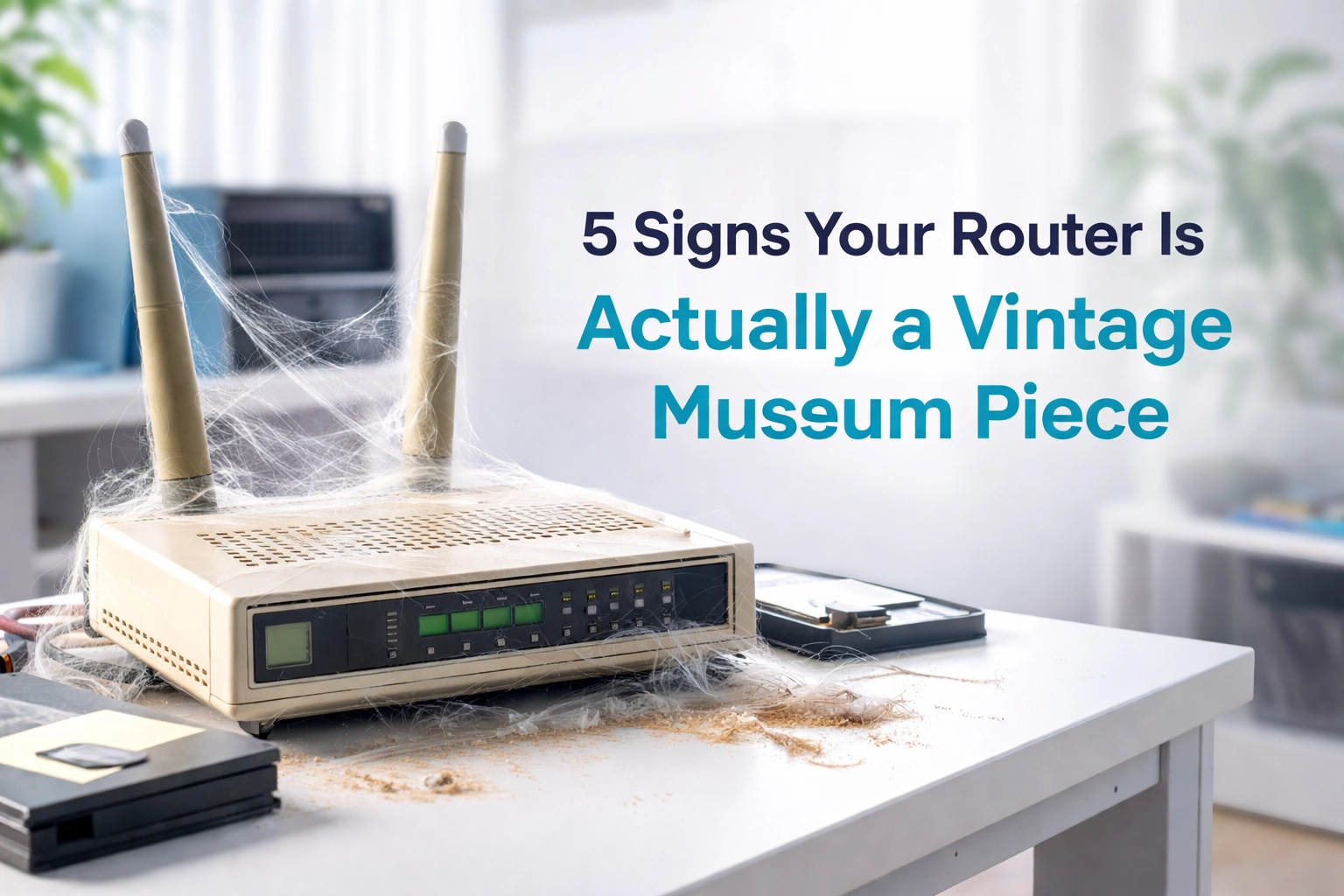

Nothing's more frustrating than trying to stream your favourite show or join an important video call, only to be greeted by that dreaded buffering wheel or "connection lost" message. If you're constantly playing WiFi hide-and-seek around your property, you're not alone. Poor WiFi coverage is one of the most common tech headaches we deal with at WiFi Heroes, but the good news? It's totally fixable.
Whether you're dealing with dead zones in your bedroom, patchy coverage in your garden, or sluggish speeds that make you want to throw your router out the window, we've got you covered. Let's dive into the most effective ways to get rock-solid WiFi coverage throughout your entire property.
Start with Smart Router Placement
Before you spend a penny on new equipment, let's talk about where your current router lives. Router placement is like real estate – it's all about location, location, location.
Your router should be positioned in a central, elevated spot in your home or office. Think of your WiFi signal like a lighthouse beam – it radiates outward in all directions, so placing it centrally gives you the best chance of reaching every corner of your property.
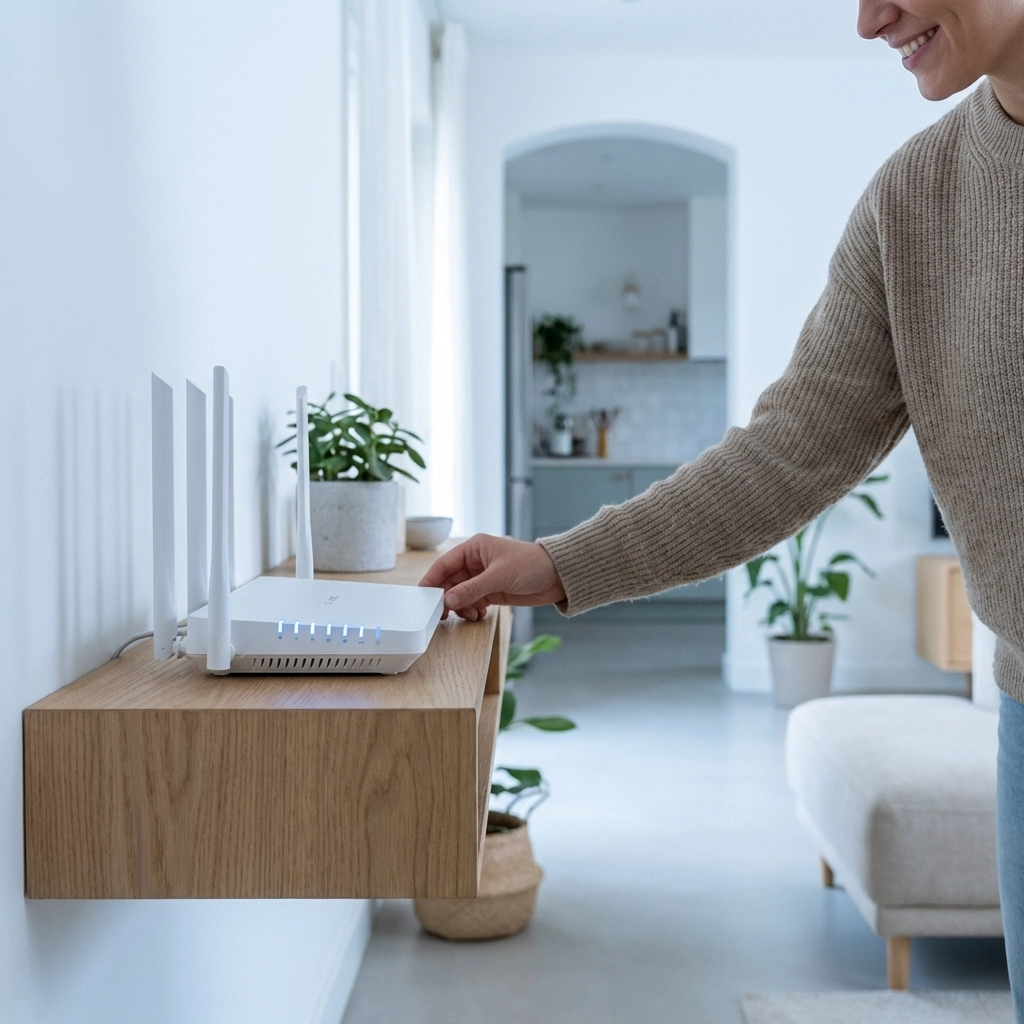
Here's what you should avoid: stuffing your router in a cabinet, hiding it behind your TV, or banishing it to a corner basement. These spots might keep it out of sight, but they're WiFi killers. Instead, try placing it on a bookshelf, mounting it on a wall, or positioning it on a high table.
Clear line of sight matters too. While WiFi signals can penetrate walls, thick concrete, metal objects, and even large appliances can seriously weaken the signal. If possible, position your router where it has a clear "view" to the areas where you need strong coverage.
Upgrade Your Router for Better Performance
If your router is more than three years old, it might be time for an upgrade. Technology moves fast in the WiFi world, and older routers running on WiFi 4 or WiFi 5 standards often struggle to keep up with today's demands.
WiFi 6 (also known as 802.11ax) is the current gold standard, offering up to four times the capacity of WiFi 5 in busy environments. This means better performance when multiple devices are connected – perfect for homes with smart TVs, tablets, phones, laptops, and smart home gadgets all competing for bandwidth.
Modern routers also come with improved antennas and better signal processing, which translates to stronger, more reliable coverage throughout your property. While the upfront cost might seem steep, think of it as an investment in your sanity and productivity.
Mesh Systems: The Game-Changer for Large Properties
If you're dealing with a large home, multiple floors, or thick walls that seem to swallow WiFi signals, a mesh system is probably your best bet. Unlike traditional setups where one router tries to do all the heavy lifting, mesh systems use multiple nodes working together to blanket your entire property in consistent coverage.
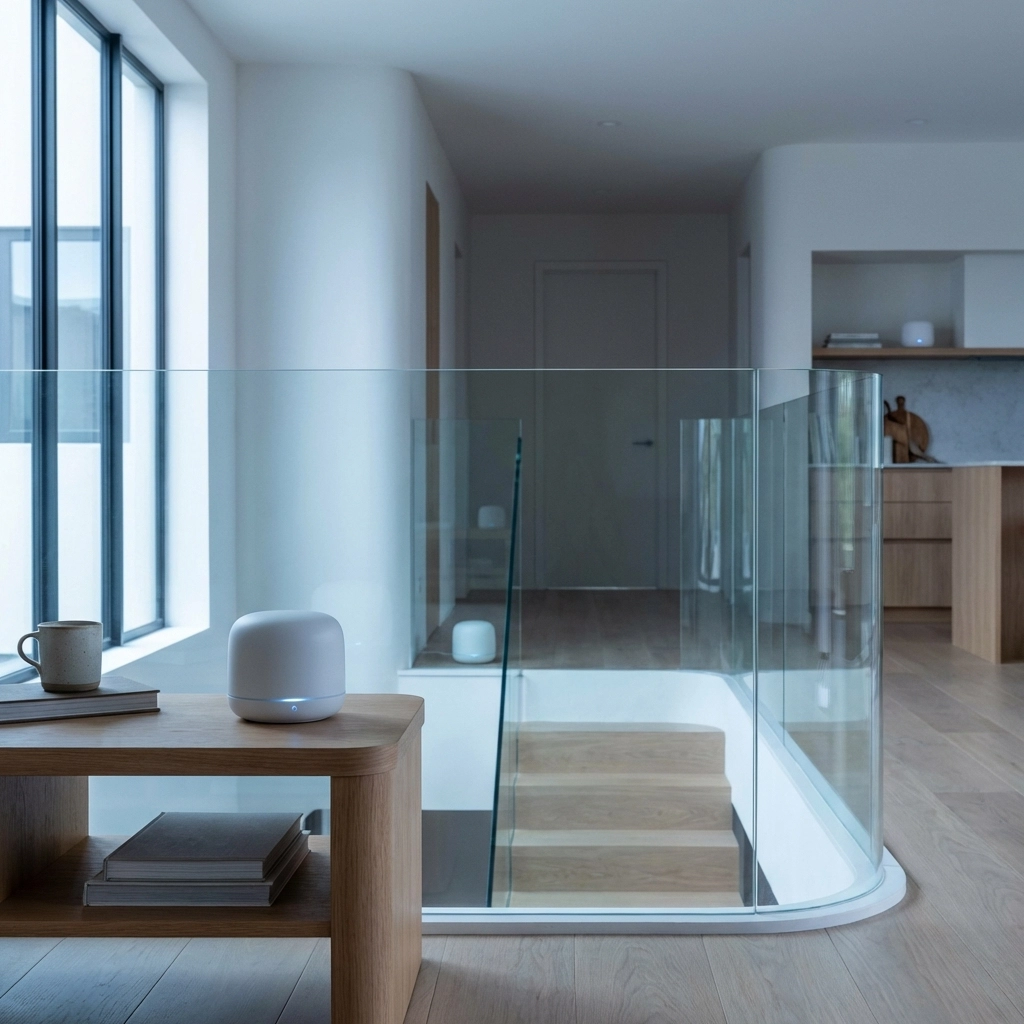
Here's why mesh systems are so effective: instead of your device struggling to connect to a distant router, it automatically connects to the nearest mesh node. As you move around your property, the system seamlessly hands off your connection from one node to another, maintaining strong signal strength without you even noticing.
Popular mesh systems like Google Nest WiFi, Eero Pro, and others have proven particularly effective in homes over 2,500 square feet. The beauty of mesh is that you maintain one network name and password throughout your property – no more manually switching between "Home_WiFi" and "Home_WiFi_Extender" as you move around.
WiFi Extenders: Good for Specific Problem Areas
WiFi extenders often get a bad rap, and honestly, some of it is deserved. Traditional extenders can cut your bandwidth by about 50% because they have to receive and retransmit signals on the same channel. However, they can still be useful for targeting specific problem areas.
If you just need to fix one dead zone – maybe that back bedroom or the garage workshop – an extender might be a cost-effective solution. The key is placement: position it midway between your router and the weak signal area, not at the edge of your current coverage.
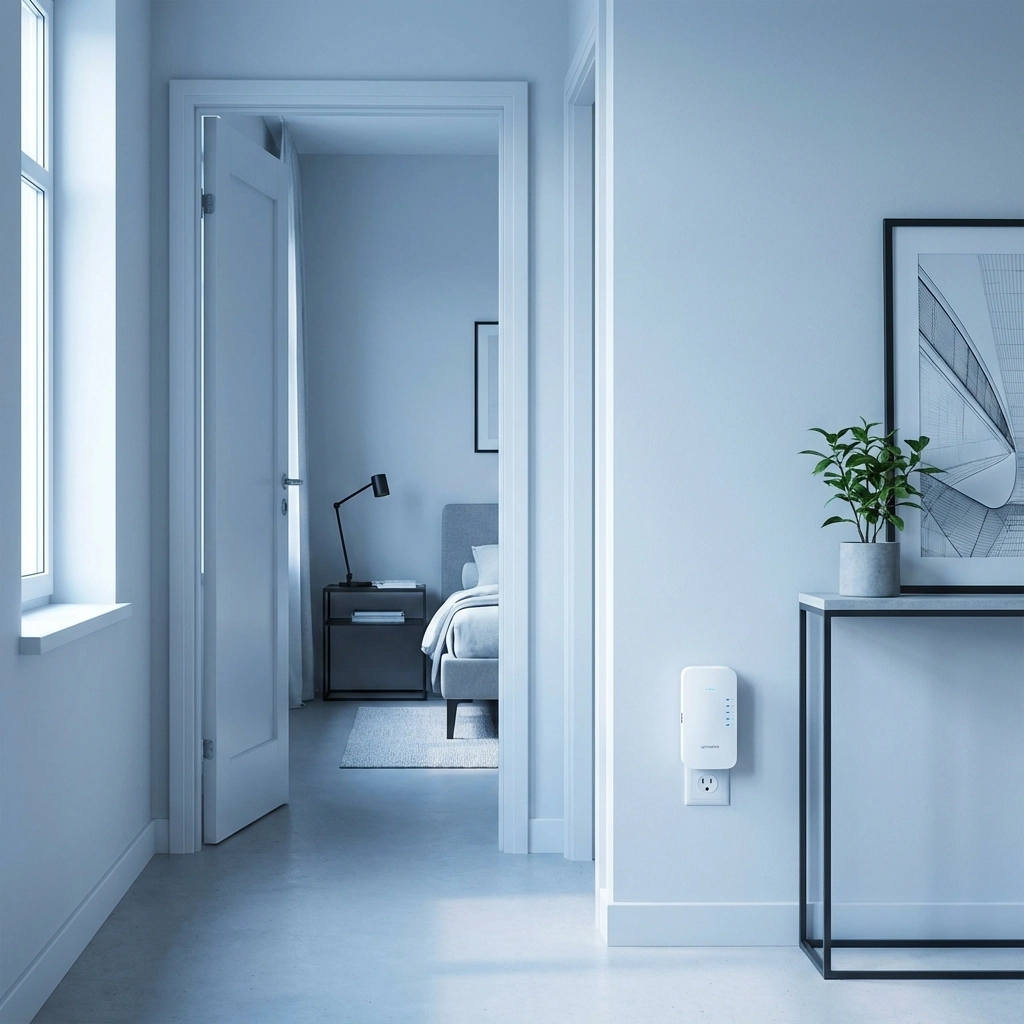
Modern extenders have improved significantly, with some offering dual-band functionality that helps minimize speed loss. Just remember, they're best for small, targeted fixes rather than whole-property coverage solutions.
Wired Access Points: The Professional Solution
If your property has Ethernet cabling throughout (or you're willing to install it), wired access points offer the most reliable solution for extended coverage. Unlike wireless extenders, wired access points connect directly to your main router via Ethernet cable, providing full-strength signals without the bandwidth penalties of wireless repeaters.
This approach is particularly effective for multi-story buildings or properties with challenging layouts. Each wired access point essentially becomes a new hub, capable of serving nearby devices with the same speed and reliability as your main router.
While installation might require running cables or hiring a professional, the performance benefits make it worthwhile for businesses or large homes where reliable coverage is critical.
Optimize Your WiFi Bands
Modern routers broadcast on multiple bands – typically 2.4GHz and 5GHz. Understanding how to use these bands effectively can significantly improve your coverage:
The 2.4GHz band travels further and penetrates walls better, making it ideal for devices that are far from your router or separated by multiple walls. However, it's also more crowded and can be slower.
The 5GHz band is faster but doesn't travel as far. It's perfect for devices close to your router that need high speeds for streaming or gaming.
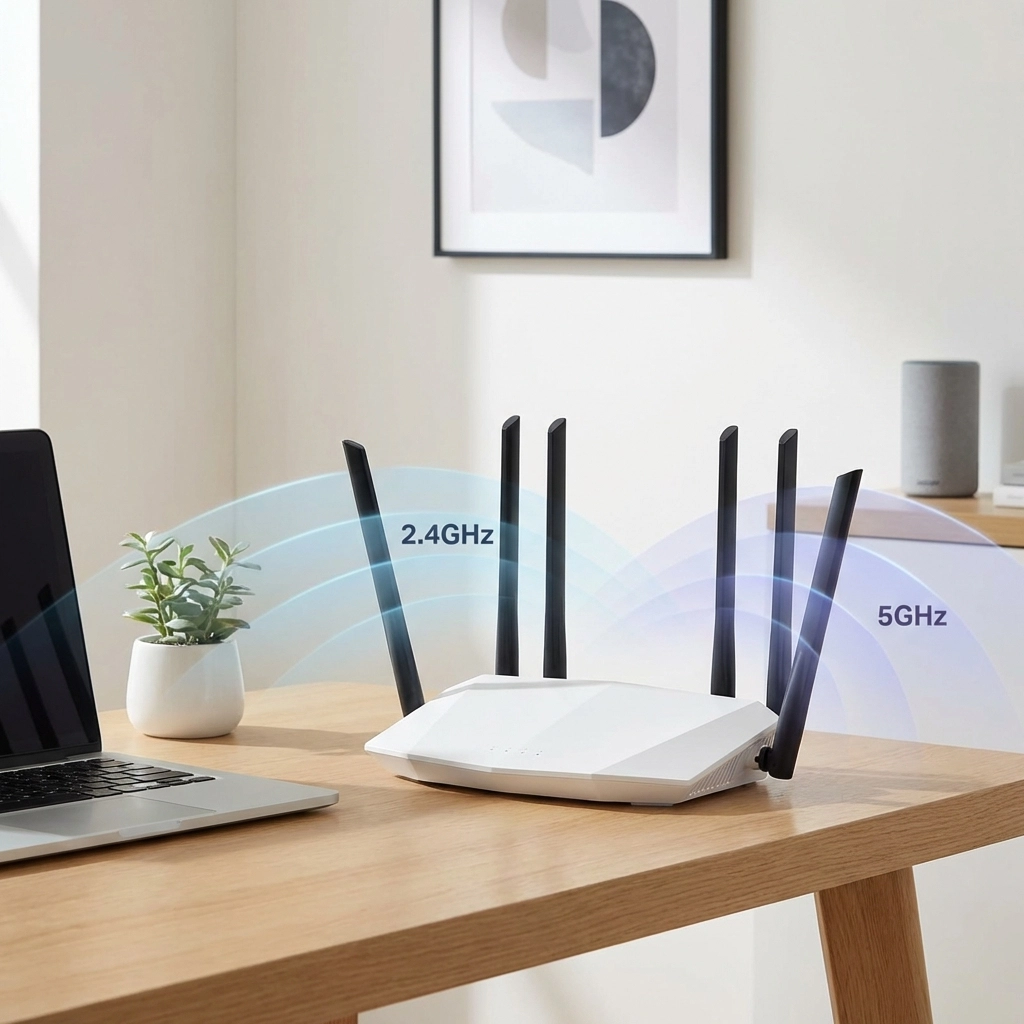
Many routers now offer "band steering" that automatically connects devices to the best available band. If your router doesn't have this feature, consider manually connecting distant devices to 2.4GHz and nearby high-bandwidth devices to 5GHz.
Extending Coverage Outdoors
Don't forget about outdoor spaces! If you want WiFi coverage on your patio, in your garden, or in detached buildings like garages or workshops, you'll need equipment designed to handle the elements.
Outdoor-rated WiFi extenders and access points are built to withstand rain, heat, and cold. For larger outdoor areas or rural properties, long-range point-to-point wireless systems can beam internet across significant distances.
Some mesh systems also offer outdoor-compatible nodes that seamlessly extend your indoor network to outdoor spaces, maintaining that single network experience we all love.
Professional Assessment Makes the Difference
While these tips will solve most WiFi coverage issues, every property is unique. Factors like building materials, layout, interference from neighbours' networks, and specific usage patterns all affect the best solution for your situation.
At WiFi Heroes, we've seen everything from simple router relocations that solve major coverage issues to complex multi-node mesh installations for sprawling properties. Sometimes the solution is straightforward; other times, it requires a professional assessment and custom approach.
The key is starting with the basics – proper router placement and ensuring your equipment is up to current standards – then building from there based on your specific needs and budget.
Remember, great WiFi coverage isn't a luxury anymore; it's essential for work, entertainment, and staying connected. With the right approach and equipment, you can eliminate those frustrating dead zones and enjoy strong, reliable internet throughout your entire property.