So you're standing in the router aisle (or more likely, scrolling through Takealot at midnight), and you're seeing all these numbers thrown around. Wi-Fi 6. Wi-Fi 6E. Wi-Fi 7. What does it all mean, and more importantly, do you actually need to care?
If you're a Cape Town homeowner trying to figure out whether it's time to upgrade your network, you've come to the right place. We're going to break this down without drowning you in tech-speak. Promise.
The Quick Version (For the Impatient Among Us)
Here's the deal: Wi-Fi 6 is probably enough for most Cape Town homes right now. Wi-Fi 7 is the shiny new thing, and yes, it's faster, but unless you've got a very specific situation, you might be paying for speed you can't actually use yet.
But let's dig into the details so you can make the call for yourself.
What's the Difference Between Wi-Fi 6 and Wi-Fi 7?
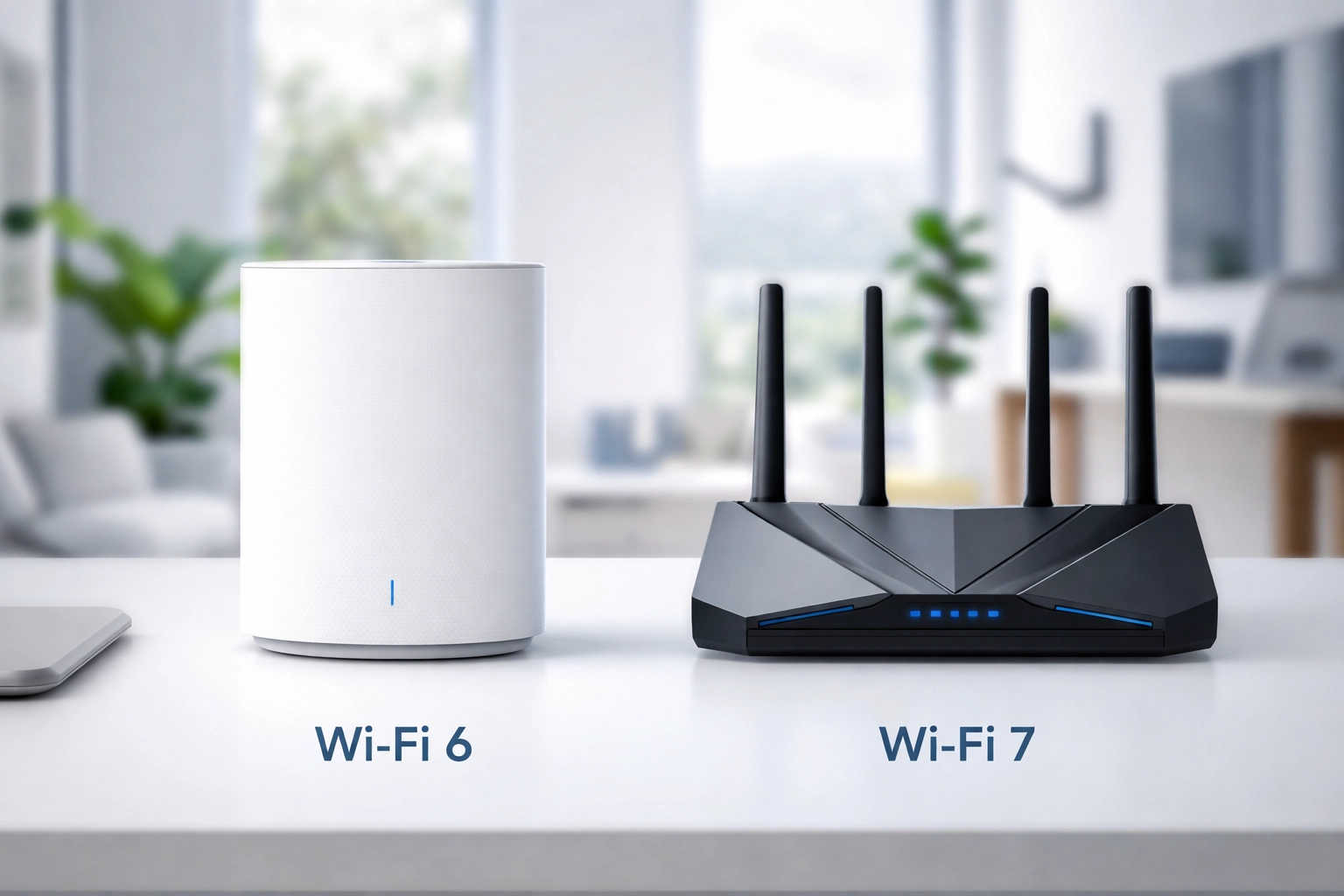
Think of Wi-Fi generations like cars. Each new model is faster, more efficient, and handles traffic better than the last. Wi-Fi 6 was the reliable family SUV that finally made sense for busy households. Wi-Fi 7? That's the sports car with all the bells and whistles.
Wi-Fi 6: The Solid All-Rounder
Wi-Fi 6 (also called 802.11ax, if you want to impress someone at a braai) launched back in 2019 and has become the standard for modern homes. It offers:
- Speeds up to 9.6 Gbps (theoretically, more on that in a sec)
- Better handling of multiple devices thanks to improved technology called OFDMA
- Improved battery life for your phones and tablets
- Stronger performance in crowded networks
For a typical Cape Town household, streaming Netflix, working from home, kids doing homework online, smart home gadgets doing their thing, Wi-Fi 6 handles it all without breaking a sweat.
Wi-Fi 7: The New Kid on the Block
Wi-Fi 7 (802.11be) started rolling out in 2024 and promises some serious upgrades:
- Speeds up to 46 Gbps (again, theoretical maximums)
- Multi-Link Operation (MLO) which lets devices connect across multiple bands simultaneously
- Lower latency for gaming and video calls
- Even better at juggling lots of devices
Sounds amazing, right? It is, but there's a catch.
The Speed Reality Check
Here's where we need to get real for a moment.
Those headline speeds, 9.6 Gbps for Wi-Fi 6 and 46 Gbps for Wi-Fi 7, are theoretical maximums under perfect lab conditions. In your actual home in Constantia or Blouberg? You're getting a fraction of that.
In real-world testing, Wi-Fi 7 delivers roughly 2.4 times faster speeds than Wi-Fi 6 under the same conditions. That's genuinely impressive! But here's the thing: your internet speed is only as fast as your weakest link.
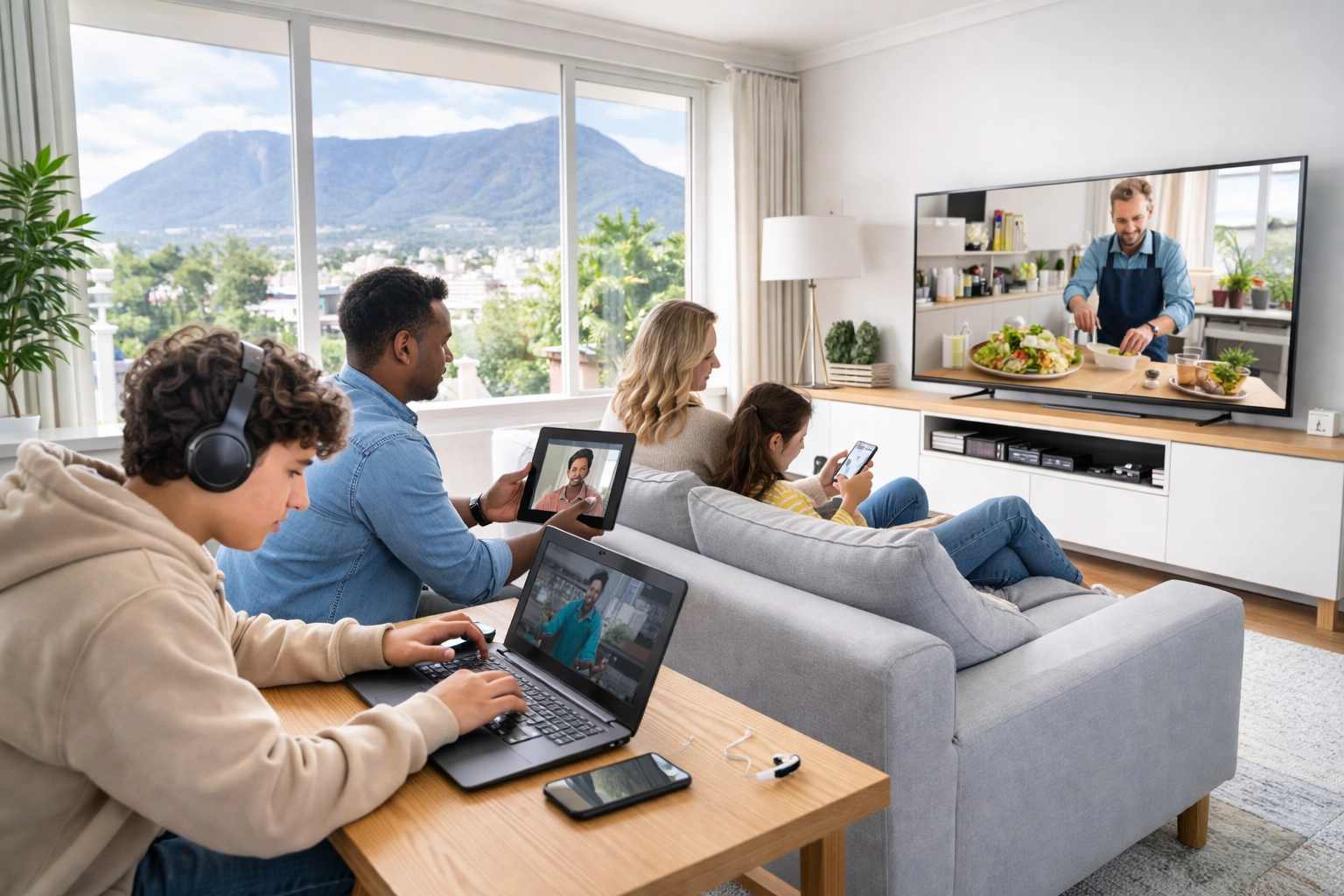
Most residential fibre connections in Cape Town top out around 100-200 Mbps, with premium packages reaching 1 Gbps. Even Wi-Fi 6's "slower" speeds are way more than enough to handle that. You're not going to notice your Wi-Fi 7 router's potential when your ISP connection is the bottleneck.
When Wi-Fi 6 Makes Total Sense
For most Cape Town families, Wi-Fi 6 ticks all the boxes. You'll be happy with it if:
- You have a standard household setup with phones, laptops, a smart TV, and maybe some smart home devices
- Your fibre connection is under 1 Gbps (which covers the vast majority of us)
- You're not running a home data centre or doing anything extremely bandwidth-intensive
- Your current router is more than 4-5 years old and you want a meaningful upgrade
- Budget matters and you'd rather spend the savings on better mesh coverage or professional installation
Wi-Fi 6 routers and mesh systems have come down significantly in price, and the technology is mature and reliable. You're not getting yesterday's tech, you're getting proven, solid performance.
When Wi-Fi 7 Actually Makes Sense
Alright, so when should you consider going for Wi-Fi 7? There are some legitimate scenarios:
You're a Serious Gamer or Content Creator
If you're streaming gameplay, doing video editing with massive files, or running multiple 4K video calls simultaneously, that lower latency and extra bandwidth headroom can make a real difference.
You Have a LOT of Devices
We're talking 30+ smart devices, multiple family members all streaming or gaming at once, home automation systems, security cameras: the works. Wi-Fi 7's Multi-Link Operation handles device congestion brilliantly.
You're Future-Proofing
If you're building or renovating and want a network that'll last the next 7-10 years without major upgrades, Wi-Fi 7 makes sense as a long-term investment. ISP speeds will catch up eventually, and you'll be ready.
You Have a Large Property
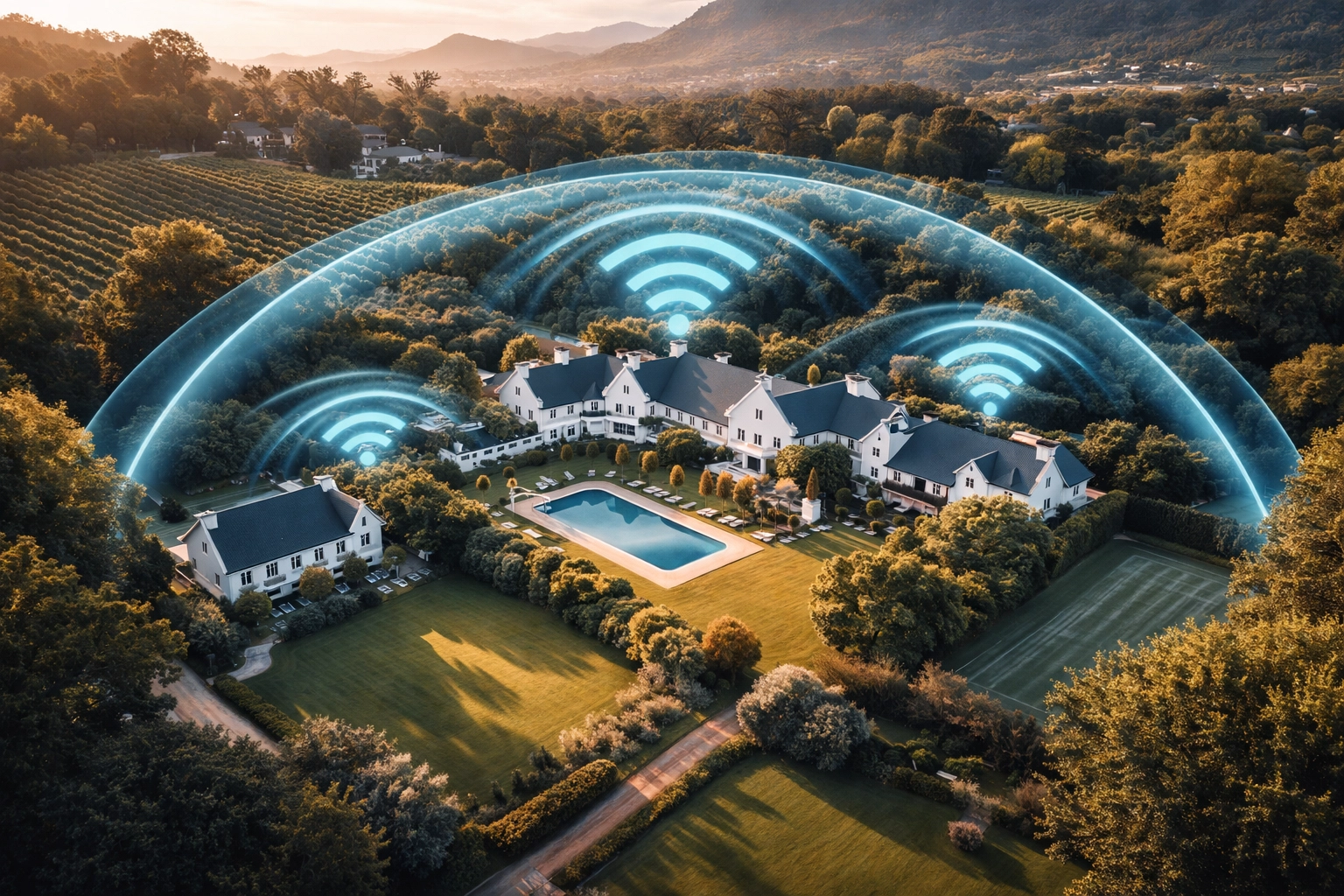
This is particularly relevant for Cape Town. If you've got a sprawling property in the Winelands, a multi-level home in Camps Bay, or a large estate: Wi-Fi 7's improved range and MLO technology can help maintain strong connections across bigger areas.
Cape Town-Specific Considerations
Living in Cape Town comes with some unique networking challenges worth mentioning:
Large Properties and Thick Walls
Many Cape Town homes: especially older ones in areas like Newlands, Rondebosch, or the Southern Suburbs: have thick walls that murder Wi-Fi signals. In these cases, the router generation matters less than proper placement and mesh coverage. A well-designed Wi-Fi 6 mesh system will outperform a single Wi-Fi 7 router stuck in your study every time.
High-Interference Areas
Dense apartment complexes in the City Bowl or Sea Point can have dozens of competing networks. Both Wi-Fi 6 and Wi-Fi 7 handle interference better than older standards, but proper channel selection and professional configuration make the biggest difference here.
Load Shedding Considerations
This might sound unrelated, but hear us out. If you're investing in UPS backup for your network (and you should be), a more efficient Wi-Fi 6 system might give you longer runtime during outages compared to power-hungry Wi-Fi 7 gear. Something to consider!
The Cost Factor
Let's talk rands and cents.
Wi-Fi 7 routers and mesh systems are still relatively new, which means premium pricing. You might pay 50-100% more for Wi-Fi 7 compared to equivalent Wi-Fi 6 setups. And here's the kicker: you also need Wi-Fi 7 compatible devices to take full advantage. Your current phone, laptop, and smart TV? Probably still Wi-Fi 6 at best.
For most households, that extra budget is better spent on:
- A proper mesh system to eliminate dead zones
- Professional installation to optimise placement and settings
- Quality ethernet cabling for devices that need rock-solid connections
Our Honest Recommendation
Look, we install networks for a living, and we could easily push everyone towards the latest and greatest. But that's not how we roll at WiFi Heroes.
For most Cape Town homes in 2026, Wi-Fi 6 (or Wi-Fi 6E) is the sweet spot. It's fast, reliable, affordable, and more than capable of handling everything you throw at it. The technology is mature, device support is universal, and you'll get excellent performance.
Consider Wi-Fi 7 if you have specific high-demand needs, you're doing a major renovation or new build, or you genuinely want to future-proof for the next decade.

The most important factor isn't the Wi-Fi generation: it's having a properly designed network that suits your home's layout, your family's usage patterns, and your specific challenges.
Not Sure What's Right for Your Home?
Every Cape Town home is different. A cottage in Observatory has very different needs than a villa in Bishopscourt. That's why we always recommend a proper assessment before making any big networking decisions.
Ready to figure out what actually makes sense for your home? Get in touch with the WiFi Heroes team for a no-pressure chat about your setup. We'll give you an honest recommendation: even if that means telling you your current router is just fine.
Because at the end of the day, the best Wi-Fi is the one that actually works for you.