Let's be honest, few things are more frustrating than dodgy WiFi. Whether you're trying to join a video call, stream your favourite show, or just browse the web, a poor connection can turn a relaxed evening into a stress-fest. And if you're living in Cape Town, you've probably experienced your fair share of connectivity headaches.
The good news? Most WiFi problems have straightforward solutions. In this guide, we'll walk you through everything you need to know about diagnosing and fixing WiFi issues in your Cape Town property, from quick DIY fixes to knowing when it's time to call in the pros.
Why WiFi Problems Are Common in Cape Town Properties
Before we dive into solutions, it helps to understand why WiFi issues pop up so frequently in the Mother City.
Cape Town properties come in all shapes and sizes, from modern apartments in the City Bowl to sprawling homes in the Southern Suburbs and older buildings in areas like Observatory or Woodstock. Each property type brings its own WiFi challenges:
- Thick walls and heritage buildings can block signals
- Multi-story homes often struggle with coverage on upper floors
- Open-plan layouts might seem WiFi-friendly but can still have dead zones
- Outdoor areas like gardens and patios rarely get decent coverage
Add in load shedding (which can mess with your equipment), ageing infrastructure, and the fact that we're all using more connected devices than ever before, and you've got a recipe for connectivity chaos.

Common Causes of WiFi Issues
Most WiFi problems in Cape Town homes boil down to a handful of culprits:
1. Poor Router Placement
Your router's location matters more than you might think. Tucking it away in a cupboard or placing it in a corner of your house is a recipe for weak signals. WiFi signals struggle to pass through walls, floors, and large furniture.
2. Interference from Other Devices
Microwaves, cordless phones, baby monitors, and even your neighbour's WiFi network can interfere with your signal. Cape Town's densely populated areas are particularly prone to this issue.
3. Outdated Equipment
If your router is more than a few years old, it might not support current WiFi standards. Older routers simply can't handle the demands of modern households with multiple devices streaming, gaming, and video calling simultaneously.
4. Too Many Devices
Every device connected to your network takes a slice of your bandwidth. Smartphones, tablets, laptops, smart TVs, gaming consoles, security cameras, they all add up.
5. ISP Issues
Sometimes the problem isn't on your end at all. Your Internet Service Provider might be experiencing outages or congestion in your area.
6. Cable Problems
Loose, damaged, or old cables connecting your modem to the wall outlet can cause intermittent disconnections that'll drive you up the wall.
DIY Troubleshooting: Fixes You Can Try Right Now
Before you pick up the phone to call a technician, try these simple fixes. You'd be surprised how often they work!
Run a Speed Test
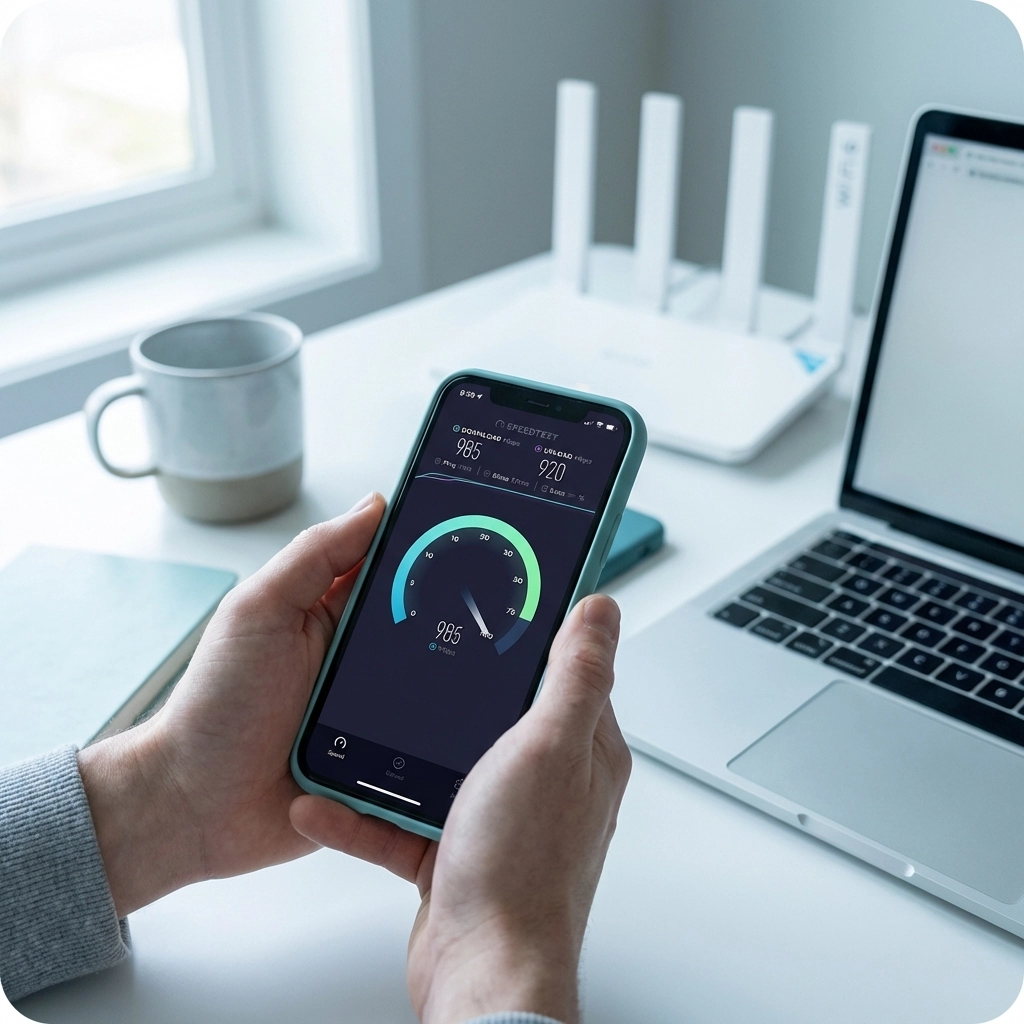
First things first, figure out what you're actually dealing with. Head to Speedtest.net and run a test. Compare your results to the speeds your ISP promised you. If there's a massive gap, you've confirmed there's a problem worth investigating.
Pro tip: Test both wirelessly and with a device plugged directly into your router via an ethernet cable. If the wired connection is fine but WiFi is slow, you know the issue is with your wireless setup.
The Classic Restart
Yes, it's a cliché, but turning your router off and on again genuinely works more often than not. Unplug your router, wait about 60 seconds, and plug it back in. This clears temporary glitches and refreshes your connection.
Optimise Your Router Placement
Move your router to a central, elevated spot in your home. Keep it:
- Away from walls and corners
- Off the floor (on a shelf or table is ideal)
- Away from metal objects and electronics
- Out of enclosed spaces like cupboards
Switch Your WiFi Channel
If you're in a busy area with lots of competing networks, your router might be fighting for airspace. Log into your router's settings and try switching to a less congested channel. Most routers have an automatic channel selection feature that does this for you.
Update Your Firmware
Router manufacturers regularly release firmware updates that fix bugs and improve performance. Log into your router's admin panel and check for updates. While you're at it, update the WiFi drivers on your devices too.
Check Your Cables
Give all your cables a once-over. Make sure they're firmly connected and look for any signs of damage. A dodgy cable is an easy fix but often overlooked.
Disconnect Unused Devices
Do you really need your old tablet connected to the WiFi? Disconnect devices you're not using to free up bandwidth for the ones you are.
Advanced Diagnostics
If the basic fixes haven't sorted things out, it's time to dig a little deeper.

Track Your Disconnection Patterns
Pay attention to when your WiFi drops out. Is it:
- During peak hours (evenings and weekends)?
- At specific times each day?
- Completely random?
This information is gold when troubleshooting or talking to your ISP.
Check Your Router's Indicator Lights
Those blinking lights on your router aren't just for show. A solid green light usually means all is well, while red or orange lights often indicate a problem. Check your router's manual for specific meanings.
Test with Different Devices
If only one device is struggling, the problem might be with that device rather than your network. Test your connection on multiple devices to rule this out.
Check for ISP Outages
Before you tear your hair out, check if your ISP is experiencing issues. Most providers have a status page on their website, or you can give them a quick call.
When to Call in the Professionals
Sometimes DIY just won't cut it. Here's when it's time to get expert help:
- Problems persist after you've tried all the troubleshooting steps
- You suspect physical damage to your fibre line or cables
- You're experiencing recurring issues that keep coming back
- Your property has multiple dead zones that basic fixes can't solve
- You're setting up WiFi in a new property or doing renovations
A professional can assess your property's specific challenges and recommend tailored solutions: whether that's better router placement, additional access points, or a complete mesh WiFi system.

Long-Term Solutions for Reliable WiFi
If you're tired of band-aid fixes and want WiFi that just works, consider these longer-term investments:
Upgrade Your Router
If your router is more than three or four years old, upgrading to a WiFi 5 or WiFi 6 router can make a massive difference. Modern routers handle multiple devices better and offer improved range and speed.
Consider a Mesh WiFi System
For larger properties or homes with tricky layouts, a mesh WiFi system might be the answer. Unlike traditional routers, mesh systems use multiple units placed around your home to create seamless coverage everywhere.
Professional Installation
Sometimes you need someone who knows what they're doing to assess your property and install equipment properly. A professional WiFi installation ensures optimal placement and configuration from the start.
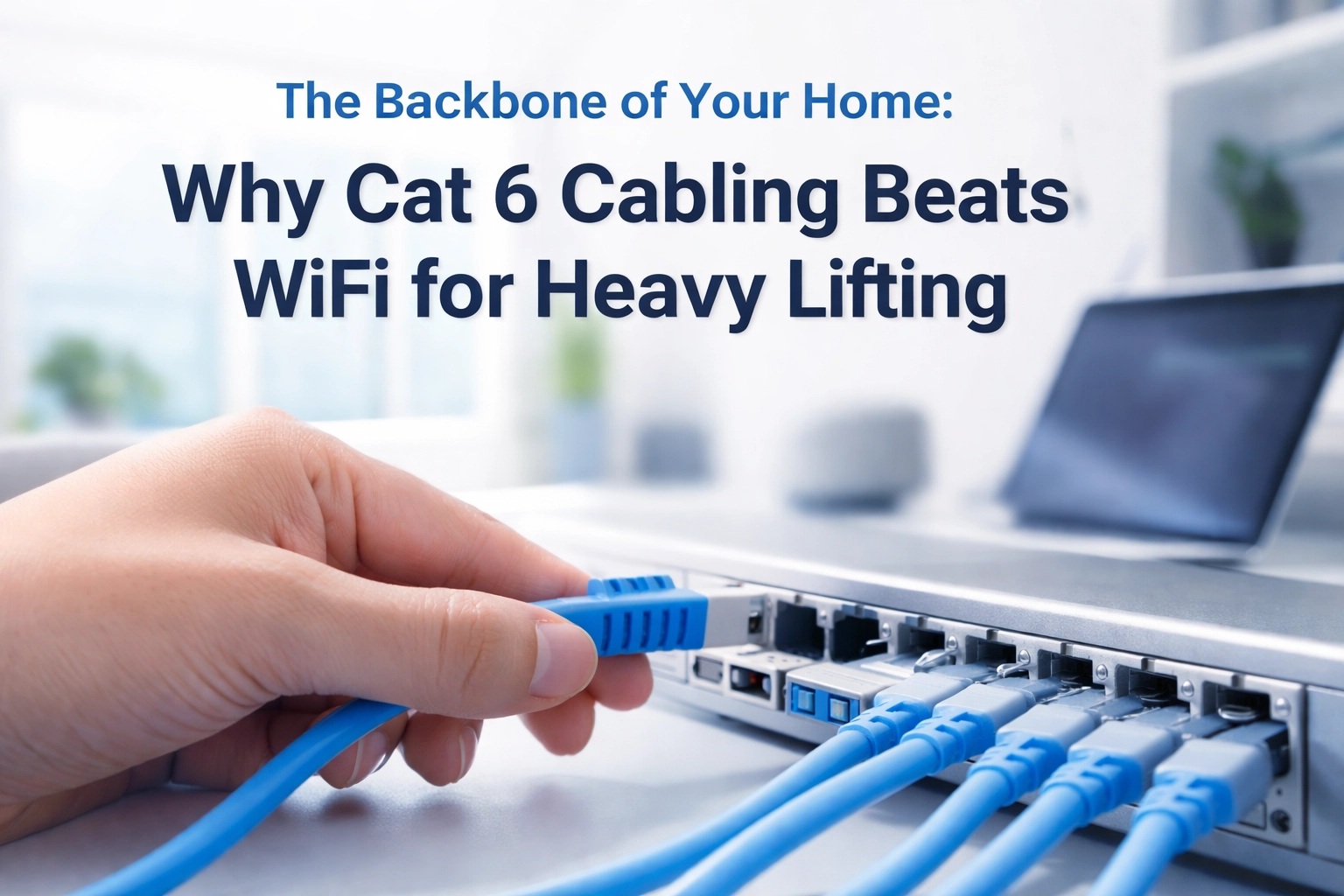
Structured Cabling
For the ultimate in reliability, consider having ethernet cables run through your property. This is especially useful for home offices, entertainment systems, and security cameras.
Wrapping Up
WiFi issues in your Cape Town property don't have to be a permanent headache. With a bit of troubleshooting know-how and the right approach, you can enjoy fast, reliable connectivity throughout your home.
Start with the simple fixes: restart your router, check your cables, and optimise placement. If problems persist, don't hesitate to call in the experts. Life's too short for buffering.
Need help getting your WiFi sorted? The team at WiFi Heroes is here to help Cape Town homeowners and businesses get the coverage they deserve. Get in touch today!