
There's nothing quite as frustrating as settling down in your favourite spot at home, ready to stream a movie or jump on a video call, only to watch that buffering wheel spin endlessly. If you've ever wandered around your Cape Town property holding your phone in the air like you're searching for buried treasure, you're definitely not alone.
The good news? Getting solid, reliable WiFi in every corner of your home isn't as complicated as it might seem. Whether you're living in a sprawling Constantia estate, a multi-level townhouse in Sea Point, or a cosy flat in Observatory, there are practical solutions that'll have you streaming, working, and browsing without a hitch.
Let's break down exactly how to get great WiFi throughout your Cape Town property.
Why Does WiFi Struggle in Some Homes?
Before we jump into solutions, it helps to understand why your WiFi might be letting you down in the first place.
Thick walls and building materials: Many Cape Town homes, especially older properties, feature thick brick walls, concrete, and even steel reinforcements. These materials are fantastic for keeping your home cool in summer, but they're absolute WiFi killers. Your signal simply can't punch through them effectively.
Property layout and size: Got a long, narrow property? Multiple floors? A garden cottage out back? The further you get from your router, the weaker your signal becomes. And if there are walls, floors, or furniture in the way, that signal degrades even faster.
Router placement: This is a big one. Most people stick their router wherever the technician installed it: usually near the front door or in a corner. Unfortunately, that's often the worst spot for whole-home coverage.
Interference: Other electronic devices, neighbouring WiFi networks, and even your microwave can interfere with your signal. In densely populated areas like the Atlantic Seaboard or CBD apartments, this interference can be significant.

Step 1: Start With a Solid Internet Connection
Here's the thing: no amount of fancy equipment will save you if your underlying internet connection is rubbish. Your WiFi is only as good as the internet feeding it.
Fibre: The Gold Standard
If fibre is available in your area (and it's expanding rapidly across Cape Town), this should be your first choice. Fibre delivers consistent, symmetrical speeds that won't fluctuate based on how many neighbours are online. Whether you're in Camps Bay or Bellville, fibre gives you the bandwidth to support multiple devices without breaking a sweat.
LTE/5G: The Flexible Alternative
No fibre in your neighbourhood? Don't stress. LTE and 5G connections have come a long way and can deliver impressive speeds. They're particularly handy if you're renting and can't wait for fibre installation, or if you're in an area where fibre rollout is still pending.
The key is choosing a package that matches your household's needs. A family of four with teenagers streaming, gaming, and doing homework will need significantly more bandwidth than a couple who mainly browse and check emails.
Step 2: Position Your Router Strategically
This might sound basic, but proper router placement can dramatically improve your coverage: and it costs nothing.
Aim for central placement: Your router broadcasts signal in all directions. If it's tucked in a corner, you're essentially wasting half your coverage on the outside world. Move it to a central location in your home.
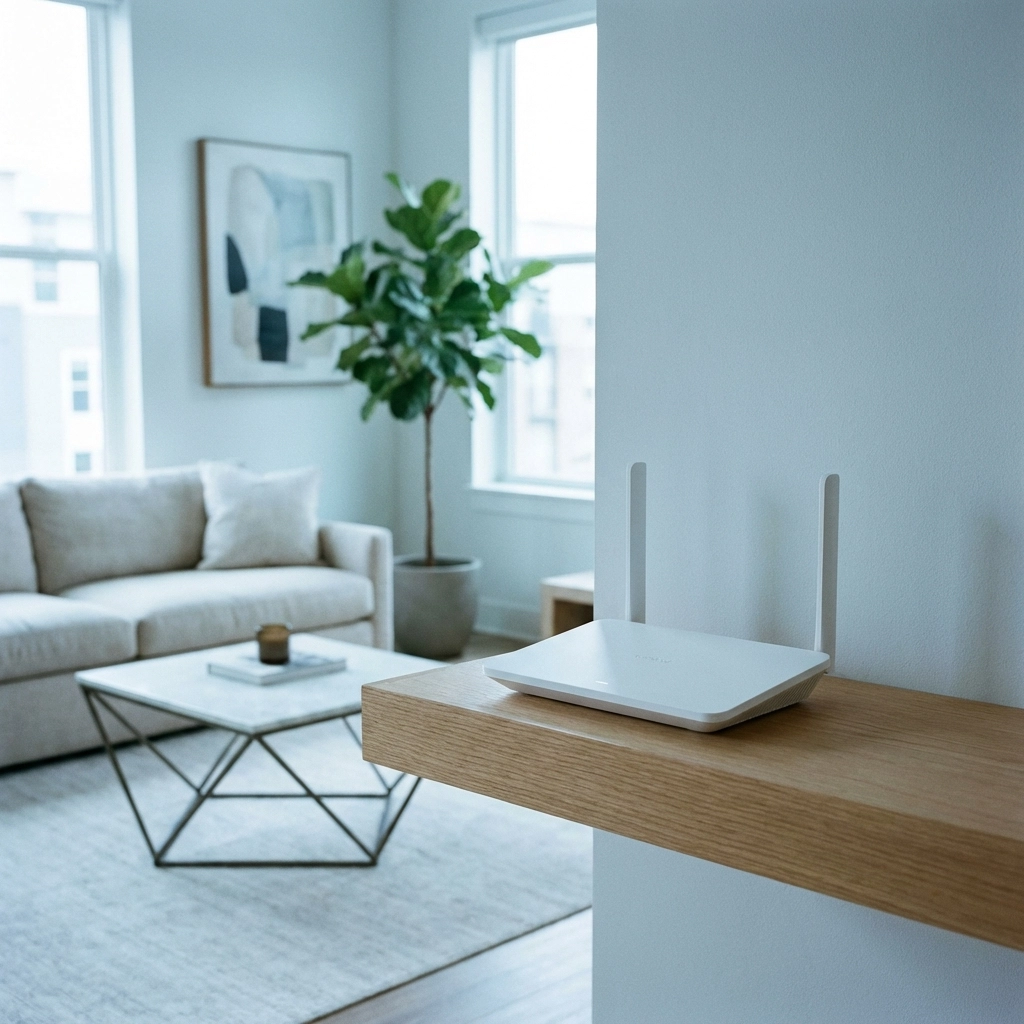
Elevate it: WiFi signals travel outward and slightly downward. Placing your router on a shelf or mounting it higher up can improve coverage, especially in multi-storey homes.
Keep it in the open: Avoid hiding your router in a cupboard or behind the TV. Those obstacles weaken your signal before it even gets started.
Stay away from interference: Keep your router away from cordless phones, baby monitors, microwaves, and large metal objects.
Step 3: Consider a Mesh WiFi System
If strategic router placement still isn't cutting it, a mesh WiFi system might be your answer. This is particularly relevant for larger Cape Town properties or homes with challenging layouts.
What Is Mesh WiFi?
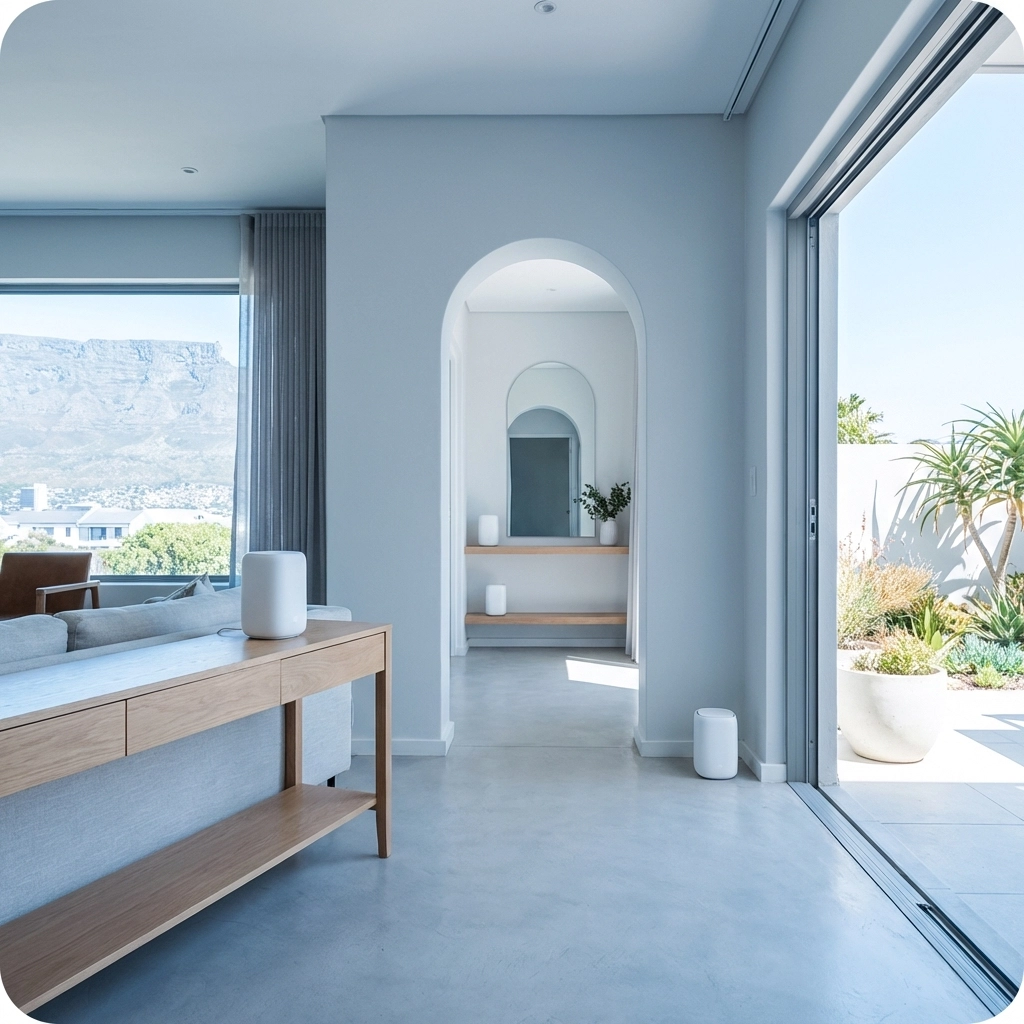
Unlike a traditional router that broadcasts from a single point, a mesh system uses multiple units (called nodes or satellites) placed throughout your home. These units communicate with each other to create a seamless blanket of coverage.
The beauty of mesh is that your devices automatically connect to whichever node has the strongest signal. You can walk from your lounge to your outdoor braai area without your video call dropping: your phone just switches nodes in the background.
Mesh systems are ideal for:
- Properties over 150 square metres
- Multi-storey homes
- Homes with thick walls or unusual layouts
- Outdoor coverage needs (pools, gardens, patios)
For more details on whether mesh is right for you, check out our guide on mesh WiFi vs traditional routers.
Step 4: Add WiFi Extenders or Access Points
If a full mesh system feels like overkill, WiFi extenders or additional access points can help fill in dead zones.
WiFi extenders receive your existing signal and rebroadcast it. They're affordable and easy to set up, but they do have limitations: the extended signal is typically weaker than the original, and you might notice slower speeds.
Access points are a step up. They connect to your router via ethernet cable and broadcast a fresh, full-strength signal. If you can run cabling (or already have ethernet points installed), access points deliver better performance than extenders.
Step 5: Think About Wired Connections Where It Matters
WiFi is convenient, but nothing beats a wired ethernet connection for speed and reliability. For devices that don't move: your smart TV, gaming console, desktop computer, or home office setup: consider running ethernet cables.
This approach also reduces congestion on your WiFi network, leaving more bandwidth for your phones, tablets, and laptops.
Many Cape Town homes, especially newer builds, have ethernet ports already installed. If yours doesn't, a professional can run cables neatly through walls and ceilings.
Step 6: Get a Professional Site Assessment
Sometimes the best investment is getting an expert to assess your specific situation. Every property is different: what works for your mate's house in Claremont might not work for yours in Hout Bay.
A professional site assessment identifies:
- Current dead zones and weak spots
- Optimal router and access point placement
- Potential sources of interference
- The right equipment for your property's size and layout
At WiFi Heroes, we offer comprehensive assessments and design customised solutions tailored to Cape Town properties. We understand the unique challenges: from heritage buildings with metre-thick walls to modern apartments with concrete everywhere.
If you're tired of guessing and want a solution that actually works, get in touch with us.

Quick Wins to Try Today
While you're planning your WiFi upgrade, here are some quick fixes that might help immediately:
-
Restart your router: It sounds cliché, but a weekly reboot can clear out memory issues and improve performance.
-
Update your router's firmware: Manufacturers release updates that improve speed and security. Check your router's admin panel.
-
Change your WiFi channel: If you're in a congested area, switching to a less crowded channel can reduce interference. Most routers have an "auto" setting that handles this.
-
Secure your network: Make sure you're using WPA3 (or at least WPA2) encryption with a strong password. You'd be surprised how many neighbours might be piggybacking on open networks.
-
Audit connected devices: Old devices using outdated WiFi standards can slow down your entire network. If you've got ancient gadgets connected, consider whether they really need WiFi.
For more troubleshooting tips, have a look at our post on how to fix slow WiFi at home.
The Bottom Line
Getting great WiFi throughout your Cape Town property isn't about buying the most expensive equipment: it's about understanding your space and implementing the right solution.
Start with a solid internet connection, optimise your router placement, and then consider mesh systems, extenders, or access points based on your specific needs. And if you're still struggling, a professional assessment can save you hours of frustration and ensure you get it right the first time.
Life's too short for buffering. Let's get your WiFi sorted.
Ready to enjoy seamless connectivity in every corner of your home? Contact WiFi Heroes today and let's make those dead zones a thing of the past.