
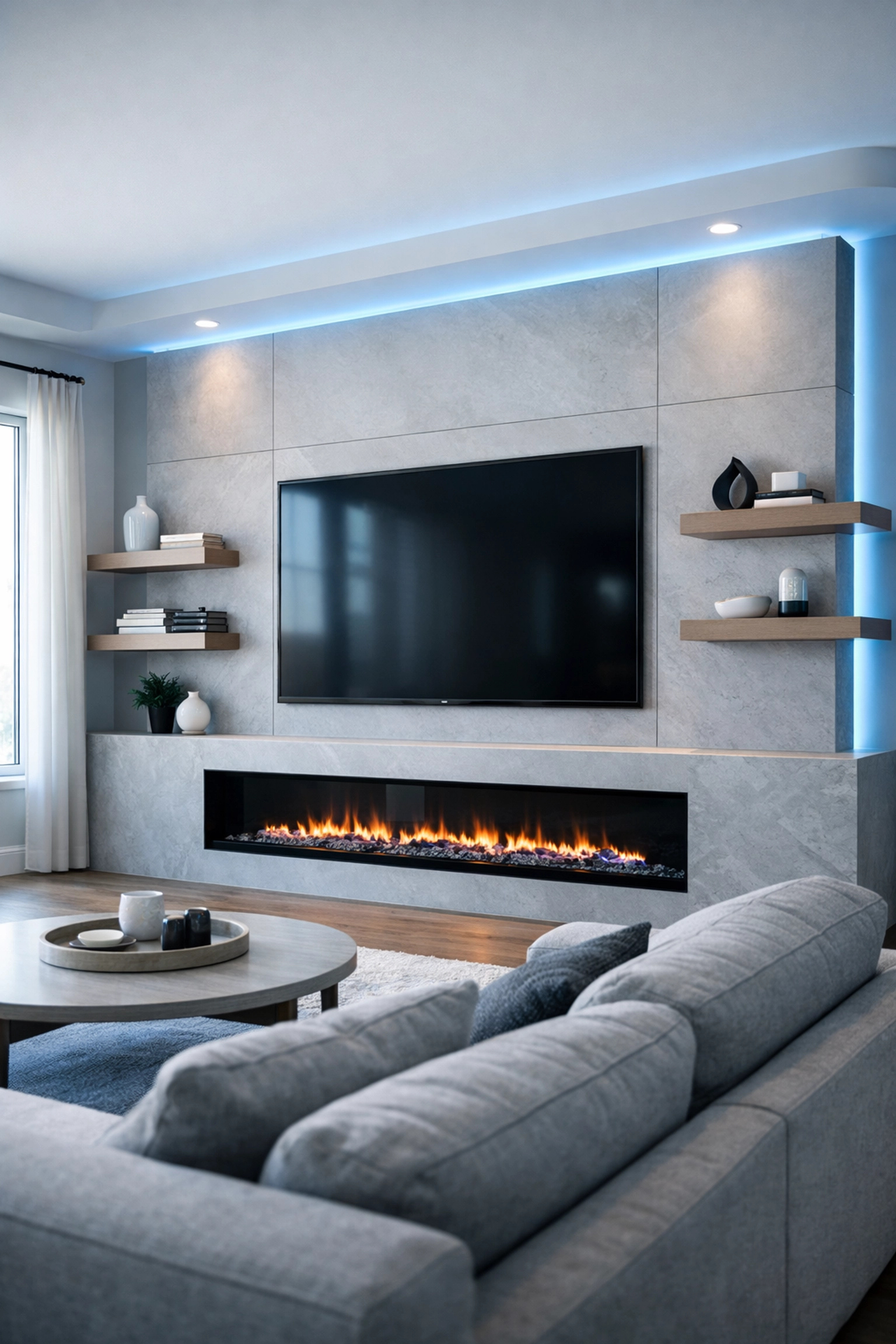
Walk into any showroom in Mayfair or Camps Bay right now, and you'll spot them instantly: those jaw-dropping media walls. Floor-to-ceiling elegance, the TV perfectly flush-mounted, ambient LED strips casting that soft glow, maybe a sleek electric fireplace underneath. They're everywhere on Pinterest, Instagram, and inside the homes of anyone who's renovated in the last two years.
And honestly? We get it. A well-designed media wall transforms your living room from "meh" to "magazine-worthy" faster than you can say "binge-watch."
But here's the thing nobody tells you when you're drooling over those glossy design photos: the most stunning media wall is just an expensive shelf if the content won't load.
The Rise of the Media Wall
Media walls have become the modern fireplace, the focal point where families gather, where your mates come over for the big match, where Sunday film marathons happen. They've evolved from "just stick the TV on the wall" to fully integrated entertainment ecosystems.
Think about it: your TV, soundbar, gaming console, streaming box, maybe a Sonos system, smart home hub, the works. All seamlessly built into one gorgeous feature wall, often with hidden storage, floating shelves for your vinyl collection, and mood lighting that changes with a voice command.
In London flats where space is gold dust, a media wall maximizes your square footage while keeping things tidy. In Cape Town's open-plan homes, they create natural room dividers without blocking that mountain view. They're practical and beautiful, when done right.
Where It All Goes Wrong
Here's where we see people stumble. You hire an incredible carpenter or interior designer. They show you renders that make your heart sing. You pick the perfect walnut veneer or that minimalist concrete finish. The installation day arrives, everything looks absolutely mint, and then…
You fire up Netflix. The 4K stream buffers. Buffers again. Drops to 720p. Your brand-new 65-inch OLED is showing you pixelated faces like it's 2006.
Or maybe the picture's fine, but you've got cables dangling down the back because "we'll sort that later." Spoiler: later never comes, and now you're living with a spaghetti junction behind your £3,000 design feature.
Or perhaps, and this is our personal nightmare, the WiFi signal doesn't quite reach the TV wall properly because it's on the opposite side of the house from your router, tucked behind all that beautiful wood paneling and plasterboard that's now blocking the signal.
The harsh truth? A media wall without proper infrastructure planning is like building a Ferrari with a lawnmower engine.
The Invisible Foundation
This is where the magic really happens, and why we're obsessed with what you don't see.
Structured Cabling: The Unsung Hero
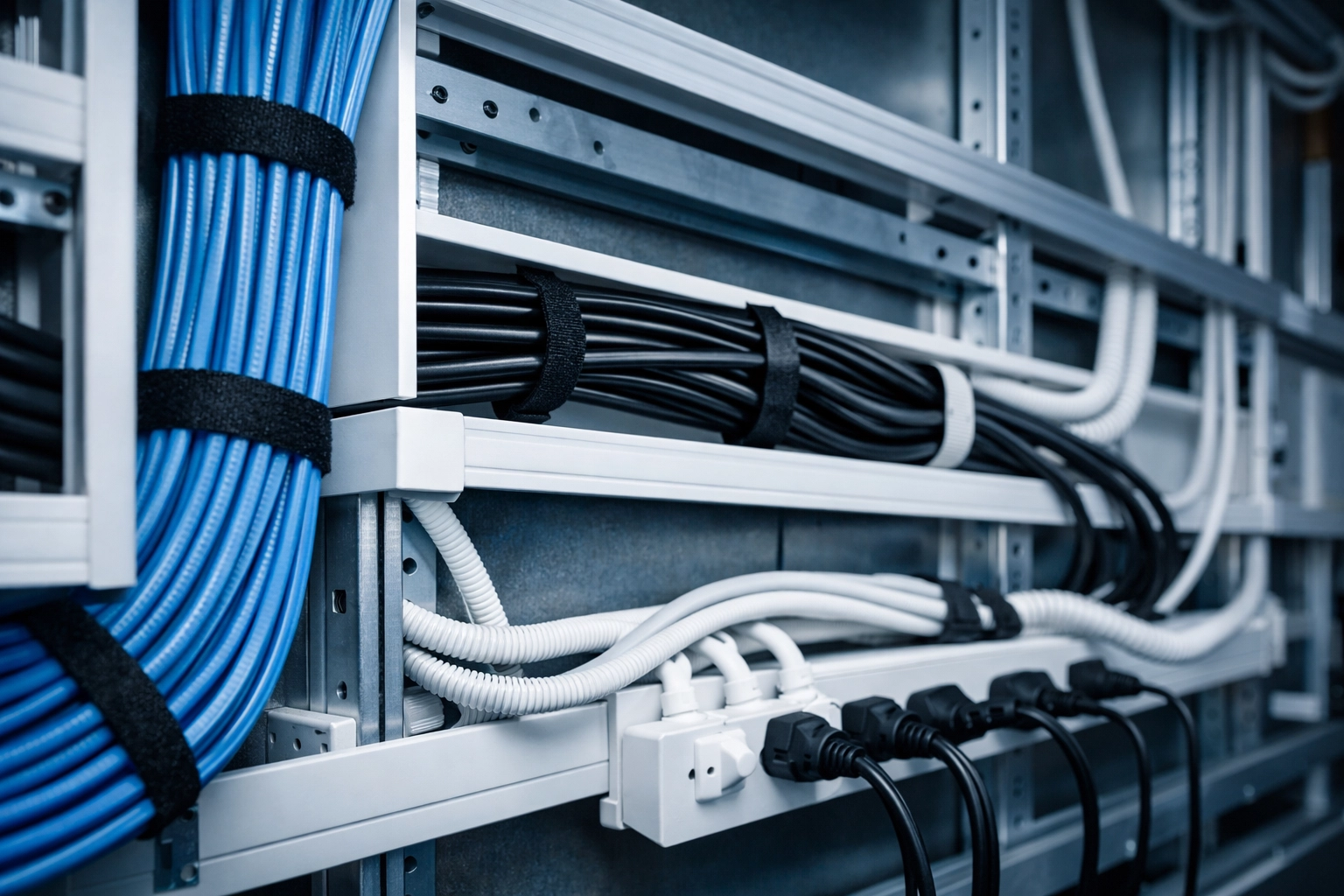
Professional structured cabling isn't sexy. Nobody's posting Instagram stories about Cat6 Ethernet runs or recessed cable conduits. But it's the difference between a media wall that works flawlessly for a decade and one that makes you want to throw your remote through the screen.
Before any timber goes up, before that designer stone veneer gets fitted, we're mapping out exactly where every cable needs to go:
- Ethernet drops directly to your TV and streaming devices (yes, even though they have WiFi: wired is always more stable for 4K and 8K content)
- HDMI cable routes that are long enough to be future-proof but hidden entirely
- Power outlets positioned exactly where you need them, not where the electrician found convenient
- Speaker wire channels if you're doing a proper surround sound setup
All of this gets concealed within the wall structure itself. The result? That crisp, clean, wire-free aesthetic you see in the showroom photos: except yours actually functions properly.
The WiFi Backbone
Even with hardwired connections for your main devices, you'll want rock-solid WiFi in that zone. Why? Because you're using your phone to control everything, streaming Spotify to your speakers, maybe gaming on a Switch or tablet while half-watching something on the main screen.
This is where we see London and Cape Town homes face similar challenges, just with different flavors:
London: Victorian conversions with solid brick walls that eat WiFi signals for breakfast. Your media wall in the living room might be separated from your router by 100-year-old masonry that's basically a Faraday cage.
Cape Town: Open-plan homes where the media wall is gorgeous but sits 20 meters from the router, with a pool in between. Or double-story properties where the living room is downstairs and the WiFi is… optimistically placed upstairs.
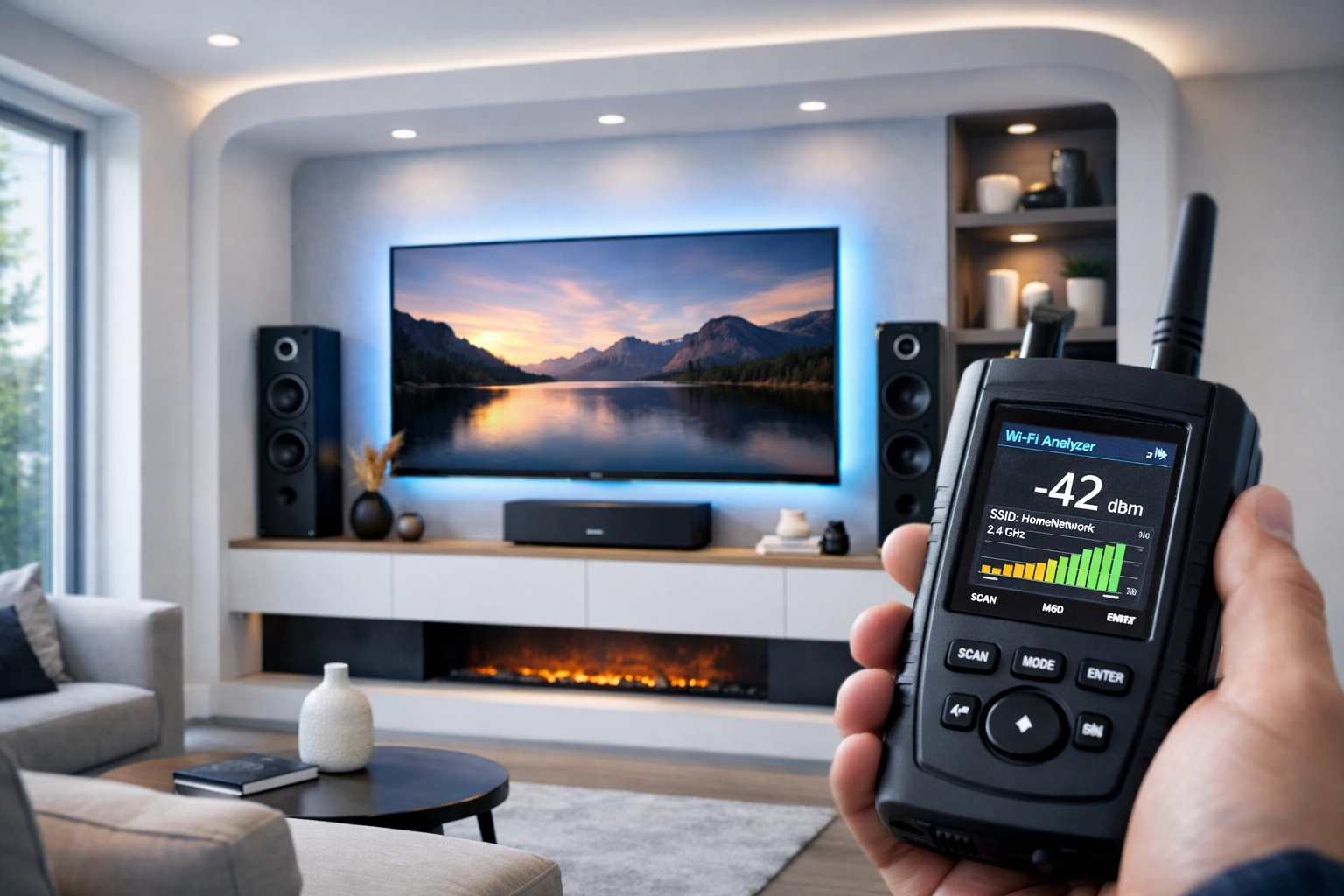
The solution isn't just "get a stronger router" (though that helps). It's about strategically positioned access points or mesh systems that we install during the media wall build, not as an afterthought. We're talking proper enterprise-grade equipment that's hidden in ceiling voids or tucked behind your media wall itself, creating seamless coverage exactly where you need it.
Planning Makes Perfect
The research backs this up: the best media wall designs start with careful behind-the-scenes planning because the foundation determines how well everything functions.[1][2]
Here's what proper planning looks like:
Room Assessment: We measure viewing distances, account for natural light, consider the room's acoustics. A media wall that looks stunning might create glare problems at sunset or echo issues during dialogue-heavy films.
Purpose Definition: Are you a casual Netflix household or a serious home cinema buff? Gaming family or just Sunday football? The infrastructure requirements vary massively. A competitive gamer needs single-digit latency: that's wired Ethernet, no compromises. A casual viewer might be fine with good WiFi.
Future-Proofing: Tech moves fast. Installing cable conduits that let you pull new cables in five years when 16K becomes a thing (half joking) means you're not ripping the wall apart later.
Ventilation: All those devices generate heat. Gaming consoles, receivers, streaming boxes: they need airflow. We build this into the design with subtle ventilation gaps that don't compromise the aesthetic.

The 4K (and 8K) Reality Check
Let's talk bandwidth for a second. A proper 4K HDR stream from Netflix or Disney+ needs about 25Mbps consistently. 8K? We're talking 80-100Mbps.
But here's the kicker: that's just for one stream.
In a typical home, while you're watching that 4K nature documentary on your gorgeous media wall, someone's upstairs on a video call, the kids are gaming online, and your smart home devices are doing their thing in the background. Suddenly you need a network that can handle serious traffic without breaking a sweat.
This is why we geek out about proper network infrastructure. Your fancy fibre line from Openreach in London or Octotel in Cape Town gets you to the front door. But distributing that bandwidth effectively throughout your home, especially to bandwidth-hungry devices like your media wall setup? That's where professional network design earns its keep.
Where We Come In
At WiFi Heroes, we've wired up more media walls than we can count: from Notting Hill townhouses to Clifton villas. And every single time, the clients who are happiest two years later are the ones who let us get involved before the carpentry starts.
We work alongside your interior designer, your electrician, your AV installer. While they're focused on making it look incredible, we're making sure it performs incredibly:
- Pre-installation surveys to map your existing network and identify weak spots
- Structured cabling plans that integrate seamlessly with your media wall design
- Network infrastructure positioned to deliver gigabit speeds exactly where you need them
- Testing and optimization so when you hit "play" on opening night, everything just works
And if your media wall is already installed but underperforming? We can often retrofit solutions without demolishing the whole thing. Not ideal, but we've pulled off some minor miracles with creative cable routing and strategic access point placement.
The Investment That Actually Pays Off
Here's the honest truth: proper network infrastructure adds to your project cost. We're not going to pretend otherwise. But here's what it saves you:
Frustration: No more buffering during the season finale. No more "why is it so slow?" arguments. No more restarting the router every other day.
Future renovation costs: Retrofitting proper cabling through a finished media wall is expensive and often damages the aesthetics. Doing it right the first time is cheaper.
Property value: In London and Cape Town's competitive property markets, a properly networked home: especially one with a professional media wall setup: absolutely stands out to buyers. It's the kind of detail that tech-savvy buyers (increasingly everyone) notice and value.
Your Entertainment Sanctuary Awaits
Media walls aren't going anywhere. If anything, as we move toward higher resolution content, better sound systems, and more integrated smart home features, the demands on your infrastructure will only increase.
The difference between a good media wall and a great one isn't just the Italian marble or the bespoke joinery (though those are lovely). It's whether the thing actually delivers the entertainment experience you dreamed of when you saw that first Pinterest board.
Whether you're planning a renovation in Kensington or Constantia, the principle is the same: start with what you can't see. Get the bones right: the network, the cabling, the infrastructure: and everything else falls into place.
And look, we're biased. But after years of being called in to fix media walls that look gorgeous but perform poorly, we've seen enough to know: the real magic happens behind the scenes, in the planning phase, before anyone's even touched a hammer.
Ready to build a media wall that's as smart as it is stunning? Let's chat about making it happen properly from day one.