Picture this: you've finally converted that garden cottage in Brackenfell into your dream home office. The paint's dry, the desk is set up, and your coffee machine is ready to go. There's just one tiny problem, the WiFi from your main house barely reaches the back door, let alone your new workspace.
Sound familiar? You're definitely not alone. Brackenfell homeowners and businesses face this challenge all the time. Whether it's a granny flat, a pool house, a separate garage workshop, or even a neighbouring business unit, getting reliable internet to detached buildings can feel like an impossible mission.
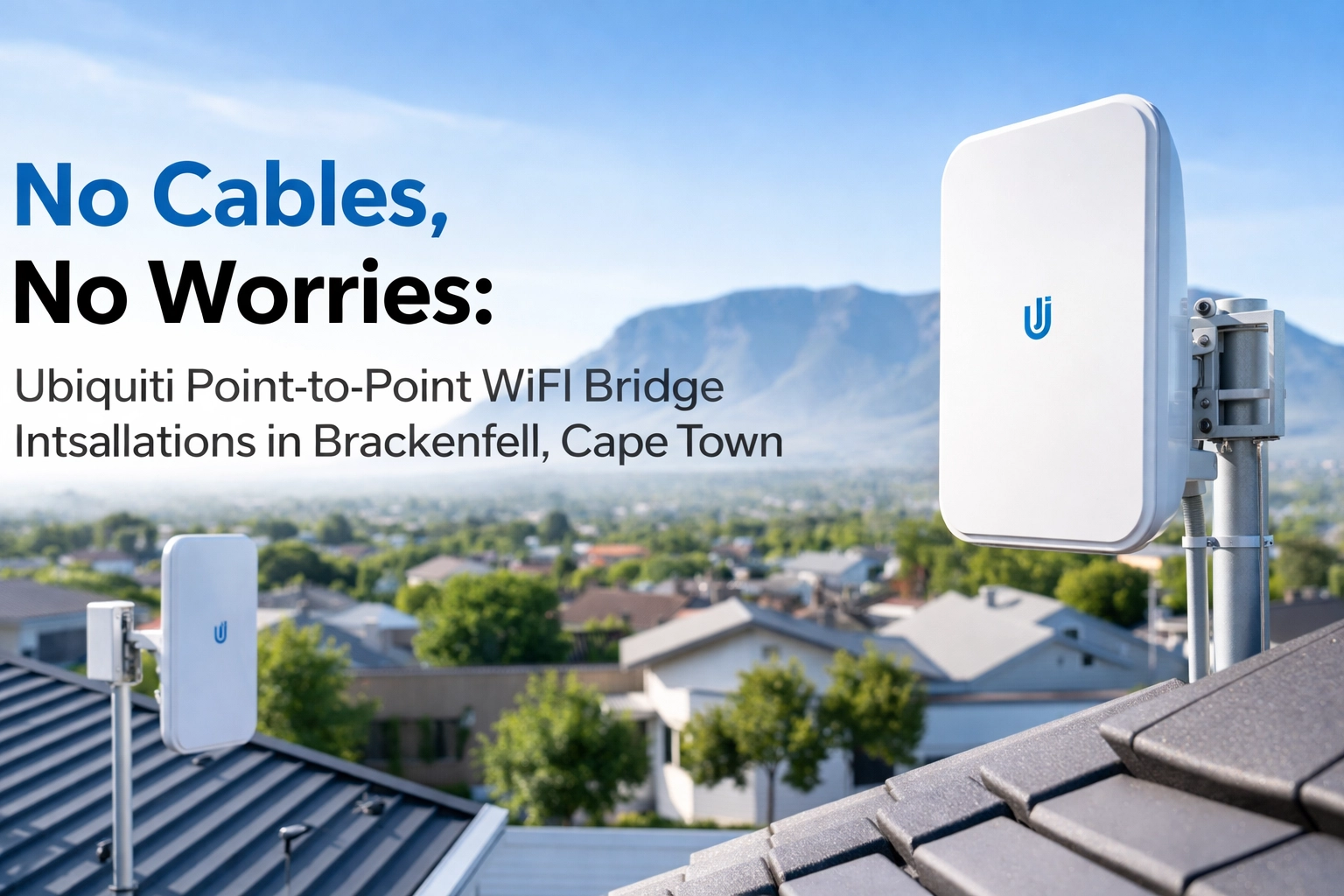
But here's the good news: you don't need to dig up your beautiful garden or spend a fortune on underground cabling. Ubiquiti point-to-point (PtP) WiFi bridges are the clever solution that Brackenfell locals are turning to, and WiFi Heroes is here to make it happen.
What Exactly Is a Point-to-Point WiFi Bridge?
Let's break it down in simple terms. A point-to-point WiFi bridge is essentially a wireless link that connects two separate locations. Think of it as an invisible ethernet cable running through the air between your main building and your outbuilding.
The setup involves two devices:
- A root bridge – This one sits at your main building and connects directly to your existing router or network
- A non-root bridge – This sits at the remote location (your cottage, office, or separate unit)
These two devices communicate wirelessly, creating a dedicated, high-speed connection that acts just like a physical cable would. The magic? No trenching, no disruption, and no ugly cables running across your property.

Why Ubiquiti? (And Why It's Perfect for Cape Town Weather)
Now, you might be wondering why we specifically recommend Ubiquiti for these installations. Fair question!
Ubiquiti has built a solid reputation for producing enterprise-grade networking equipment at surprisingly reasonable prices. Their point-to-point bridge products, like the popular NanoStation and LiteBeam series, are designed to handle serious distances while maintaining rock-solid connections.
But here's where it gets really relevant for us in Brackenfell and greater Cape Town: the weather.
We all know the Cape can throw some serious wind our way, especially during those notorious southeaster days. Ubiquiti devices are built tough. They're designed to withstand harsh outdoor conditions, including:
- High winds
- Rain and humidity
- Temperature fluctuations
- UV exposure from our glorious African sun
This durability means your wireless bridge won't give up the ghost the first time the wind picks up. It'll keep humming along, delivering fast, reliable internet to your outbuilding day after day, season after season.
Common Scenarios We See in Brackenfell
Brackenfell has grown massively over the years, and with that growth comes all sorts of interesting property layouts. Here are some of the most common situations where a point-to-point bridge makes perfect sense:
The Garden Cottage Home Office
Remote work isn't going anywhere. Plenty of Brackenfell residents have converted their backyard cottages into dedicated workspaces. But working from home requires proper internet, not a dodgy connection that drops every time someone streams Netflix in the main house.
A PtP bridge gives your home office its own dedicated link, so you can take video calls without worrying about bandwidth battles.
The Granny Flat
Got a granny flat that you're renting out or using for family? Tenants and relatives alike expect decent WiFi these days. Rather than giving them your main house WiFi password (awkward), a wireless bridge lets you extend connectivity cleanly and securely.

Business Premises with Multiple Buildings
Brackenfell has a thriving business community, and many commercial properties include separate warehouses, workshops, or admin buildings. Running fibre or ethernet between these structures can be expensive and disruptive. A Ubiquiti bridge solves the problem in a fraction of the time and cost.
Neighbouring Properties
Here's a fun one, sometimes neighbours want to share an internet connection (totally legal if you're both on board). A point-to-point bridge can link two separate properties, giving both households access to a single fibre line. It's a smart way to split costs while still getting great speeds.
How the Installation Actually Works
Alright, let's talk about what happens when you call in WiFi Heroes for a point-to-point installation in Brackenfell.
Step 1: Site Survey
First things first, we need to check that a wireless bridge will actually work for your specific setup. The key requirement is line of sight between the two locations. This means the devices need to be able to "see" each other without major obstructions like walls or large trees blocking the path.
Don't worry if there's a tree or two in the way. Sometimes a slight adjustment in mounting position (like going a bit higher on the wall) solves the problem. We'll figure out the best approach during our survey.
Step 2: Choosing the Right Equipment
Not all point-to-point bridges are created equal. For shorter distances (say, across a typical Brackenfell garden), a NanoStation might be perfect. For longer spans or situations where you need maximum throughput, we might recommend something beefier from the LiteBeam or airMAX range.
We'll match the equipment to your specific needs: no overselling, no underselling.
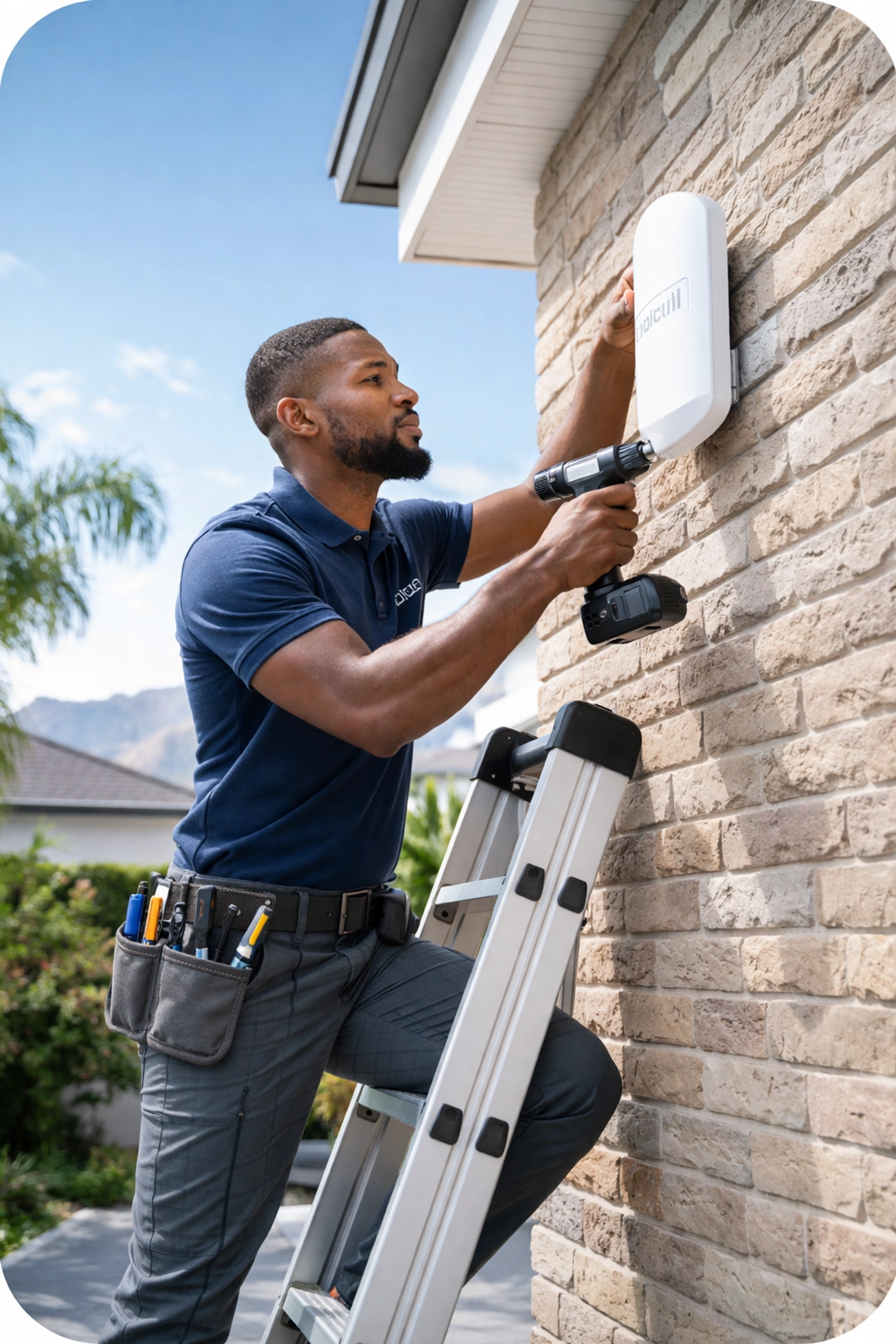
Step 3: Professional Mounting and Alignment
This is where the magic happens. Both devices need to be securely mounted and precisely aligned for optimal performance. We're talking about an allowable angle of roughly 35 degrees for proper connection quality.
Our team handles all the mounting, cabling, and weatherproofing to ensure everything stays put: even when that southeaster comes howling through.
Step 4: Configuration
Once the hardware is in place, we configure both devices so they talk to each other properly. One operates in master mode (the main building), and the other operates in slave/station mode (the remote location).
The result? A transparent Layer 2 connection that functions just like a virtual ethernet cable. Your devices at the remote location will be on the same network as your main building: seamless and simple.
Step 5: Testing and Handover
Before we leave, we thoroughly test the connection to make sure you're getting the speeds and reliability you deserve. We'll also walk you through the basics so you understand how everything works.
What Kind of Speeds Can You Expect?
Great question! Ubiquiti point-to-point bridges can handle some seriously impressive throughput. Depending on the equipment and conditions, you could see speeds of 300 Mbps or more: easily enough for multiple HD video streams, video conferencing, large file transfers, and everyday browsing.
In most Brackenfell residential setups, the bridge will comfortably handle whatever your fibre connection can dish out. No more buffering, no more dropped calls.
Why Choose WiFi Heroes for Your Brackenfell Installation?
Look, we get it: there are plenty of people who claim they can set up networking equipment. But a point-to-point bridge installation isn't quite the same as plugging in a router.
At WiFi Heroes, we specialise in exactly this kind of work. We understand the local conditions in Brackenfell and greater Cape Town, we know Ubiquiti equipment inside and out, and we take pride in installations that are done right the first time.
Plus, we're friendly folks who won't drown you in jargon. We explain things in plain English and make sure you're happy before we pack up our tools.
Ready to Connect Your Brackenfell Property?
If you've got a garden cottage, granny flat, workshop, or any other outbuilding that needs proper internet, a Ubiquiti point-to-point bridge might be exactly what you're looking for.
No digging. No ugly cables. Just fast, reliable WiFi where you need it.
Get in touch with the team at WiFi Heroes today, and let's chat about bridging the gap at your Brackenfell property. We'd love to help! 🦸♂️📶