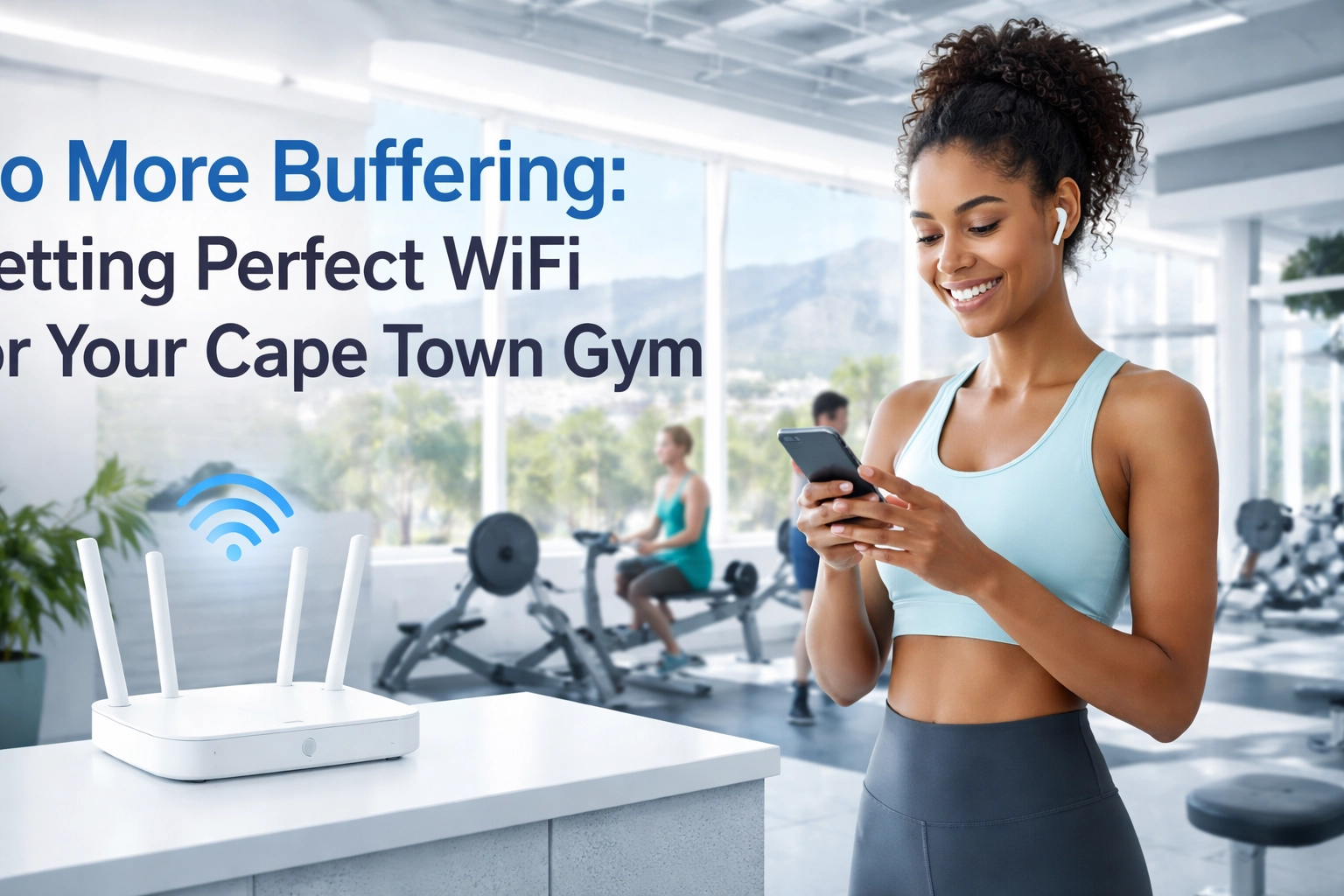
Let's be honest, running a gym in Cape Town in 2026 is about way more than just having the latest treadmills and a decent protein shake bar. Your members expect to walk through those doors and instantly connect to fast, reliable WiFi. No questions asked. No spinning loading wheels. No "sorry, the network's down again."
If your gym's WiFi can't keep up with dozens of sweaty, streaming, scrolling fitness enthusiasts, you've got a problem. But don't stress, we're here to help you sort it out.
Why WiFi is Now a Make-or-Break Amenity for Gyms
Gone are the days when people just showed up to lift weights in silence. Today's gym-goers are fully plugged in. They're streaming Spotify playlists to power through leg day. They're tracking every rep, set, and calorie burned on fitness apps. They're catching up on Netflix while grinding out 45 minutes on the stationary bike.
And here's the kicker: if your WiFi can't support all of that, they'll notice. Fast.
A recent survey showed that poor WiFi is one of the top complaints members have about their gyms. It might seem like a small thing compared to equipment quality or class schedules, but in 2026, connectivity is king. Members expect seamless WiFi as a basic amenity, right up there with clean towels and working air conditioning.
If your gym can't deliver, there's another one down the road in Sea Point or Claremont that probably can.

The Unique Challenges of Gym WiFi (It's Trickier Than You Think)
Setting up WiFi in a gym isn't like setting it up in an office or a coffee shop. Gyms come with their own set of headaches that can turn a simple installation into a connectivity nightmare.
Large, Open Spaces
Most gyms feature big, open floor plans, which is great for fitting in rows of equipment, but terrible for WiFi signals. A standard router positioned at your front desk has a range of only about 40 to 80 feet. That means members on the far side of your cardio section or in your spin studio might as well be trying to connect from another building.
Equipment Interference
Here's something most gym owners don't think about: all that metal equipment can wreak havoc on your WiFi signal. Treadmills, weight racks, cable machines, they all reflect and absorb radio waves, creating unpredictable dead spots throughout your facility.
Too Many Connections, Not Enough Bandwidth
A single consumer-grade router can typically handle about ten simultaneous connections before things start slowing down. Now think about your peak hours. You might have 50, 80, or even 100+ members all trying to connect at once. That's a recipe for frustrated members and a flooded inbox of complaints.
Multiple Zones and Floors
Many Cape Town gyms have separate areas: a main gym floor, a studio for classes, locker rooms, maybe even an upstairs section. Each of these zones needs dedicated coverage, and a single access point simply can't stretch that far.
Dead Zones: The Silent Membership Killer
Let's talk about dead zones: those frustrating spots where the WiFi signal just… disappears.
In a gym, dead zones tend to pop up in the most annoying places:
-
Locker rooms: Often tucked away with thick walls and plenty of metal lockers blocking signals. Members want to check their phones while changing, catch up on messages, or queue up their workout playlist before hitting the floor.
-
Studios and class spaces: Yoga classes with guided meditation apps, spin classes with performance tracking, HIIT sessions with video follow-alongs: all of these need rock-solid connectivity.
-
Outdoor areas: If you've got an outdoor training space or rooftop area (lucky you, with those Cape Town views!), extending your WiFi coverage there requires careful planning.
Dead zones don't just annoy members: they can actively drive them away. When someone's workout gets interrupted because their music stops buffering mid-set, they remember it. And they might not come back.

The Solution: Professional WiFi That Actually Works
So how do you fix all of this? The answer isn't buying a fancier router or adding a cheap WiFi extender. Those are band-aid solutions that won't hold up in a demanding gym environment.
What you need is a professionally designed WiFi system built specifically for high-capacity, high-interference spaces. Here's what that looks like:
Step 1: A Professional Site Survey
Before any hardware gets installed, you need experts to assess your gym's layout. They'll identify where signals are weakest, account for equipment interference, and map out the optimal placement for access points. This isn't guesswork: it's precision planning that ensures every corner of your facility gets coverage.
Step 2: Multiple Access Points (Not Just One Router)
Forget relying on a single router. A proper gym setup uses multiple commercial-grade access points distributed throughout the space. These devices work together to create a seamless network, automatically handing off connections as members move around the facility.
A quality dual-band access point can handle around 90Mbps on one band and 60Mbps on the other: and when you've got several of them working in harmony, you can support dozens (or even hundreds) of simultaneous users without breaking a sweat.
Step 3: Enterprise-Grade Hardware
Consumer routers and extenders aren't built for this kind of load. You need commercial-grade equipment designed for business environments. That's where solutions like Ubiquiti come in.

Why Ubiquiti is Perfect for Cape Town Gyms
We're big fans of Ubiquiti here at WiFi Heroes, and for good reason. Their access points and networking gear are built for exactly this kind of challenge: high-density environments where reliability is non-negotiable.
Here's why Ubiquiti works so well for gyms:
-
Scalability: Start with a few access points and easily add more as your gym grows or your needs change.
-
Centralised Management: Monitor and control your entire network from a single dashboard. See who's connected, troubleshoot issues remotely, and optimise performance without needing to be on-site.
-
Sleek Design: Ubiquiti access points are compact and unobtrusive. They blend into your gym's aesthetic rather than looking like bulky tech gear stuck to the ceiling.
-
Built for High-Density: These systems are designed to handle lots of simultaneous connections without slowing down: exactly what you need during those packed morning and evening rush hours.
Whether you're running a boutique studio in the City Bowl or a massive fitness centre in Century City, Ubiquiti gives you the flexibility and power to keep everyone connected.
Why Cape Town Gym Owners Trust WiFi Heroes
At WiFi Heroes, we've helped businesses across Cape Town ditch their WiFi headaches and get systems that actually work. We know the local challenges: from load shedding considerations to the unique layouts of Cape Town commercial spaces.
Here's what you get when you work with us:
-
Expert Installation: We don't just drop off equipment and wish you luck. Our team handles everything from the site survey to the final configuration, ensuring your network is optimised from day one.
-
Tailored Solutions: Every gym is different. We design systems based on your specific layout, member capacity, and usage patterns: not a one-size-fits-all template.
-
24/7 Support: WiFi problems don't stick to business hours. Neither do we. If something goes wrong at 5am before your early bird class, we've got your back.
-
Future-Proofing: Technology moves fast. We set you up with systems that can grow and adapt as your gym evolves, so you're not starting from scratch in a few years.
If you're curious about how professional installation makes a difference, check out our guide on why your business needs professional WiFi installation.

Ready to Power Up Your Gym's WiFi?
Your members are counting on you to provide more than just equipment: they want an experience. And in 2026, that experience includes fast, reliable WiFi that keeps up with their workouts, their playlists, and their apps.
Don't let buffering be the reason someone cancels their membership.
Let's chat. Get in touch with the team at WiFi Heroes and let's design a WiFi solution that keeps your Cape Town gym connected, competitive, and crushing it.
No more dead zones. No more dropped connections. Just seamless WiFi that works as hard as your members do. 💪📶