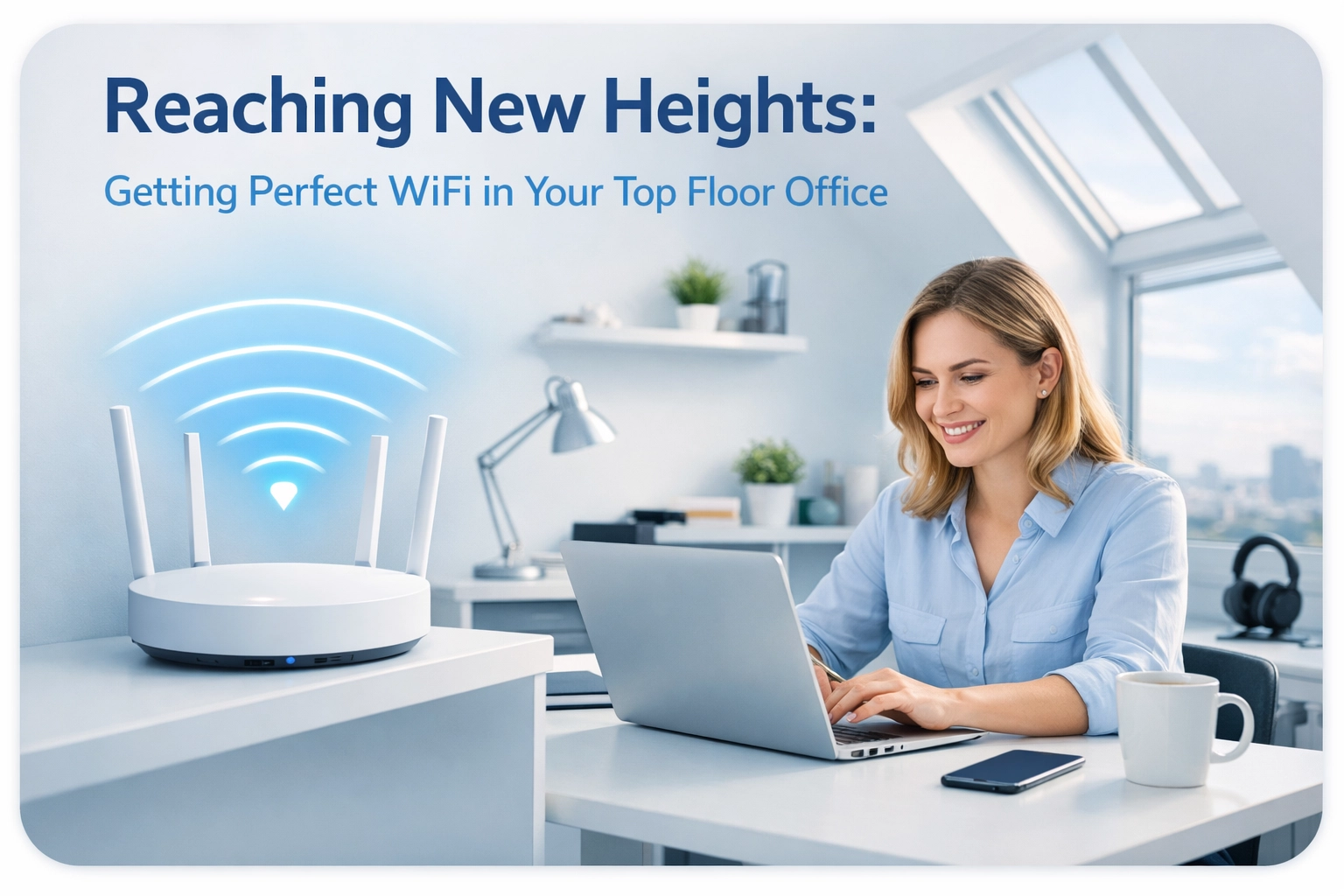
You've finally landed that perfect top floor office space with the brilliant views and natural light. There's just one tiny problem: your WiFi signal appears to have taken the stairs and never made it up. Your video calls are freezing mid-sentence, files upload at a glacial pace, and you're pretty sure your internet connection thinks it's 2005.
Sound familiar? You're not alone. Top floor offices are notorious WiFi dead zones, and there's actually some proper science behind why your router seems to hate heights. But don't worry, we're going to sort this out.
Why Your Top Floor Has Become a WiFi Wasteland
Let's start with the bad news: WiFi signals don't naturally love travelling upwards through buildings. It's not personal, it's physics.
Distance is your first enemy. Most home and office routers sit somewhere on the ground floor or in a cupboard that seemed convenient at the time. WiFi signals weaken as they travel, and by the time they've climbed two or three floors, they're absolutely knackered. It's like expecting someone to shout from the basement and still be heard clearly in the attic.
Then there's the obstacle course. Between your router and your top floor office, there are floors (obviously), walls, pipes, electrical wiring, and possibly that weird void space nobody can quite explain. Each of these materials absorbs or deflects WiFi signals. Concrete floors? They're particularly brutal. Brick walls? Not much better. Even plaster and wood chip away at your signal strength bit by bit.

Modern buildings with steel reinforcement in the floors are especially challenging. Metal is basically WiFi kryptonite, it reflects and absorbs radio waves like nobody's business. So if you're in a converted warehouse or a newer building with lots of structural steel, your WiFi signal is fighting an uphill battle. Literally.
What "Good" WiFi Actually Looks Like
Before we dive into solutions, let's talk numbers for a second. WiFi signal strength is measured in dBm (decibel-milliwatts), and the ideal range for reliable business use is between -55 and -70 dBm. Anything weaker than -67 dBm and you're going to notice problems, especially on video calls or when transferring large files.
Most people have no idea what signal strength they're actually getting. They just know that Netflix buffers and Zoom calls sound like they're coming from the International Space Station. If you're working from a top floor office and experiencing these issues, chances are your signal has dropped well below that -67 dBm threshold.
And here's the thing: for a proper home office setup, a "sometimes it works" connection simply won't cut it. You need consistency. Your clients don't care that your router is three floors away, they just know your video froze when you were presenting the quarterly figures.
Solution 1: Wired Access Points (The Gold Standard)
Right, let's talk about fixing this properly. The absolute best solution is installing dedicated access points on your top floor, connected back to your main router via Ethernet cable.
Think of it this way: instead of asking your ground floor router to somehow blast a signal through multiple floors, you're essentially creating a new WiFi transmitter right where you need it. The heavy lifting happens through the cable (which doesn't care about distance or obstacles), and the access point provides fresh, strong WiFi exactly where you're working.
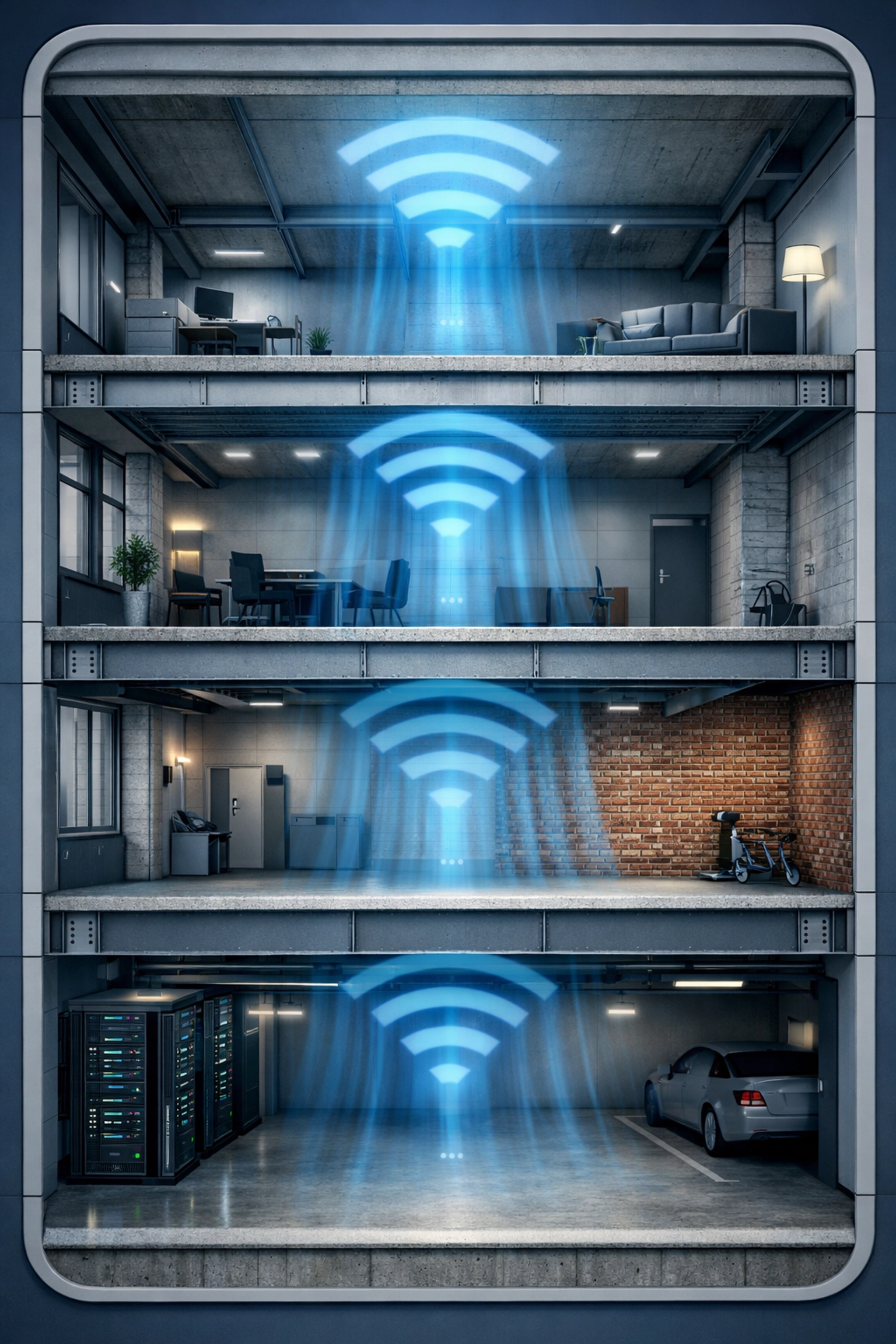
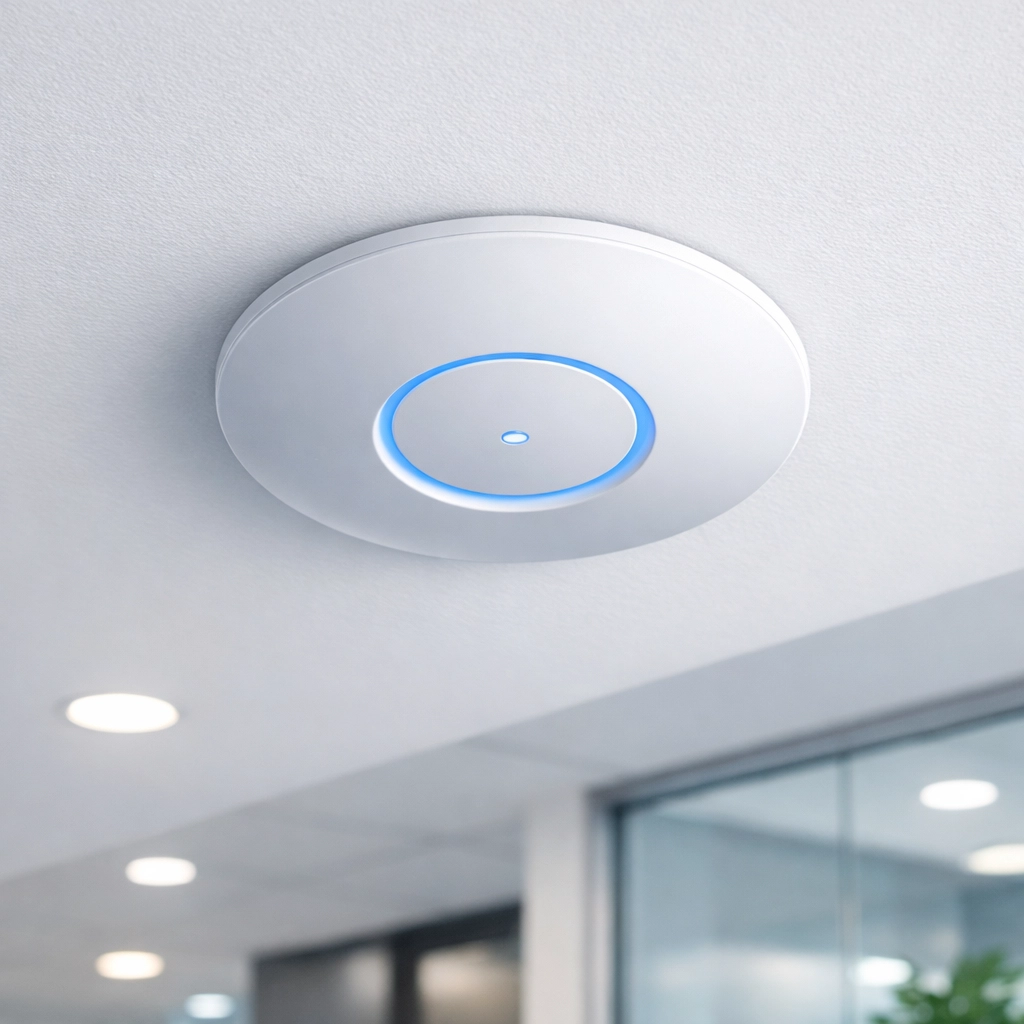
Ceiling mounting is your friend here. Access points mounted on the ceiling provide much better coverage than anything sitting on a desk or shelf. They're above head height, above furniture, and have a clear line of sight to your devices. For a typical office with 9-12 foot ceilings, this positioning is ideal. The signal can radiate outward and downward without immediately hitting obstacles.
Yes, running Ethernet cable to the top floor sounds like a faff, and sometimes it is. But if you've got access to walls or can run cable along skirting boards or through ceiling spaces, it's absolutely worth it. And once it's done, it's done: no more WiFi worries.
Professional access points from brands like Ubiquiti can provide rock-solid coverage across an entire floor, and they're designed to handle multiple devices simultaneously without breaking a sweat. They're also managed through software, so you can monitor performance and make adjustments without climbing a ladder every time.
Solution 2: High-End Mesh Systems (The Easier Alternative)
If running cables through your building sounds about as appealing as root canal surgery, a quality mesh WiFi system is your next best bet.
Mesh systems work by creating a network of multiple units that talk to each other, extending your coverage area without the signal degradation you'd get from old-school WiFi extenders. You place one unit near your main router, and others throughout your building: including one on your top floor.
The key word here is "quality." Not all mesh systems are created equal, and the cheap ones from the supermarket probably won't solve your problem. You need a system with strong backhaul capabilities (how the units communicate with each other) and enough units to cover the distance without massive signal loss.
For multi-storey buildings, you're typically looking at placing one mesh unit per floor, positioned centrally where possible. They work best when they can maintain a strong connection to each other, so strategic placement is crucial. Think of it like a relay race: each runner needs to be close enough to pass the baton smoothly.
The 5GHz Secret Weapon
Here's a tip that often gets overlooked: prioritise the 5GHz band for your office devices.
Most modern routers and access points operate on two frequencies: 2.4GHz and 5GHz. The 2.4GHz band travels further and penetrates obstacles better, which sounds great for a top floor office. But: and this is a big but: it's also incredibly crowded. Every smart speaker, baby monitor, microwave, and neighbour's WiFi is competing for space on 2.4GHz.
The 5GHz band is faster, less congested, and if you've got your access points or mesh units positioned correctly, range isn't an issue. For video calls, file transfers, and general productivity work, 5GHz is your friend. Save 2.4GHz for the smart devices that don't need the speed.
Why This Matters for Your Productivity
Let's be honest about what's at stake here. A dodgy WiFi connection in your home office isn't just an annoyance: it's costing you time, money, and possibly your sanity.
Video calls cutting out mid-conversation make you look unprofessional, even though it's not your fault. Waiting for files to upload eats into your productive hours. And there's nothing quite like the stress of watching that spinning wheel when you're trying to meet a deadline.
A stable, fast connection means you can actually focus on your work instead of troubleshooting your internet. It means joining video calls with confidence, sharing your screen without anxiety, and uploading deliverables without that sinking feeling in your stomach.
If you're running a business from your top floor office, reliable WiFi isn't a luxury: it's essential infrastructure. Just like you wouldn't try to run a business with unreliable electricity or dodgy plumbing, you shouldn't accept subpar internet connectivity.
Getting It Done Right
The good news is that sorting out top floor WiFi coverage isn't actually that complicated when you know what you're doing. The bad news is that most people don't, which is why so many home offices remain in WiFi purgatory.
This is exactly where professional help makes sense. At WiFi Heroes, we've solved literally hundreds of these scenarios across London and Cape Town. We'll assess your specific building layout, test your current signal strength, and recommend the right solution: whether that's wired access points, a mesh system, or a combination approach.
We can run cables discreetly, mount access points properly, configure everything for optimal performance, and make sure your signal is just as strong upstairs as it is anywhere else in your building. No more dead zones, no more frozen video calls, no more watching progress bars creep along.
Your top floor office has the views and the light. It deserves WiFi that actually works.
Ready to fix your top floor connectivity issues? Get in touch with WiFi Heroes and let's get your office properly connected. Because life's too short for terrible WiFi, especially when you're trying to get work done.