Picture this: you're about to close a massive deal on a video call. Your client is nodding along, ready to sign. And then… your face freezes mid-sentence. The dreaded spinning wheel appears. By the time your connection catches up, the moment's gone, and you're left apologising for "technical difficulties."
Sound familiar? If you're working from home in Cape Town, you've probably lived this nightmare more than once.
The good news? It doesn't have to be this way. With the right home office WiFi setup, you can kiss those buffering wheels goodbye and actually work like a pro, even when the rest of the household is streaming, gaming, or doing their own thing.
Let's dive into how to make your Cape Town home office WiFi bulletproof.
The Work-From-Home Reality in Cape Town
Remote work isn't going anywhere. Whether you're a freelancer in Woodstock, a consultant in Constantia, or running a startup from your Sea Point flat, your internet connection is basically your lifeline.
But here's the thing: Cape Town homes weren't designed with home offices in mind. Thick walls, multiple floors, outdoor spaces, and those gorgeous (but WiFi-blocking) stone features can turn your dream workspace into a connectivity nightmare.
And let's be honest, that little router your ISP gave you? It's doing its best, but it was never built to handle video conferences in the study, a teenager streaming in the lounge, and smart devices everywhere in between.

The Frustrations Remote Workers Know Too Well
Before we get into solutions, let's acknowledge the pain points. You're not imagining them, they're real, and they're incredibly common:
Dropping Zoom Calls
Nothing tanks your professionalism faster than freezing during a presentation or getting kicked out of a meeting entirely. It's not just embarrassing; it costs you time and potentially money.
Painfully Slow Uploads
Got a massive file to send before a deadline? Watching that progress bar crawl is pure torture. Slow upload speeds can turn a five-minute task into an hour-long ordeal.
The "Dead Zone" Office
You've set up your desk in the spare room, but apparently, your WiFi signal didn't get the memo. Weak signal in your actual workspace defeats the entire purpose.
Competing for Bandwidth
When everyone's home, your connection goes from decent to dismal. Working during school holidays? Good luck.
Random Disconnections
Perhaps the most maddening of all, everything seems fine, then you're randomly offline. No warning, no explanation, just gone.
If you're nodding along to any of these, it's time for an upgrade.
Why Your Standard Router Setup Just Doesn't Cut It
Here's a truth bomb: those standard wireless routers supplied by fibre ISPs typically don't cover entire homes as advertised. They're designed for basic use in small spaces, not for running a business from your home.
A few reasons why:
Limited Range: Most consumer routers have a coverage radius that sounds impressive on paper but falls apart in real-world conditions. Walls, furniture, and appliances all interfere with the signal.
Single Point of Failure: With just one router, you've got one point broadcasting WiFi. Move too far away, and you're out of luck.
Not Built for Heavy Use: Video conferencing, cloud backups, VoIP calls, and file transfers all happening simultaneously? That basic router is going to struggle.
No Prioritisation: Your work laptop shouldn't be fighting for bandwidth with the smart fridge. But without proper network management, everything's treated equally.
The solution isn't just "getting faster internet." You could have a 1Gbps fibre line, but if your WiFi can't distribute that speed throughout your home, you're wasting money.

The WiFi Heroes Approach to Home Office Connectivity
Right, so what actually works? At WiFi Heroes, we've helped countless Cape Town remote workers transform their home offices from frustration stations into productivity powerhouses. Here's how:
Dedicated Access Points
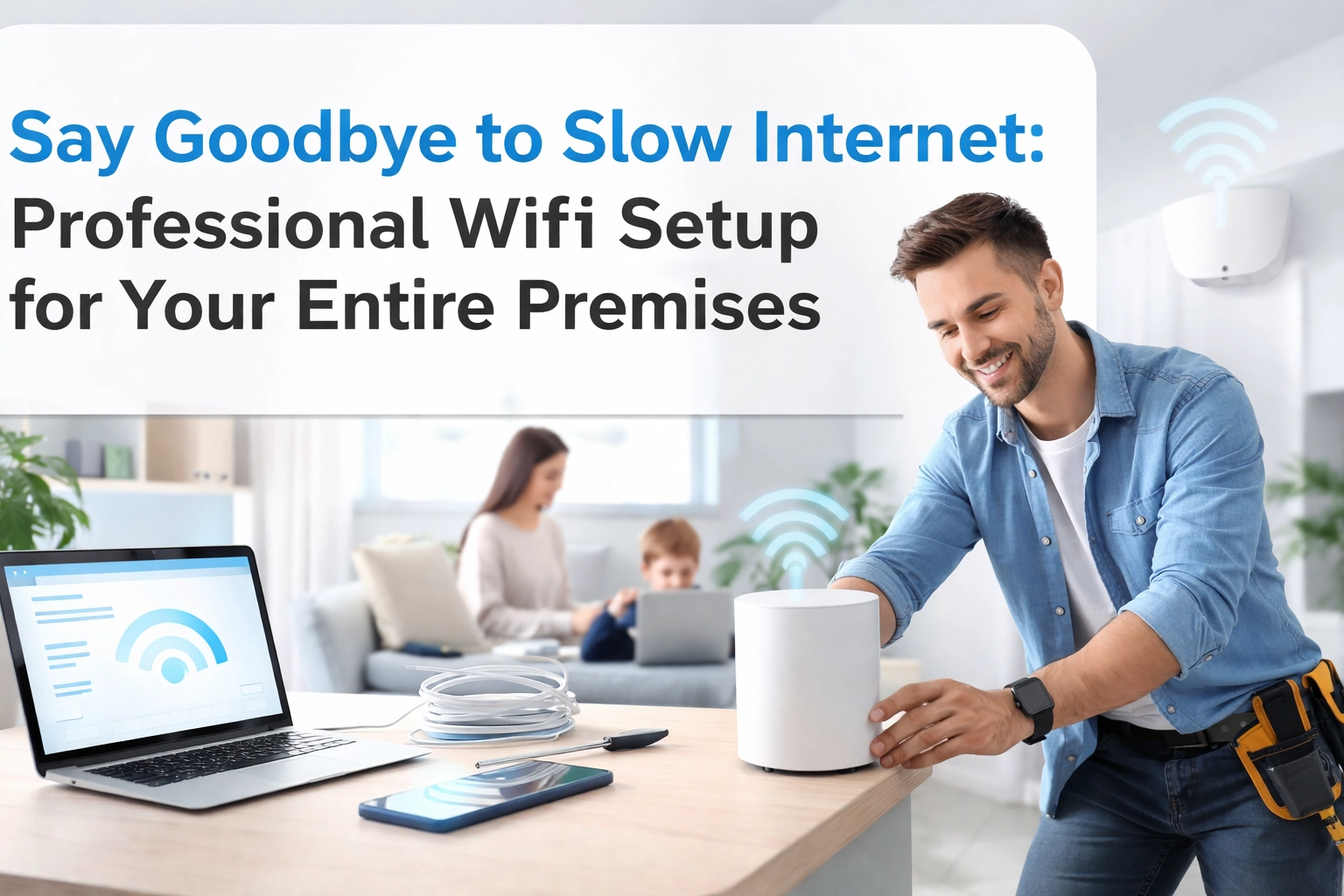
Instead of relying on a single router, we strategically place multiple access points throughout your home. This creates a blanket of coverage that reaches every corner: including that tricky home office spot.
The result? Consistent, strong signal no matter where you're working. Move from your desk to the garden for a change of scenery, and your connection follows seamlessly.
Structured Cabling
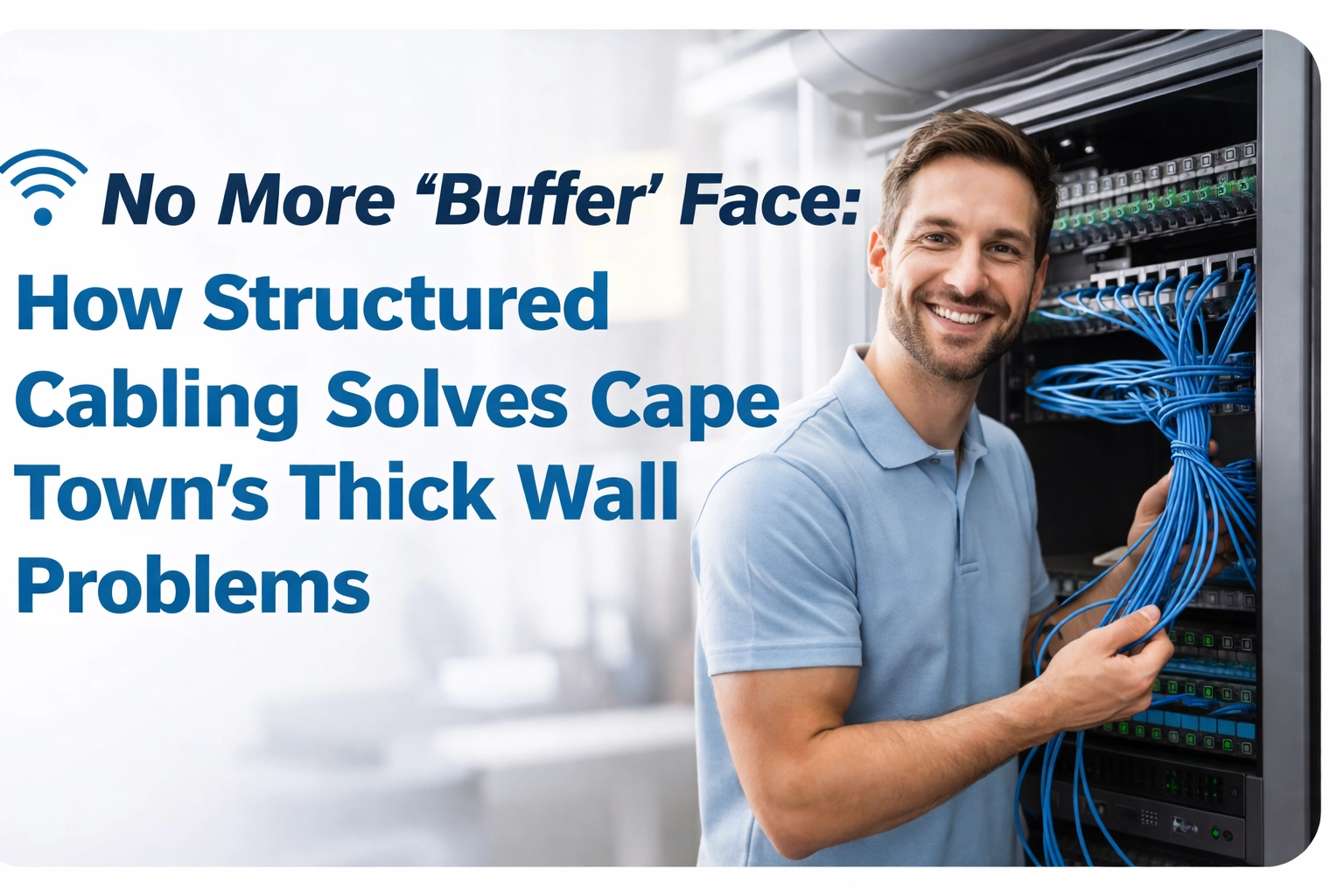
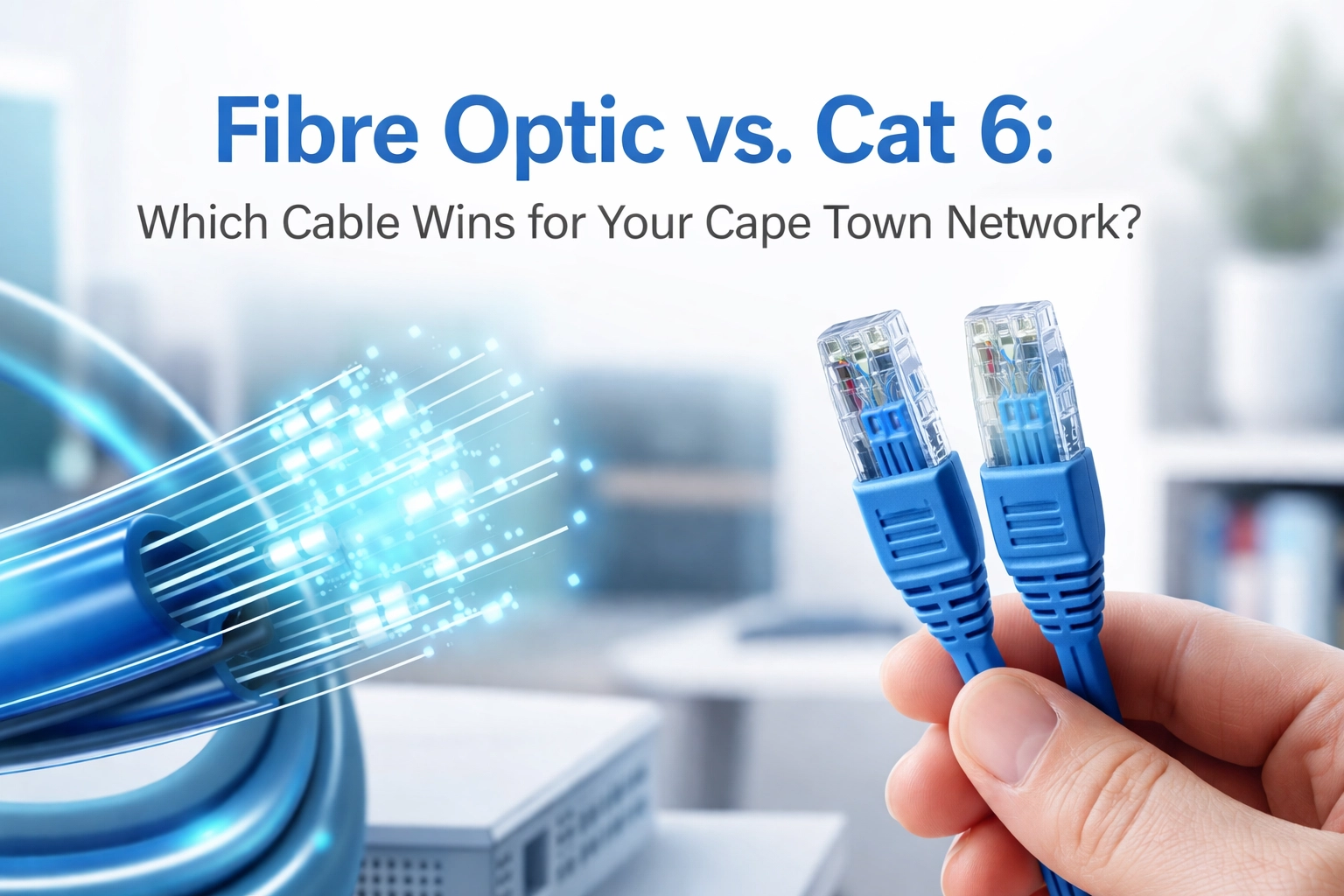
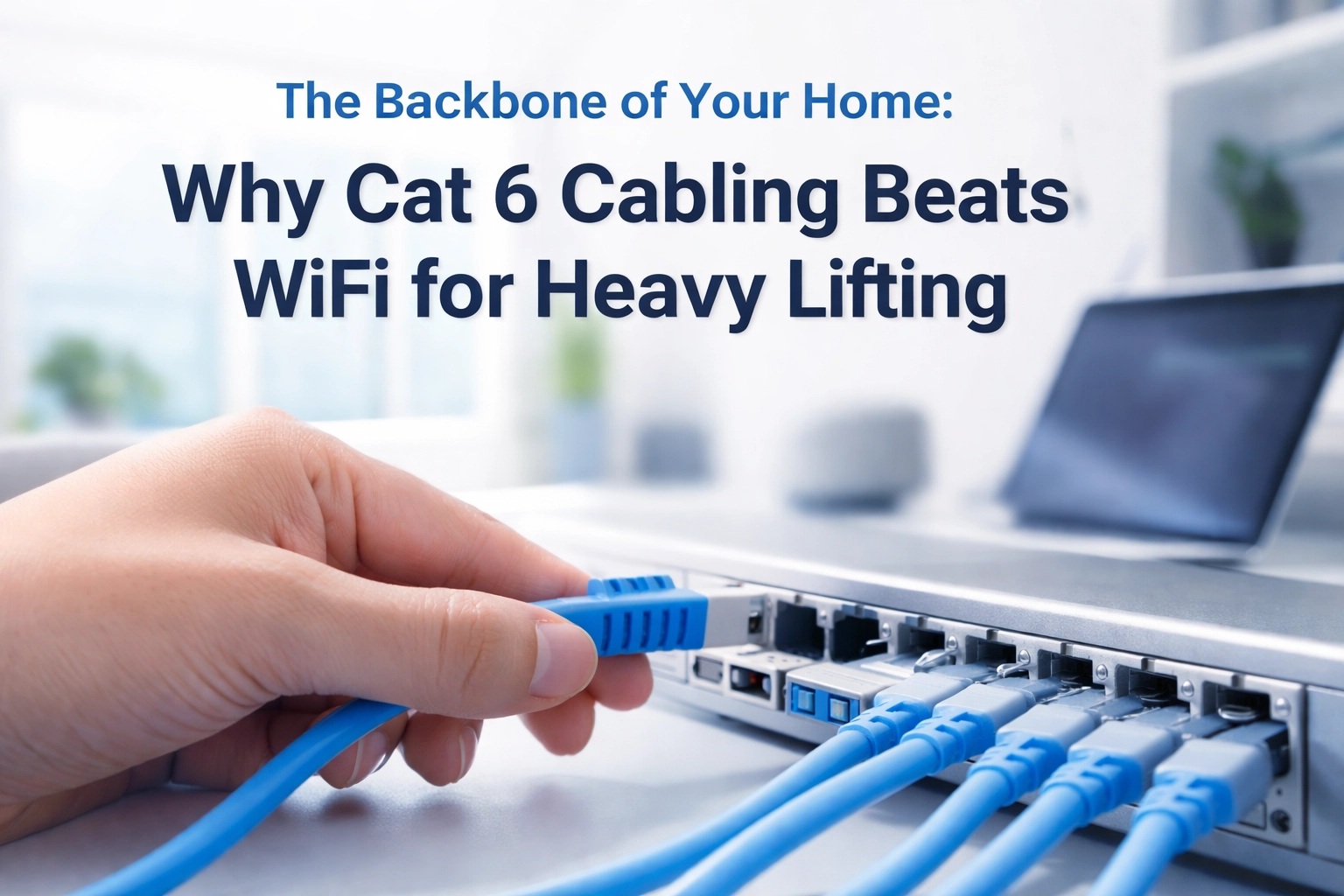
WiFi is great, but sometimes you need the reliability of a wired connection: especially for your primary workstation. Structured cabling gives you a direct, ethernet connection to your desk.
Think of it as the difference between a busy highway (WiFi) and your own private lane (ethernet). For video calls and large file transfers, that dedicated connection is a game-changer.
Customised Network Design
Every Cape Town home is different. A Camps Bay villa has completely different challenges than a Cape Town CBD apartment. That's why we don't do cookie-cutter solutions.
We assess your specific space, understand how you work, and design a network tailored to your needs. Maybe you need an access point in the garage-turned-studio. Perhaps your pool house doubles as a meeting room. Whatever the situation, we've got you covered.
Business-Grade Equipment
Consumer-grade gear has its place, but when your livelihood depends on connectivity, you need professional equipment. We use hardware that's built for reliability and performance: the kind of stuff you'd find in actual offices.

Why Professional Installation Makes All the Difference
You could try the DIY route. Buy a mesh system, watch some YouTube tutorials, hope for the best. Sometimes it works out.
But more often than not, you end up with:
- Access points in the wrong spots
- Devices not communicating properly
- Cables running messily across floors
- Performance that's better, but still not great
Professional installation means getting it right the first time. Our team knows exactly where to place equipment for optimal coverage, how to run cables without turning your home into a construction site, and how to configure everything so it actually performs as promised.
Plus, we keep things looking clean and tidy. Minimal visible cables, discrete access points, and an aesthetic that doesn't scream "IT department."
Check out our piece on why your home needs a professional WiFi installation for more on this.
24/7 Support When Deadlines Don't Wait
Here's something that sets WiFi Heroes apart: we know that connectivity issues don't stick to business hours. That critical presentation might be at 7 AM. Your overseas client might only be available at 9 PM.
That's why we offer quick response times and support when you need it. When your connection goes down and the pressure's on, you need someone who answers: not an automated message telling you to try again tomorrow.
We're in your corner, ready to troubleshoot and get you back online fast.
Getting Started: What to Expect
Thinking about upgrading your home office WiFi? Here's what the process typically looks like:
-
Consultation: We chat about your setup, your frustrations, and what you need from your connection.
-
Site Assessment: We visit your Cape Town home and identify coverage gaps, optimal access point locations, and cabling requirements.
-
Custom Proposal: You get a tailored solution with transparent pricing: no surprises.
-
Professional Installation: Our team handles everything, from running cables to configuring your network.
-
Ongoing Support: We don't disappear after installation. Questions, issues, upgrades: we're here.

Work From Home Like You Mean It
Your home office should feel like a legitimate workspace, not a compromise. With the right WiFi setup, you can take calls without anxiety, upload files without waiting, and actually be productive: regardless of what else is happening in your home.
Cape Town's remote workers deserve connectivity that matches their ambition. Whether you're closing deals, creating content, or building the next big thing, your WiFi shouldn't be the thing holding you back.
Ready to upgrade your home office game? Get in touch with WiFi Heroes and let's make those "technical difficulties" a thing of the past.