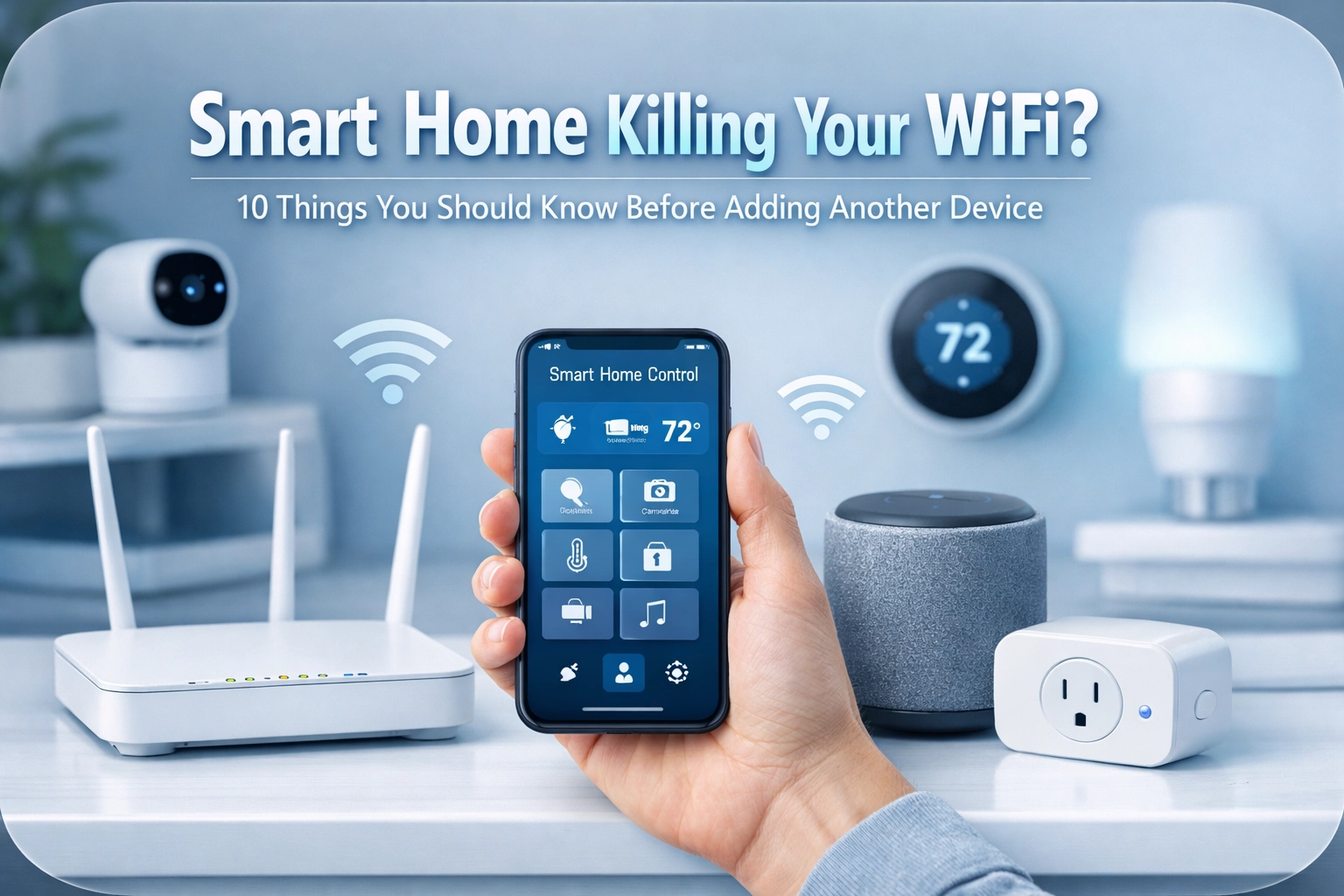
You've got smart lights in the lounge, a Ring doorbell, three Alexa devices, smart plugs controlling your geysers, and maybe even a smart kettle (because apparently, even boiling water needs an app now). Your home is living in the future, but your WiFi? It's stuck in 2015, buffering through yet another Netflix episode.
Sound familiar?
The Hidden Cost of 'Smart' Everything
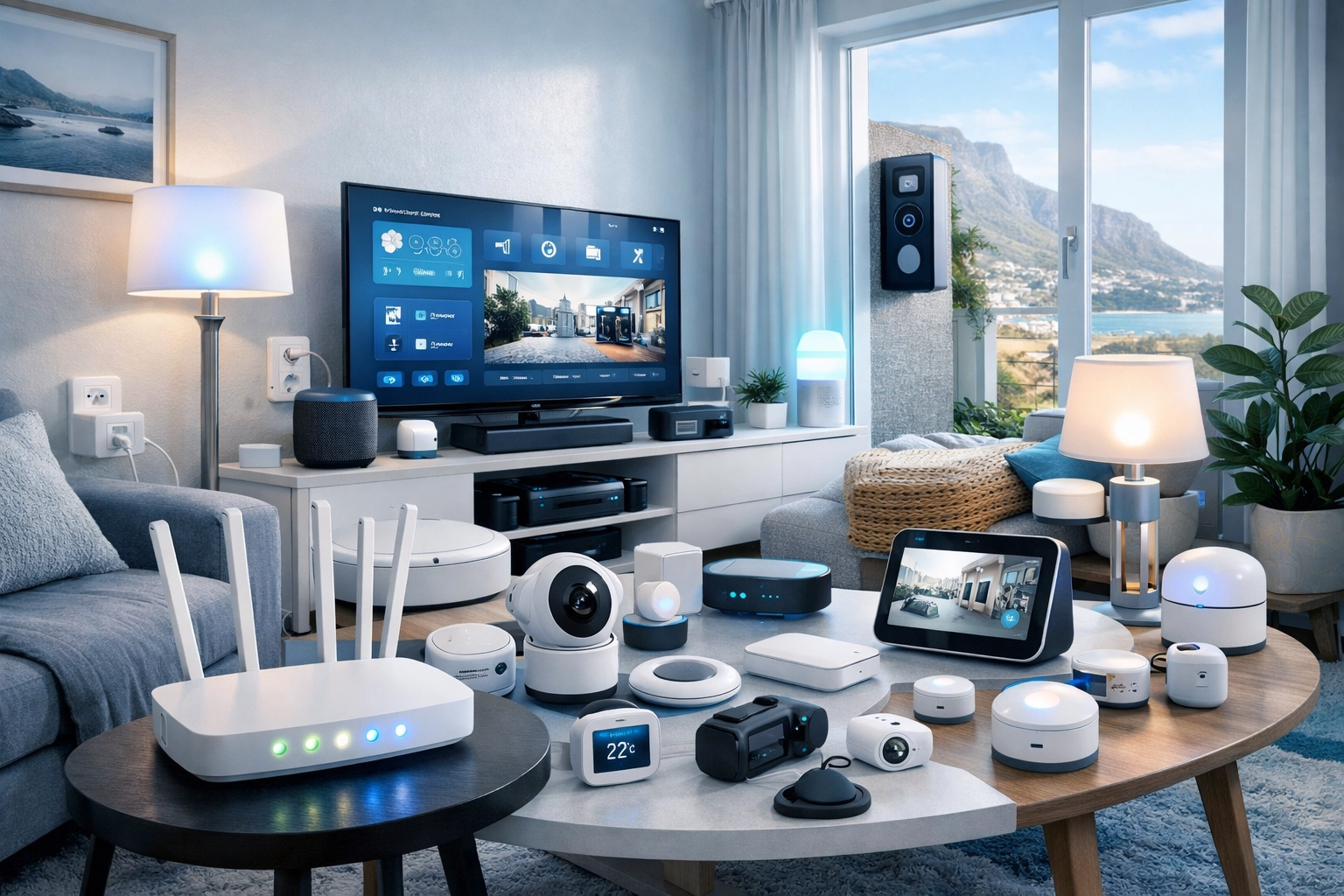
Here's the thing nobody mentions when you're buying that fancy smart bulb on Takealot: every single device you add to your network is basically a tiny WiFi vampire, sucking up precious bandwidth. That smart plug? It wants WiFi. Those motion sensors? WiFi. Your WiFi-enabled washing machine that sends you notifications when the cycle's done? You guessed it, more WiFi.
Before you know it, you've got 40+ devices all competing for attention on a router that was designed to handle maybe 10-15 devices comfortably. It's like trying to squeeze 50 people through a single turnstile at the V&A Waterfront during peak season. Chaos.
Congestion 101: Why Your ISP Router Is Crying for Help
Your standard ISP-issued router is fine for basic browsing and streaming. But throw in a proper smart home setup, security cameras constantly uploading footage, smart speakers listening for commands, smart locks checking in every few seconds, and suddenly you're asking that little box to perform miracles.
The result? Buffering, lag, devices randomly dropping off the network, and that soul-crushing moment when your video call freezes mid-sentence. Not ideal when you're trying to close a deal from your home office in Camps Bay.
Let's dig into what you actually need to know before adding that next smart device…
10 Things You Need to Know
1. Your Router Has a Limit (And It's Lower Than You Think)
Most consumer routers max out at around 20-30 active devices before performance tanks. Some advertise higher numbers, but that's under perfect lab conditions, not your real-world setup where three kids are streaming on different devices while your security cameras upload footage to the cloud.
Check your router's specs. If you're already pushing 25+ devices on a basic ISP router, it's time for an upgrade before you add more smart gear.
2. 2.4GHz vs 5GHz – Which One Should Your Smart Plugs Use?
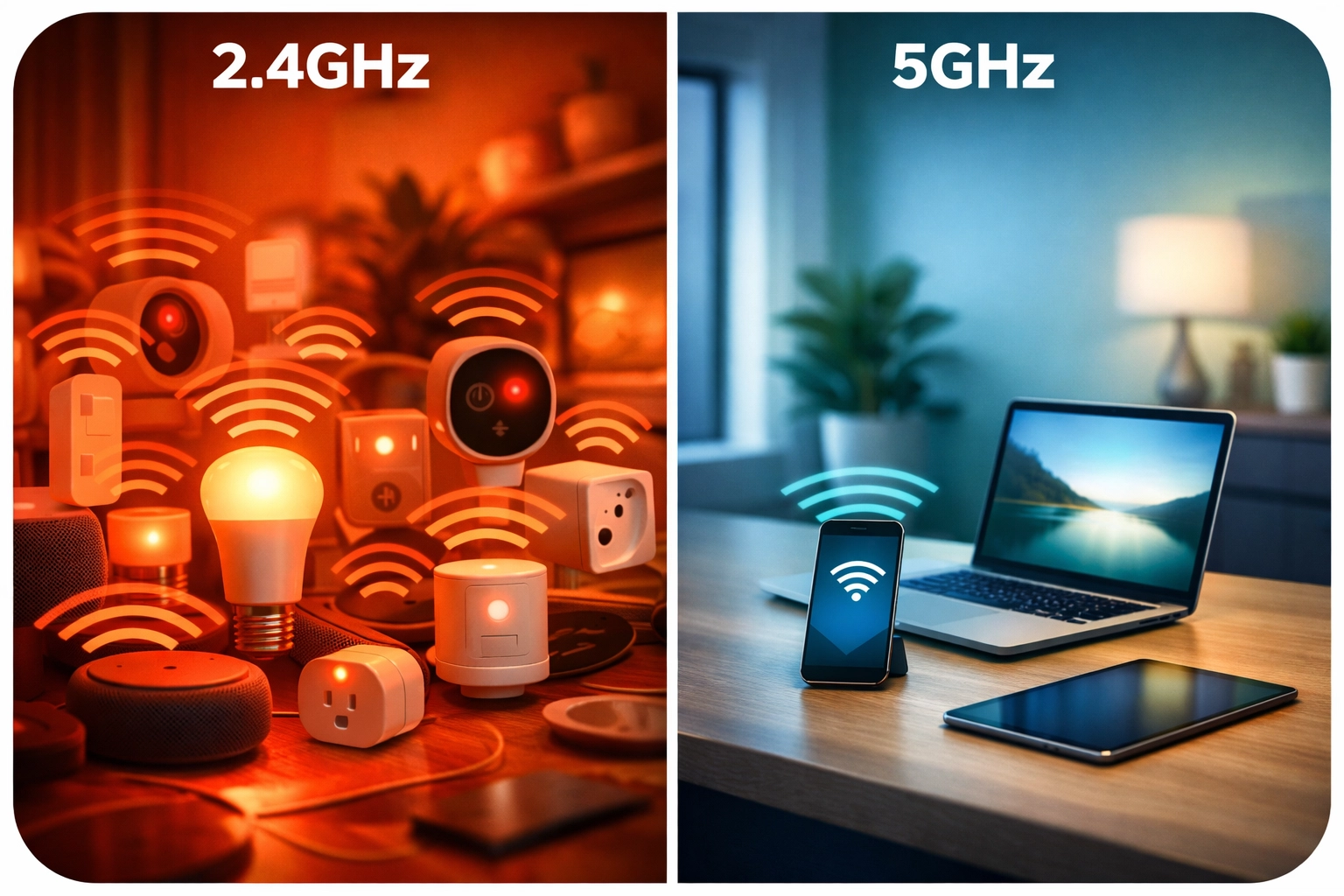
Here's where it gets interesting. Most smart home devices (think bulbs, plugs, sensors) default to 2.4GHz because it has better range and can penetrate walls more easily. The problem? So does every other device in your neighborhood. The 2.4GHz band only has three non-overlapping channels, it's a traffic jam.
The smart move: Use 2.4GHz for low-bandwidth IoT devices that need range (sensors, smart switches). Save your 5GHz band for bandwidth-hungry devices like laptops, phones, and streaming devices. Your router probably supports both bands, use them strategically.
3. The 'Ghost in the Machine' – Interference from Neighbors
In Cape Town's apartment blocks and townhouse complexes, you're not just competing with your own devices. Your neighbor's router, their microwave, even their baby monitor, all of these can interfere with your WiFi signal.
The 2.4GHz frequency is especially vulnerable because it's used by everything from Bluetooth speakers to wireless keyboards. If your WiFi is sluggish during certain times of day, interference might be the culprit.
4. Why a Separate 'IoT' Network Is a Security AND Speed Win
Here's a pro tip that most people miss: create a separate network just for your smart home devices.
Most modern routers let you set up a guest network. Use it exclusively for IoT devices. This does two amazing things:
- Security: If a dodgy smart bulb gets hacked, the hacker only has access to your IoT network, not your laptop with all your banking info
- Speed: You can prioritize bandwidth for your main network where your work and entertainment devices live
It's like having a separate lane on the highway just for delivery trucks, keeps the traffic flowing smoothly.
5. The Power of a Mesh System or Professional Access Points
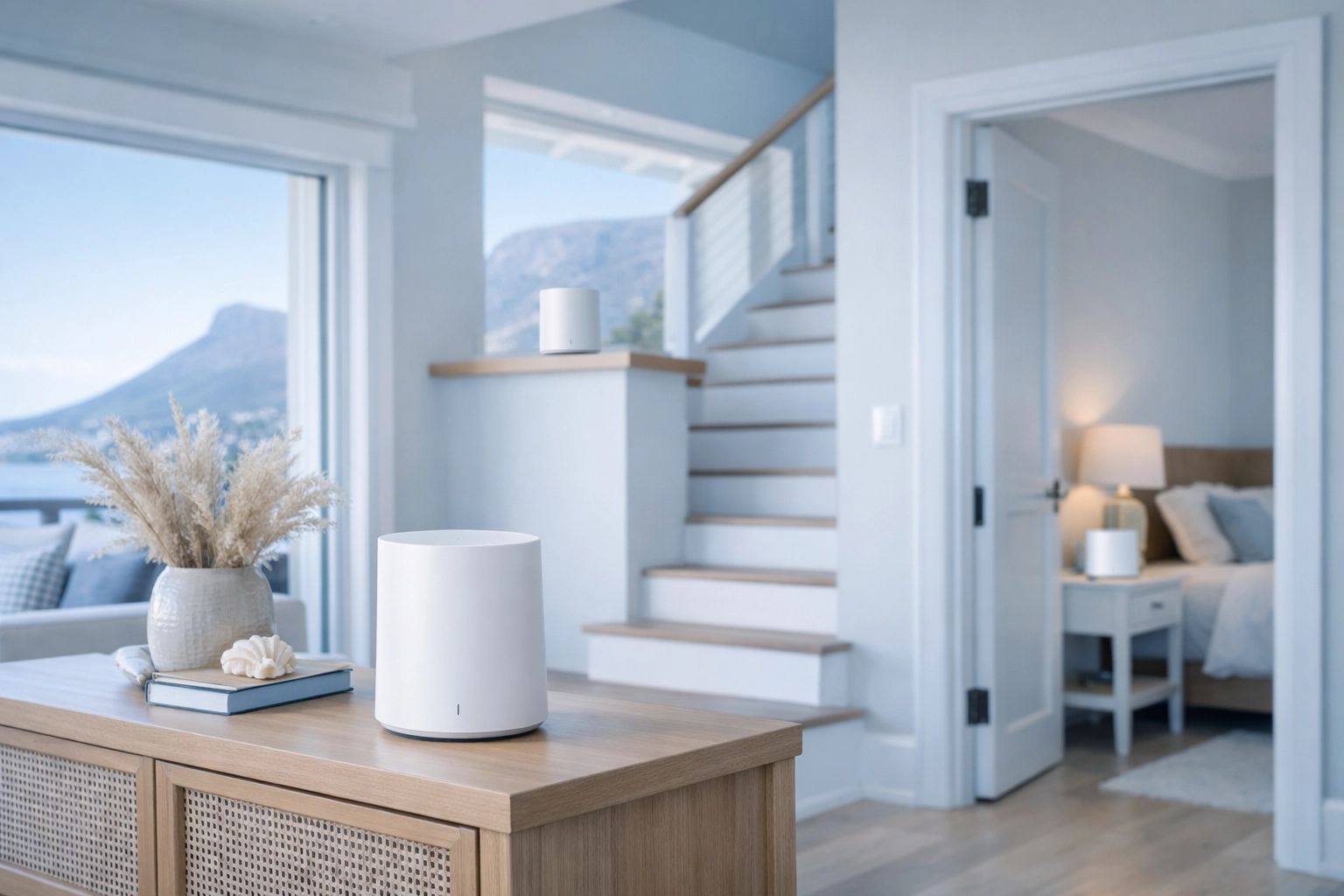
If you live in a multi-story home (hello, Atlantic Seaboard properties), a single router probably isn't cutting it. Dead zones are real, and they're killing your smart home dreams.
A proper mesh WiFi system or professionally installed access points (like Ubiquiti UniFi) blanket your entire home in consistent coverage. No more cameras dropping offline because they're too far from the router. No more smart speakers that "can't connect to the internet" in the bedroom.
Professional installations: like what we do at WiFi Heroes: take into account your home's layout, construction materials, and actual device placement. It's the difference between guessing and engineering.
6. Signal Strength Isn't Just for Phones; Cameras Need It Too
Your phone might show full WiFi bars, but that doesn't mean your outdoor security camera has the same luxury. Distance, walls, and interference all degrade signal strength.
Security cameras, especially ones constantly recording to the cloud, need strong, stable connections. If they're dropping frames or going offline regularly, check signal strength. You might need an additional access point or a mesh node closer to the cameras.
7. Updates Matter – Old Firmware Slows Things Down
When was the last time you updated your router's firmware? Be honest: probably never, right?
Outdated firmware can cause all sorts of performance issues. Router manufacturers regularly release updates that fix bugs, patch security holes, and improve performance. Same goes for your smart devices: that smart bulb's firmware update might include WiFi stability improvements.
Set a calendar reminder to check for updates quarterly. Your future self will thank you.
8. Wired Is Always Better (If It Has an Ethernet Port, Use It!)
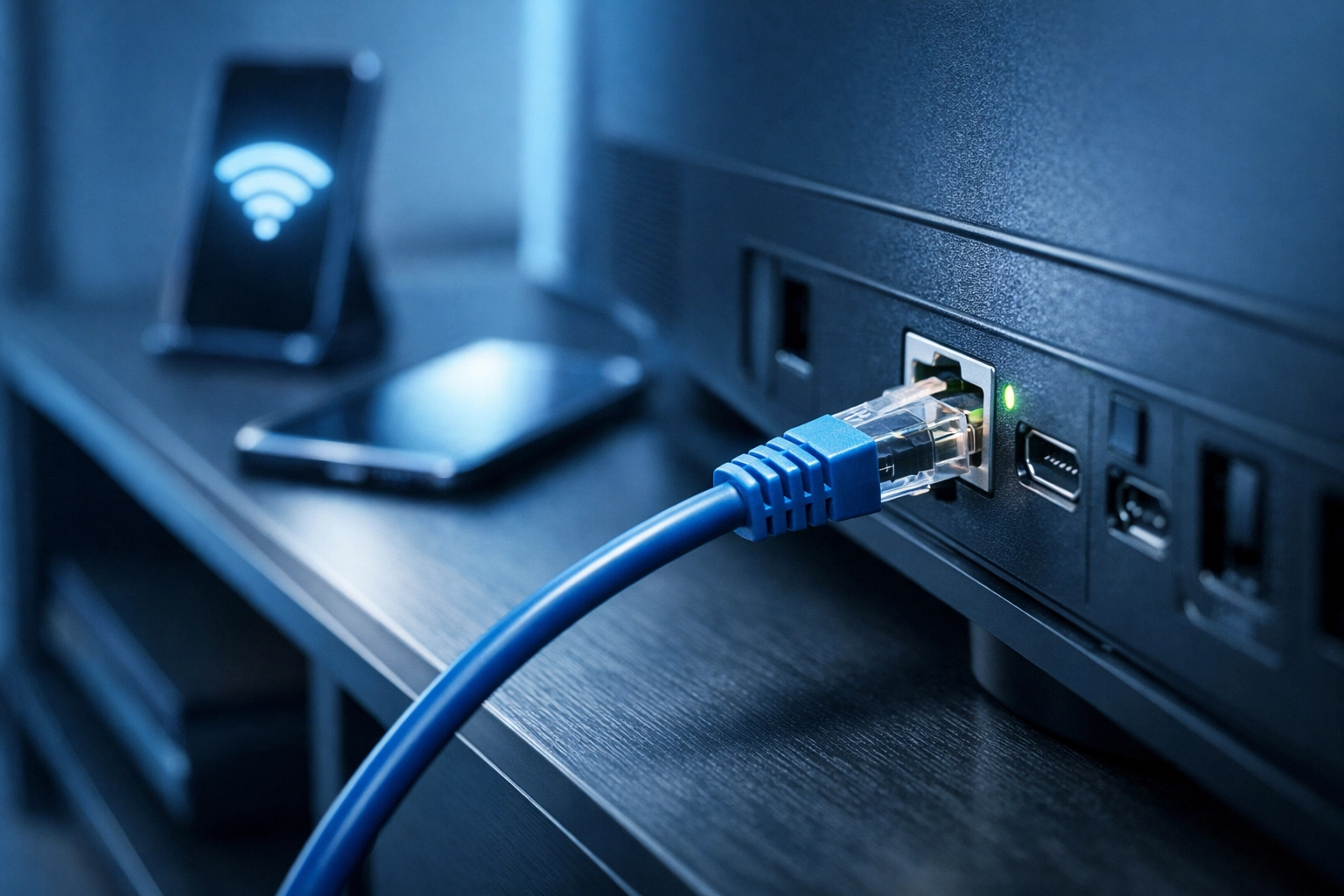
This is the hill I'll die on: if a device has an Ethernet port, plug it in.
Smart TVs, gaming consoles, desktop computers, NAS drives, even some smart home hubs: if they can go wired, they should. Wired connections free up WiFi bandwidth for devices that genuinely need wireless connectivity. Plus, wired is faster, more stable, and more secure.
I know cables aren't sexy. But neither is buffering during the rugby.
9. Not All Smart Devices Are Built the Same – Some Are Bandwidth Hogs
A smart light switch that just needs to know "on" or "off" uses minimal bandwidth. A 4K security camera uploading footage continuously? That's a different story entirely.
Before adding another device, consider its bandwidth requirements:
- Low bandwidth: Smart switches, motion sensors, smart plugs
- Medium bandwidth: Smart speakers, smart locks, basic cameras
- High bandwidth: 4K cameras, video doorbells, streaming devices
If you're adding high-bandwidth devices, make sure your network can handle it. This is where a professional network audit comes in handy.
10. When to Call the Experts (That's Us!) for a Network Audit
Look, I'm biased: I work for WiFi Heroes. But here's the honest truth: sometimes DIY isn't the answer.
If you're experiencing persistent issues: dropped connections, slow speeds, devices constantly going offline: it might be time for a professional network audit. We see this all the time in Cape Town homes: amazing properties with sophisticated smart home setups running on completely inadequate network infrastructure.
A proper audit identifies bottlenecks, interference sources, and coverage gaps. Then we design a solution tailored to your specific home and needs. We work with homeowners in Camps Bay, Sea Point, Green Point, and throughout the Western Cape.
Plus, we back everything with a money-back guarantee and quick response times: because we know WiFi problems can't wait.
The Bottom Line
Smart homes are brilliant. But they need smart networks to run properly. Before you add that next smart device to your cart, ask yourself: can my network actually handle it?
If the answer is "I'm not sure," it's time to get serious about your home network infrastructure. Your future self: the one not yelling at buffering screens: will be grateful.
Need help sorting out your smart home network? Drop us a message: we'll make sure your WiFi can keep up with your smart home ambitions.