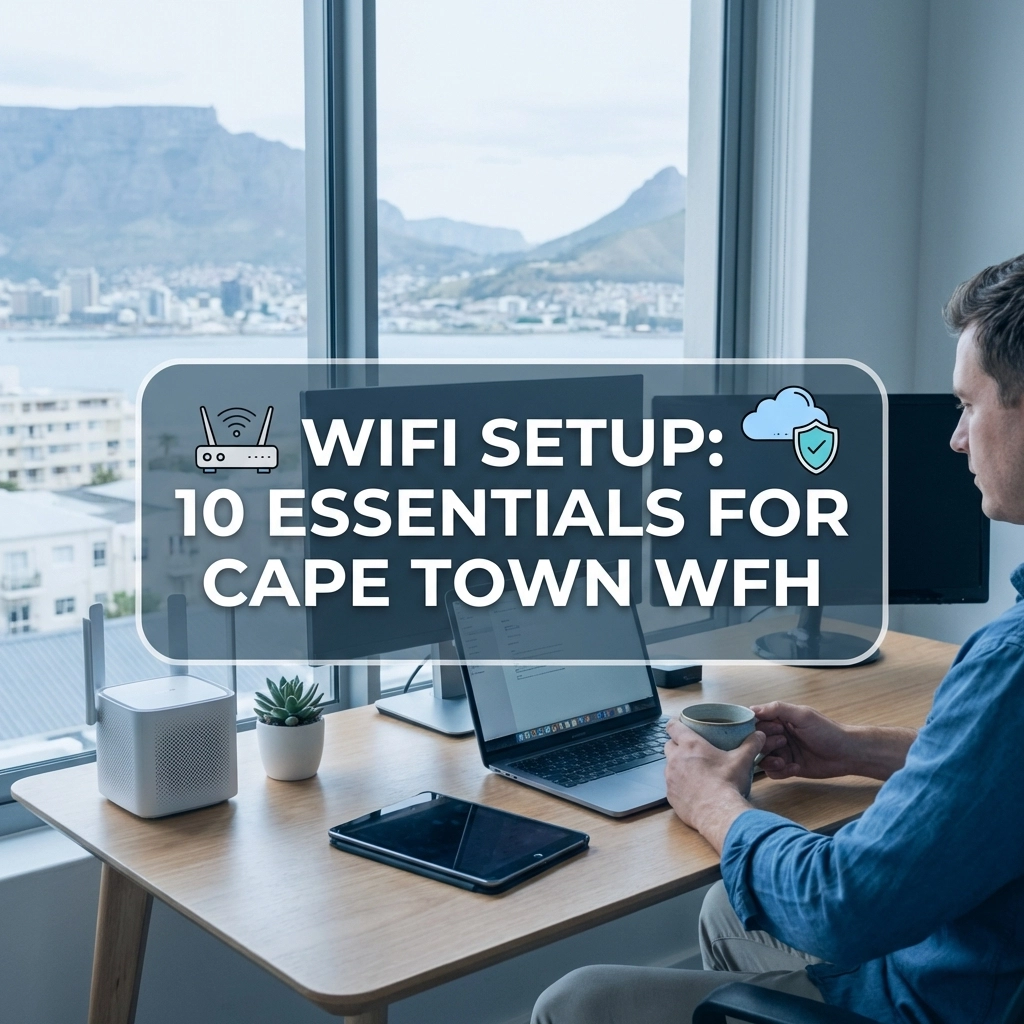
Let's be honest, working from home in Cape Town sounds like a dream. You've got Table Mountain views, world-class coffee on your doorstep, and no rush-hour traffic on the N1 or N2. But there's one thing that can turn that dream into a nightmare faster than loadshedding: dodgy WiFi.
Whether you're on video calls with clients overseas, uploading large files, or just trying to send an email without watching that spinning wheel of doom, your WiFi setup can make or break your productivity. And with more Cape Town professionals embracing remote and hybrid work than ever before, getting your home network right isn't optional anymore, it's essential.
So, what does your WiFi setup actually need to keep you connected, productive, and sane? Here are 10 things you shouldn't overlook.
1. Adequate Connection Speed (And We Mean Actually Adequate)
First things first, how fast is your internet, really? Not what your ISP promised, but what you're actually getting.
For the average remote worker, you'll need at least 25 Mbps download and upload speeds. But here's the catch: that's per person. If your partner is also working from home, the kids are streaming YouTube, and your smart doorbell is doing its thing, you'll need significantly more.
Fibre optic internet is your best friend here. Cape Town has excellent fibre coverage in most suburbs now, and it offers the fastest, most reliable speeds available. If you haven't upgraded from ADSL or LTE yet, this should be top of your list.
2. Strategic Router Placement
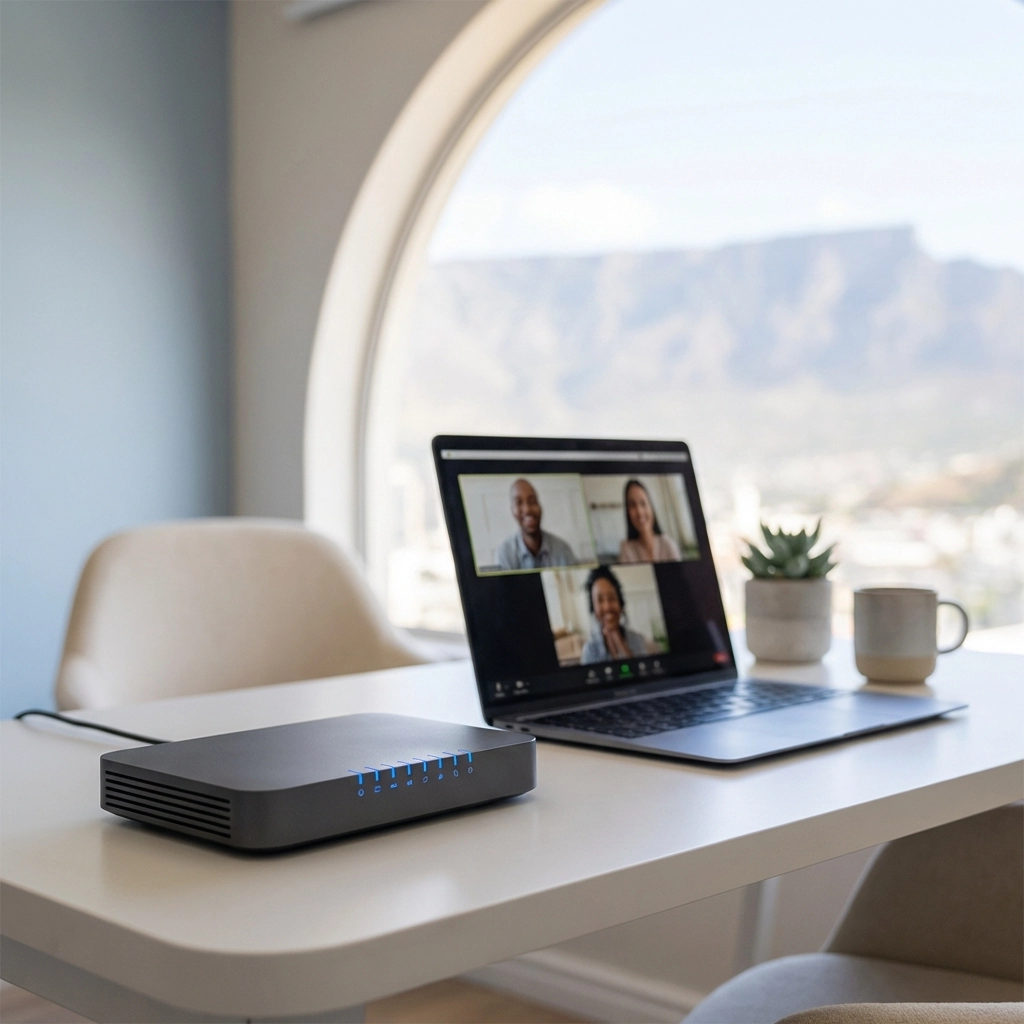
Here's a mistake we see all the time: people hide their router in a cupboard, behind the TV, or in the furthest corner of the house. Out of sight, out of mind, and unfortunately, out of range.
Your router should be positioned centrally in your home, ideally elevated and in the open. WiFi signals radiate outward like ripples in a pond, so if your router is tucked away in your bedroom but you work in the lounge, you're fighting physics.
Think about where you spend most of your working hours and try to minimise the distance between you and that little box of connectivity magic.
3. Minimise Physical Obstructions
WiFi signals are surprisingly delicate. Walls, floors, large furniture, fish tanks (yes, really), and even mirrors can weaken or block your signal entirely.
If you're working in a room that's separated from your router by multiple walls, especially thick brick or concrete ones common in older Cape Town homes, you might struggle with coverage even if your router is relatively close.
The fix? Either move your workspace closer to the router, or consider solutions like mesh WiFi systems (more on that in a moment).
4. Invest in Modern Equipment
Still using that router your ISP gave you five years ago? It might be time for an upgrade.
Technology moves fast, and WiFi 6 routers offer significantly better performance than older standards. They handle multiple devices more efficiently, offer faster speeds, and have better range. If you've got fibre but your router is ancient, you're essentially driving a sports car with flat tyres.
Check what standard your current router supports. If it's anything less than WiFi 5 (802.11ac), an upgrade will make a noticeable difference.
5. Manage Interference Like a Pro
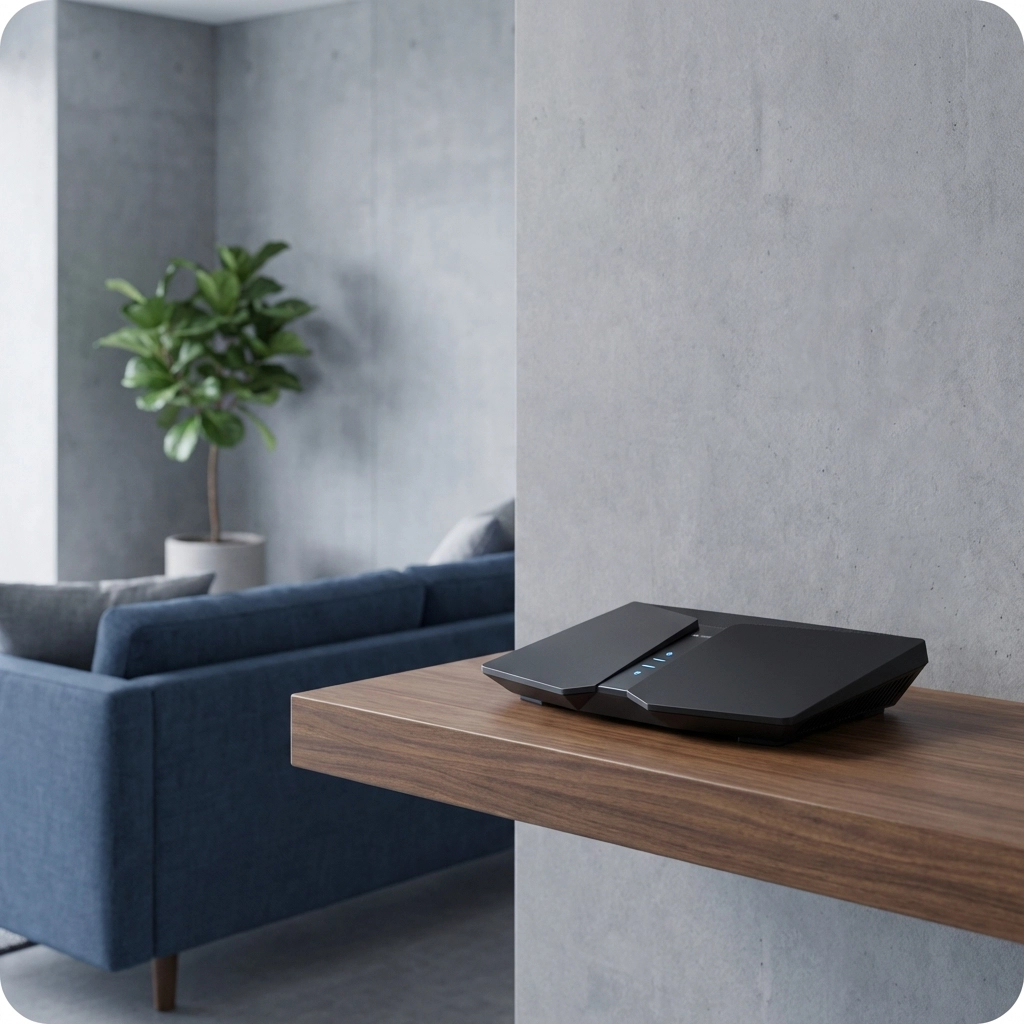
Your WiFi operates on radio frequencies, and it's not the only thing competing for airspace. Neighbouring WiFi networks, baby monitors, Bluetooth devices, microwaves, and cordless phones can all cause interference.
Two quick fixes:
- Switch to the 5 GHz band instead of 2.4 GHz. It's less congested and offers faster speeds, though with slightly less range.
- Change your WiFi channel. Most routers default to the same channels, creating a traffic jam. Apps like WiFi Analyzer can show you which channels are least crowded in your area.
6. Take Security Seriously
When you're working from home, your network is handling sensitive work data, emails, documents, video calls, and more. A poorly secured network is an open invitation for hackers.
Here's your security checklist:
- Use a strong, unique password (not "password123" or your street name)
- Enable WPA3 encryption (or WPA2 if your devices don't support WPA3)
- Change the default admin credentials on your router
- Consider setting up a separate network for guests and smart home devices
It takes 10 minutes to set up and could save you a world of trouble.
7. Consider a Mesh WiFi System
If you live in a larger Cape Town home, think a double-storey in Constantia, a sprawling villa in Camps Bay, or even a spacious apartment in the City Bowl, a single router probably won't cut it.
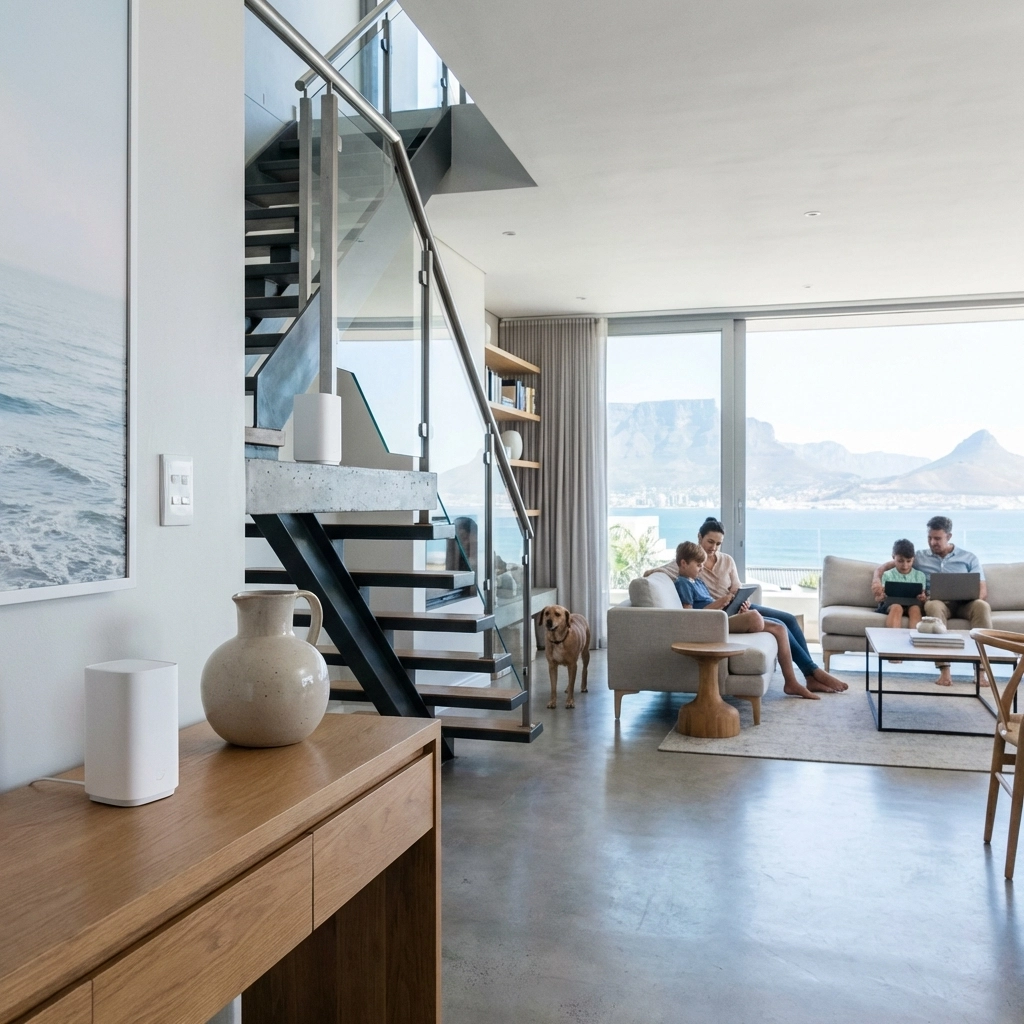
Mesh WiFi systems use multiple units placed throughout your home to create a seamless blanket of coverage. Unlike traditional extenders, mesh systems keep you on the same network as you move around, without drops or slowdowns.
They're brilliant for eliminating dead zones and ensuring you get solid signal whether you're in your home office, on the patio, or making calls from the kitchen.
For more on this topic, check out our guide on mesh WiFi vs traditional routers.
8. Set Up Bandwidth Prioritisation (QoS)
Ever been on an important Zoom call when someone in the house starts streaming in 4K and suddenly you're frozen mid-sentence? Yeah, not ideal.
Most modern routers have Quality of Service (QoS) settings that let you prioritise certain types of traffic. You can tell your router that video calls and work applications take priority over Netflix or gaming.
It's a game-changer when multiple people are sharing the same connection, and it ensures your work doesn't suffer because of recreational internet use.
9. Regular Maintenance and Updates
Your router is essentially a small computer, and like any computer, it needs regular updates to perform at its best and stay secure.
Firmware updates often include performance improvements, bug fixes, and security patches. Most people set up their router once and forget about it for years: don't be that person.
Also, run regular speed tests using tools like Speedtest.net to check you're getting what you're paying for. If speeds have dropped significantly, it might be time to troubleshoot or contact your ISP.
For practical tips on improving slow WiFi, have a look at our post on how to fix slow WiFi at home.
10. Get a Professional Assessment
Sometimes, DIY solutions only get you so far. If you've tried everything and you're still battling with dead zones, dropouts, or slow speeds, it might be time to call in the experts.
A professional network assessment can identify issues you might not spot yourself: suboptimal router placement, interference sources, equipment limitations, or configuration problems. Plus, a pro can recommend and install the right solution for your specific home and work needs.
At WiFi Heroes, we specialise in exactly this. We help Cape Town homeowners and remote workers get reliable, business-grade WiFi throughout their properties. No more "can you hear me now?" moments. No more buffering. Just solid, dependable connectivity.
Ready to Upgrade Your Home Office WiFi?
Working from home should be a pleasure, not a daily battle with your internet connection. With the right setup: good speeds, smart placement, modern equipment, and proper configuration: you can enjoy seamless connectivity that keeps up with your workday.
If you're not sure where to start or you've been struggling with WiFi issues in your Cape Town home, we're here to help. Get in touch with WiFi Heroes and let's get you connected properly.
Because life's too short for bad WiFi.