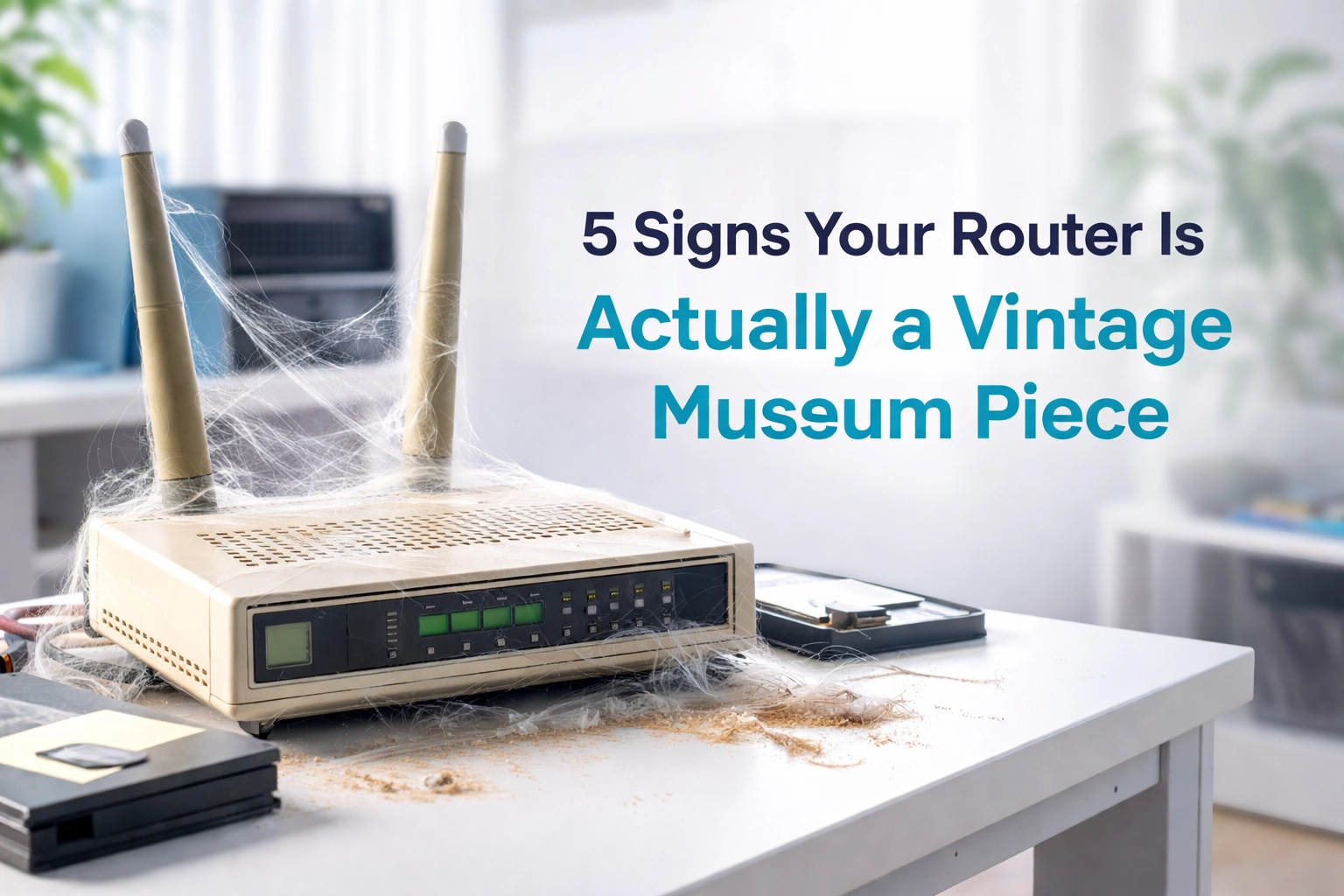
Look, we need to have a chat. That router sitting in the corner of your living room, collecting dust and blinking away like it's sending Morse code to aliens? It might actually belong in a museum. Right next to the Nokia 3310 and those AOL free trial CDs.
Here's the thing: you've probably upgraded your phone three times, bought a fancy new TV, and maybe even splashed out on that shiny fibre connection. But your router? That faithful little box has been chugging along since the days when "streaming" meant watching a pixelated YouTube video of a cat playing piano.
If you're experiencing slow internet in Cape Town despite having fibre, your router might just be the culprit. Let's find out if your trusty old friend is due for retirement.
Sign #1: It Only Speaks One Language (Single Band 2.4GHz)
Remember when we only had one TV channel? No? Well, your router might still be living in those dark ages.
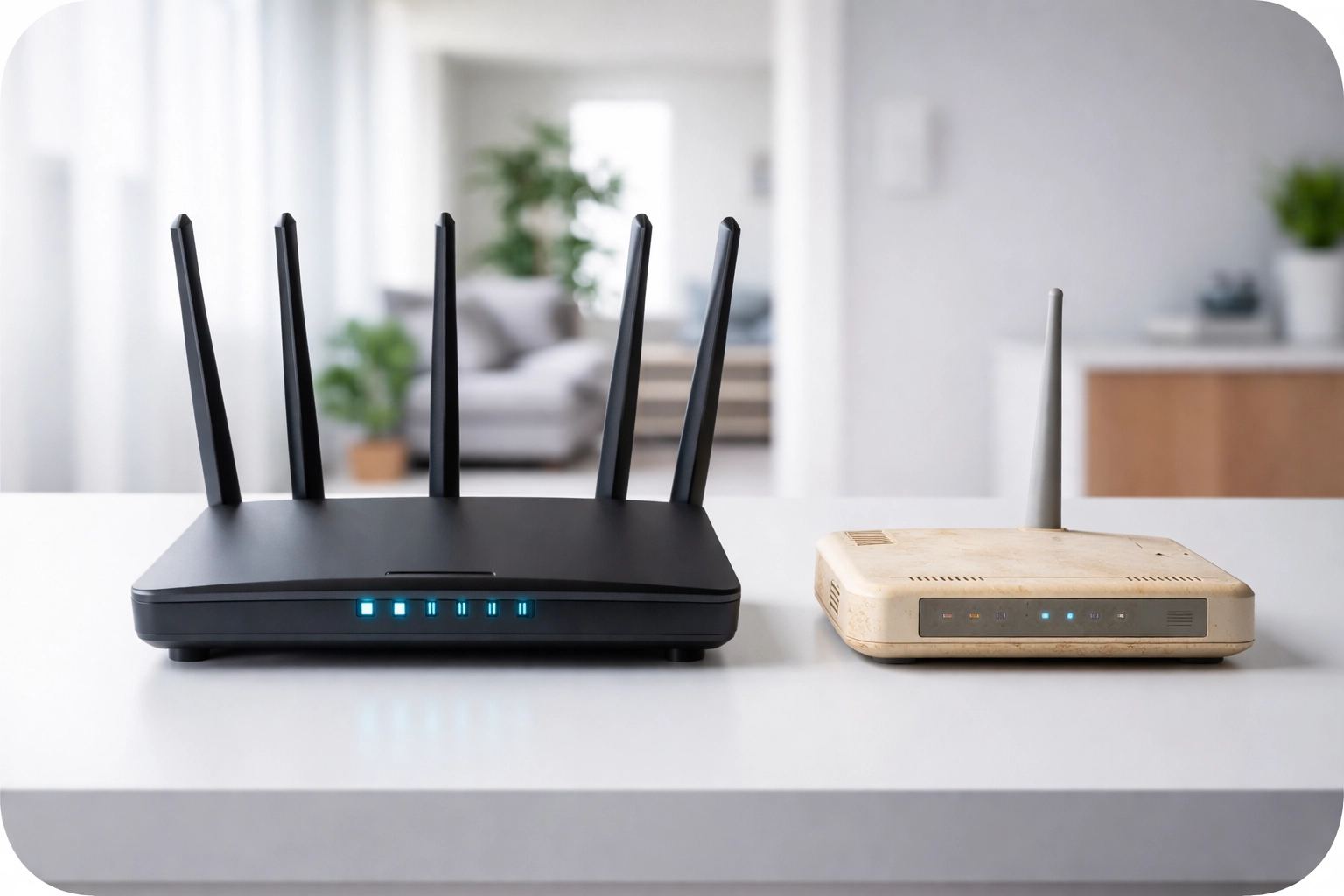
If your router only operates on the 2.4GHz band, congratulations, you own a genuine antique. Modern routers are dual-band (2.4GHz and 5GHz) or even tri-band. That single 2.4GHz frequency is like trying to fit all of Cape Town's traffic onto a single lane of the N1. During rush hour. On a Friday before a long weekend.
The 2.4GHz band is incredibly congested because literally everything uses it: your neighbour's router, baby monitors, microwaves, Bluetooth devices, and probably that mysterious gadget your teenager won't explain. This congestion is one of the most common old wifi router symptoms and a major reason for buffering, lag, and those frustrating "connection dropped" moments.
The museum test: Check your router's specs. If it doesn't mention "dual-band" or "5GHz" anywhere, it's time to start shopping.
Sign #2: Its Wi-Fi Standard Belongs in a History Book
Wi-Fi standards have fancy names like 802.11a, 802.11b, 802.11g, 802.11n, 802.11ac, and the latest Wi-Fi 6 (802.11ax) and Wi-Fi 7. If those numbers and letters look like gibberish, here's what you need to know:
- 802.11b/g: Ancient. We're talking early 2000s. If your router only supports these, it literally cannot keep up with basic modern internet usage.
- 802.11n (Wi-Fi 4): Getting on a bit. Introduced in 2009, back when the iPhone 3GS was cutting-edge and people were doing the Harlem Shake.
- 802.11ac (Wi-Fi 5): Respectable, but starting to show its age for busy households.
- Wi-Fi 6/6E/7: Now we're talking. These are built for the modern home.
Here's the kicker: you might be paying for 100Mbps, 200Mbps, or even gigabit fibre, but if your router only supports 802.11n, you're essentially pouring premium petrol into a 1985 Toyota Corolla. Your fibre speeds are being strangled before they even reach your devices.
The museum test: Google your router's model number. If the Wi-Fi standard is anything older than 802.11ac, you've got a problem.
Sign #3: It Hasn't Had a Security Update Since… Ever
When was the last time your router received a firmware update? If you're staring blankly at the screen right now, that's not a great sign.
Older routers often stop receiving security updates from manufacturers after a few years. This means known vulnerabilities just… stay vulnerable. It's like leaving your front door unlocked but with a sign that says "Please don't come in."
Cybersecurity isn't just for big corporations. Your home network contains banking details, personal photos, work documents, and probably some embarrassing search history you'd rather keep private. An outdated router is an open invitation for trouble.
Modern routers receive regular security patches and often include advanced features like automatic threat detection, guest network isolation, and parental controls that actually work.
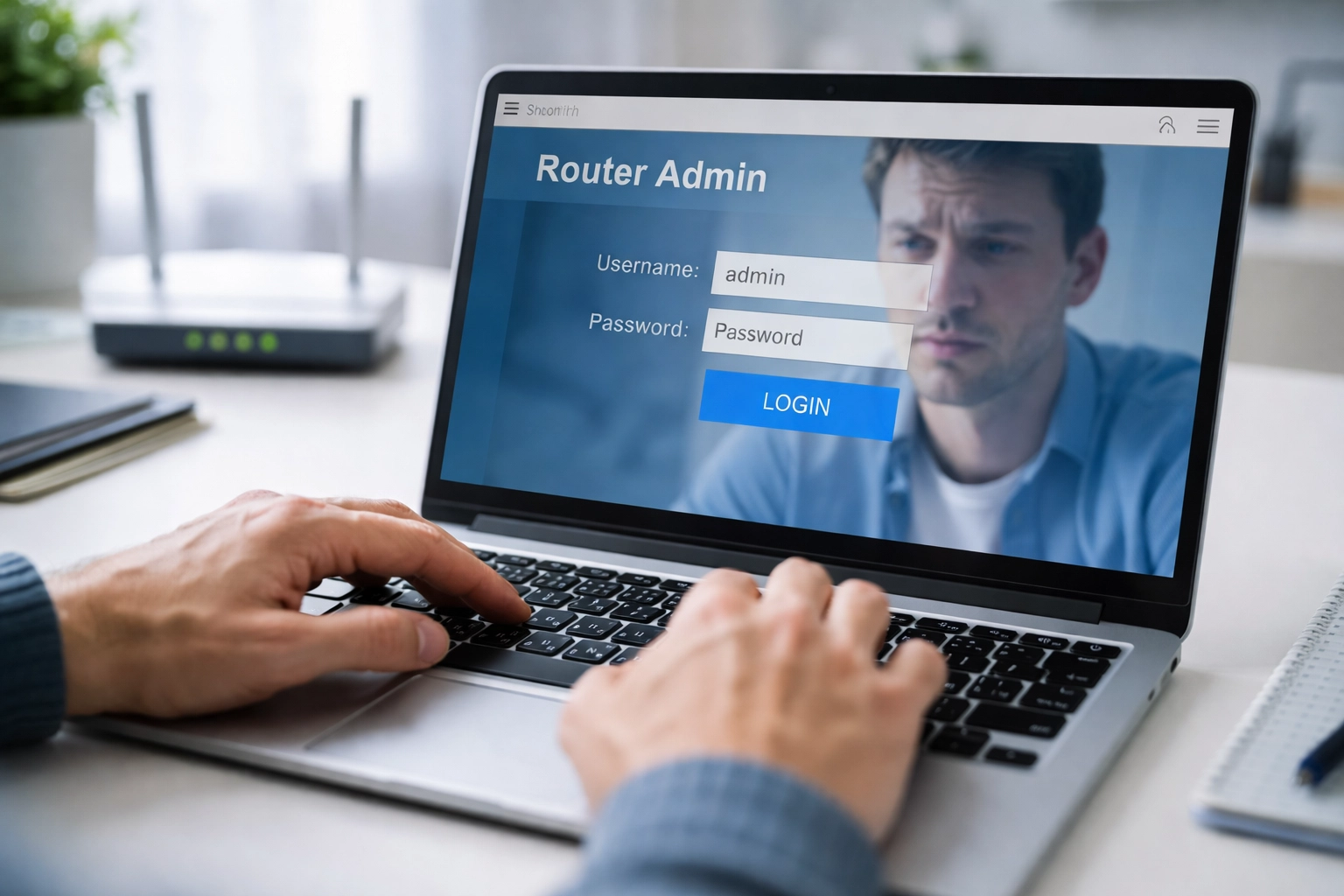
The museum test: Log into your router's admin panel (usually 192.168.0.1 or 192.168.1.1) and check when the firmware was last updated. If it's been more than two years: or if you can't update it at all: that's a red flag the size of Table Mountain.
Sign #4: It Panics When More Than Three Devices Connect
Cast your mind back to 2010. The average household had maybe a laptop, a phone or two, and perhaps a gaming console connected to Wi-Fi. Fast forward to 2026, and your Cape Town home probably looks more like this:
- Multiple smartphones
- Tablets
- Smart TVs (probably more than one)
- Laptops for work and school
- Gaming consoles
- Smart speakers (Alexa, Google Home)
- Security cameras
- Smart plugs and lights
- Robot vacuums
- That smart fridge your partner insisted on
We're easily looking at 15-25 connected devices in a typical household. Older routers simply weren't designed for this level of multitasking. They have limited processing power and memory, meaning they start to choke when too many devices demand attention simultaneously.
The result? Slow internet in Cape Town homes even with excellent fibre connections. Your Zoom call freezes while your kid streams Netflix because your poor router is having a full-blown panic attack trying to manage it all.
The museum test: Count your connected devices. If your router struggles when more than a handful are active, it's begging for retirement.
Sign #5: It Looks Like a Prop from a 90s Sci-Fi Movie
Sometimes you don't need to run diagnostics. Sometimes you just need to look at the thing.
Does your router have:
- Yellowed plastic that was once white?
- A single stubby antenna (or worse, an internal antenna from the prehistoric era)?
- Ports you don't even recognise anymore?
- LEDs that flicker with the enthusiasm of a dying disco ball?
- A design that screams "I was cutting-edge during the Bush administration"?
Physical appearance aside, older routers often have limited range. If you're dealing with Wi-Fi dead zones throughout your property, an ancient router with weak antennae could be the primary offender.
The museum test: If your router could pass as a prop in "The Matrix," it's definitely time for an upgrade.

Why This Actually Matters for Cape Town Homes
So your router is old. Why should you care?
Your fibre investment is being wasted. Fibre providers in Cape Town are offering incredible speeds: 100Mbps, 200Mbps, even 1Gbps. But if your router can't handle those speeds, you're paying for a Ferrari and driving it in first gear.
Multi-device homes suffer the most. With more people working from home (check out our guide on working from home Wi-Fi secrets), Cape Town households need robust connectivity. Zoom calls, online gaming, 4K streaming, smart home devices: they all compete for bandwidth, and older routers simply can't referee effectively.
Security risks are real. Outdated routers are low-hanging fruit for cybercriminals. Protecting your family's digital life starts with modern, regularly-updated network equipment.
Range issues compound problems. Many Cape Town properties: especially older homes with thick walls or multi-storey layouts: already struggle with coverage. Pair that with an outdated router, and you've got a recipe for frustration.
Time to Call in the Heroes
If you've nodded along to two or more of these signs, it's time to consider a router upgrade. But here's the thing: not all routers are created equal, and choosing the right one for your specific home can be confusing.
That's where a professional wifi technician in Cape Town comes in handy.
At WiFi Heroes, we offer Wi-Fi Consultancy to assess your home's unique needs: the layout, the number of devices, your usage patterns, and your fibre speed: to recommend the perfect solution. We also provide High Speed Wi-Fi Upgrades, ensuring your new equipment is installed and optimised properly.
Because let's be honest: buying a fancy new router and plonking it in the same spot as your old one won't magically fix everything. Proper placement, configuration, and potentially a mesh Wi-Fi system might be the answer.
The Bottom Line
Your router doesn't deserve a spot in a museum: but if it's showing these signs, that's exactly where it belongs. Slow internet in Cape Town is frustrating enough without self-sabotaging with ancient equipment.
Ready to bring your home network into 2026? Get in touch with WiFi Heroes and let's get you sorted. Your Netflix binges, Zoom calls, and sanity will thank you.