

Let's be honest, there's something uniquely frustrating about paying for lightning-fast broadband only to watch your video call freeze the moment you walk upstairs. If you're living in London, you've probably experienced this more times than you'd care to admit.
The thing is, your WiFi woes aren't your fault. London homes present a very specific set of challenges that most generic router setups simply weren't designed to handle. From gorgeous-but-signal-killing Victorian brickwork to the vertical maze of a classic townhouse, getting consistent coverage requires a bit more thought than just plugging in your ISP's router and hoping for the best.
Good news? These problems are entirely fixable. Let's break down exactly what's going on and how to get that flawless connection you deserve.
The Victorian Wall Problem (And Why Your Signal Hates History)
London is packed with stunning period properties. Those thick Victorian and Edwardian brick walls? Architectural treasures. WiFi nightmares.
Here's the deal: WiFi signals struggle to penetrate dense materials. While modern plasterboard walls barely make a dent in your signal strength, solid brick walls, sometimes 20+ inches thick in older properties, can cut your WiFi range dramatically. Add in the occasional bit of Victorian-era lead piping or metal lath plaster, and you've got yourself a proper signal fortress.
It's not uncommon for someone in a period London home to have full bars in the living room and absolutely nothing in the kitchen just one room over. Sound familiar?

The solution isn't cranking up your router's power or buying a "super range" booster from Amazon. It's about strategic placement and, often, multiple access points working together. More on that shortly.
The Multi-Story Townhouse Dilemma
Classic London townhouses are brilliant for maximising space on a narrow plot. Three, four, sometimes five floors stacked vertically, each level its own little world.
The problem? Your router is probably sitting on the ground floor, connected to the master phone socket (as it should be for optimal broadband performance). But WiFi signals don't love travelling vertically through floor joists, concrete, and all the stuff between your levels.
By the time you're up in your loft conversion office or down in your basement cinema room, you're essentially asking that poor signal to perform miracles. And miracles, unfortunately, aren't part of your broadband package.
This is where the layout of London homes really differs from, say, a sprawling single-story property. You need a vertical coverage strategy, not just horizontal.
Dense Urban Living: The Neighbour Interference Factor
Here's something many people don't consider: in a dense city like London, you're competing for airspace with dozens of other WiFi networks.
Grab your phone and check how many networks pop up when you search for WiFi. In a London flat or terraced house, you might see 15, 20, even 30+ networks all fighting for the same radio frequencies. This congestion causes interference, dropped connections, and slower speeds, even if your own equipment is working perfectly.
Your router needs to be smart enough to hop between channels and frequencies to find clear air. Many basic ISP-provided routers do this poorly, defaulting to the most congested channels and staying there stubbornly.
Solution #1: Professionally Installed Mesh Systems
You've probably heard of mesh WiFi systems, brands like Eero, Google Nest, or Ubiquiti are popular options. The concept is simple: instead of one router trying to cover everything, you have multiple units working together as a team, creating a seamless blanket of coverage.
For London homes, mesh is often the answer. But here's the catch: mesh systems are only as good as their installation.
Plonking three mesh nodes wherever there's a spare plug socket isn't going to cut it in a challenging property. You need to consider:
- Optimal placement to avoid dead zones
- Backhaul connections (how the nodes talk to each other)
- Channel management to avoid neighbourhood interference
- Load balancing so devices connect to the best node automatically
A professionally installed mesh system takes all of this into account. We've written about the mesh vs. traditional router debate before, and the verdict is clear: for multi-floor or signal-challenged homes, mesh wins, but only when done right.

Solution #2: Hardwired Access Points for Each Floor
For the best possible performance in a London townhouse, nothing beats hardwired access points. This means running ethernet cables to each floor and connecting dedicated WiFi access points at strategic locations.
Yes, it's more involved than mesh. But the benefits are significant:
- Zero signal loss between floors (each access point gets full-speed internet)
- Better reliability than wireless backhaul
- Higher capacity for multiple devices
- Future-proofed for faster broadband speeds down the line
The idea of running cables through a period property might sound daunting, but experienced installers know the tricks, using existing conduits, discreet cable runs, and sometimes even powerline adapters as a hybrid solution.
This approach is particularly smart if you work from home and need rock-solid connectivity for video calls and large file transfers. Your home office setup will thank you.
Conquering the Dead Zones: Basements and Loft Conversions
Ah, the classic London dead zones. That lovely basement you converted into a home gym? No signal. The loft bedroom your kids use? Buffering central.
These spaces are often afterthoughts when it comes to WiFi coverage, but they're where you actually spend significant time.
For basements:
- Signals struggle to penetrate down through floors
- Damp-proofing materials and thick foundations make it worse
- A dedicated access point (ideally hardwired) is usually essential
For loft conversions:
- Distance from the router is the main culprit
- Thermal insulation can also block signals
- A mesh node or access point positioned on the top floor is key

The pattern here is clear: relying on a single router to reach these spaces just doesn't work. Understanding why WiFi doesn't work in every room is the first step to fixing it.
The Tailored Approach: Why One Size Doesn't Fit All
Here's the thing we've learned from tackling tricky properties around the world: every home is different, and cookie-cutter solutions rarely deliver.
A Victorian terrace in Islington has completely different challenges than a modern flat in Canary Wharf. A five-story Kensington townhouse needs a different approach than a converted warehouse in Shoreditch.
The WiFi Heroes philosophy is all about tailored solutions. We assess the specific obstacles in your property: the building materials, the layout, the usage patterns: and design a system that actually works for your home, not some theoretical average home.
This might mean mesh. It might mean hardwired access points. It might mean a hybrid approach. The point is, you shouldn't have to guess. A proper site assessment takes the mystery out of it.
Quick Wins While You Plan Your Upgrade
Not ready for a full professional installation? Here are some immediate improvements you can make:
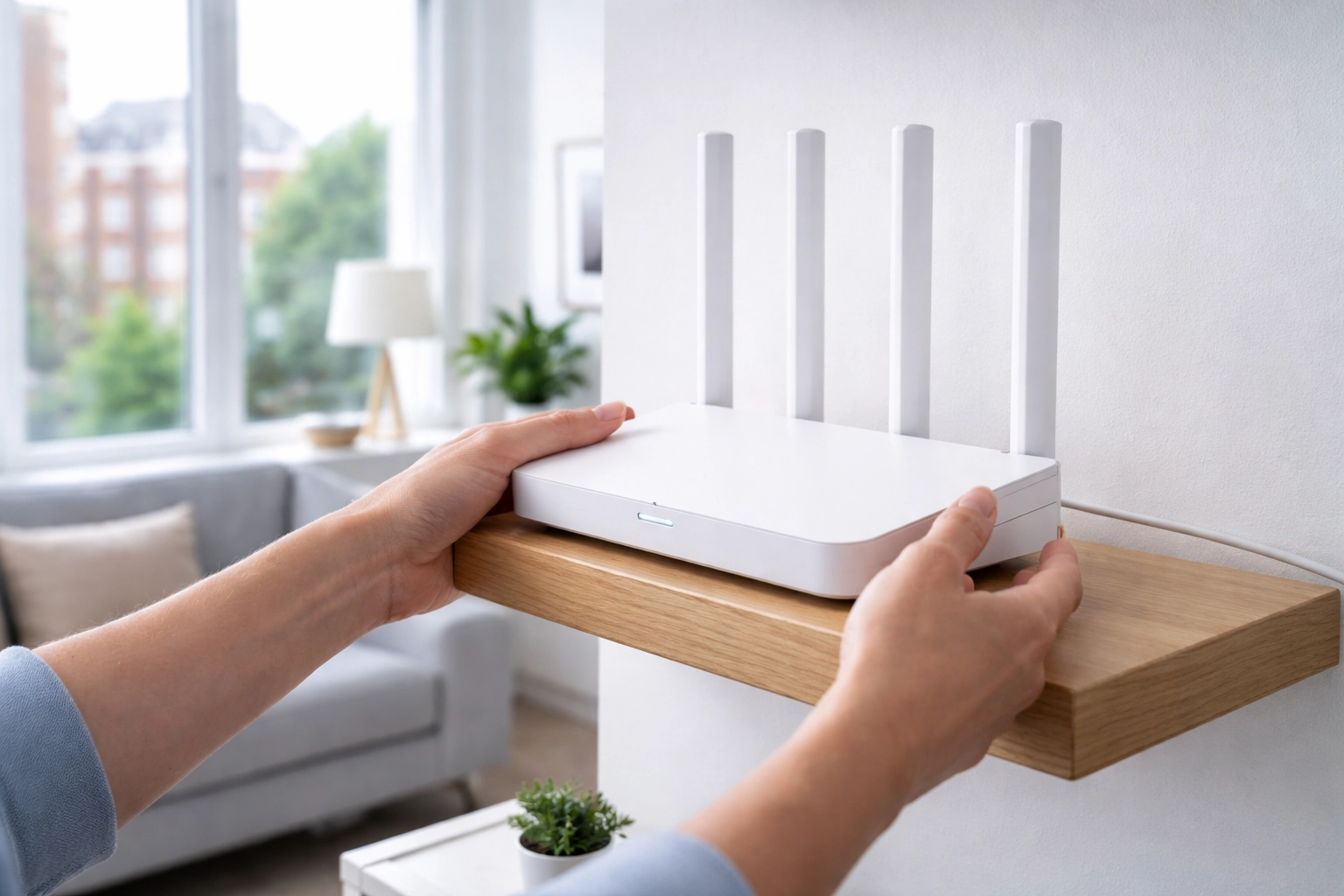
- Move your router to a central, elevated position: not tucked behind the TV or on the floor
- Connect to the master phone socket, not an extension
- Update your router's firmware (check the manufacturer's website)
- Switch to the 5GHz band for devices that are close to the router: it's faster and less congested
- Change your WiFi channel manually if you're in a congested area
These tweaks won't solve fundamental coverage issues, but they can help. For more tips, check out our guide on fixing slow WiFi at home.
Ready to Finally Fix Your London WiFi?
Living with patchy WiFi in 2026 just isn't necessary. Whether you're dealing with stubborn Victorian walls, a vertical townhouse layout, or a basement that feels like a digital black hole, there are proven solutions that work.
The key is understanding that London homes have unique challenges: and treating them with respect rather than frustration. With the right equipment, proper placement, and a tailored installation approach, flawless coverage throughout your entire home is absolutely achievable.
Because honestly? Life's too short for buffering.