Let’s be honest: when the technician from your ISP (Internet Service Provider) finishes installing your fibre, you’re usually just happy to see that little green light blinking. You run a quick speed test next to the router, see a big number, and think, “Great, I’m set.”
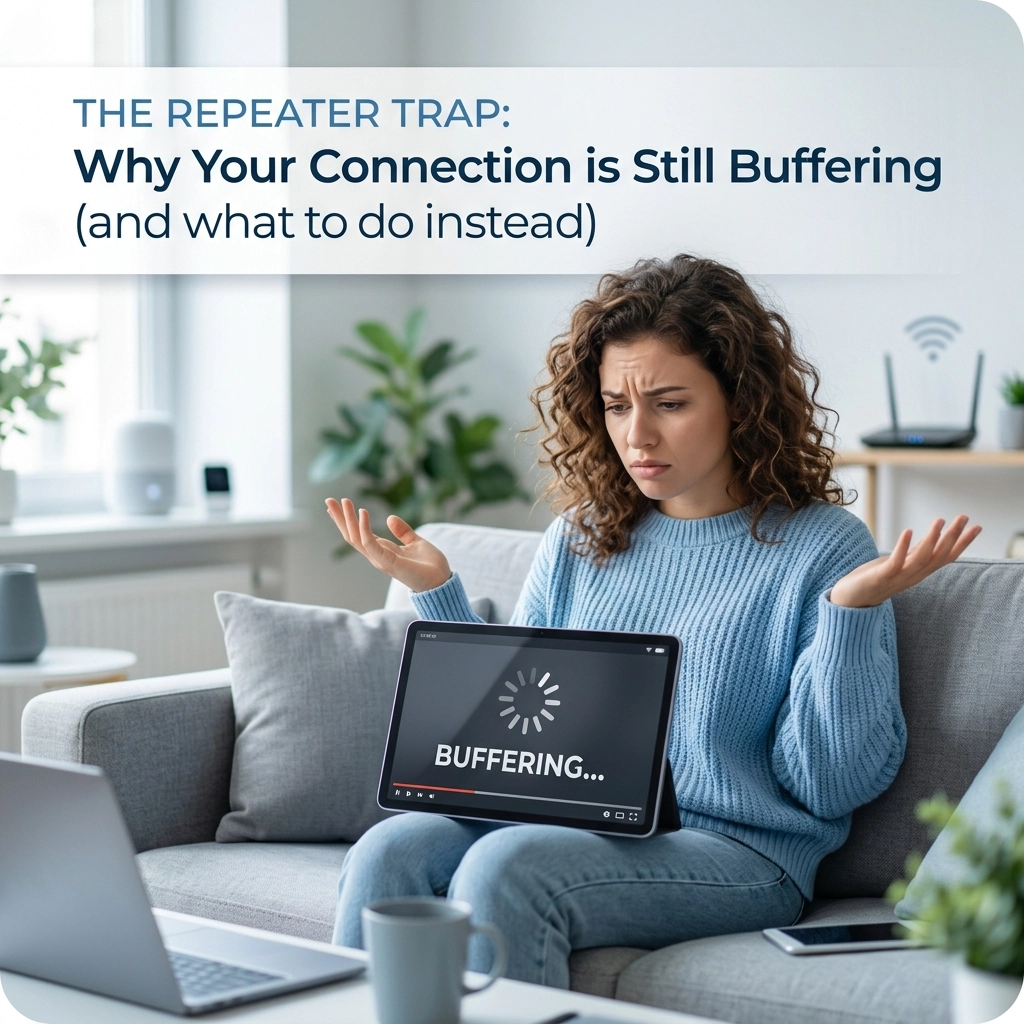
But three weeks later, you’re trying to take a Zoom call in the bedroom, and the connection keeps dropping. Or your Netflix starts buffering exactly when the movie gets good. You blame the ISP, you blame the weather, and you might even blame the load-shedding schedule.
The truth? More often than not, the culprit is that generic plastic box your ISP gave you. At WiFi Heroes, we see it every day in homes across Cape Town, from Sea Point apartments to sprawling Constantia estates. ISP routers are designed to be "good enough" for the average user, but they aren’t built for the high-performance demands of modern life.
Here are the 7 most common mistakes you’re making with your ISP-provided router and, more importantly, how you can fix them to finally get the WiFi you’re actually paying for.
1. The "Closet Trap": Poor Placement
The most common mistake happens within the first ten minutes of installation. Most fibre entries (the ONT box) are located near a front door, in a passage, or tucked away in a corner of the lounge. The technician plugs the router in right there, and that’s where it stays, forever.
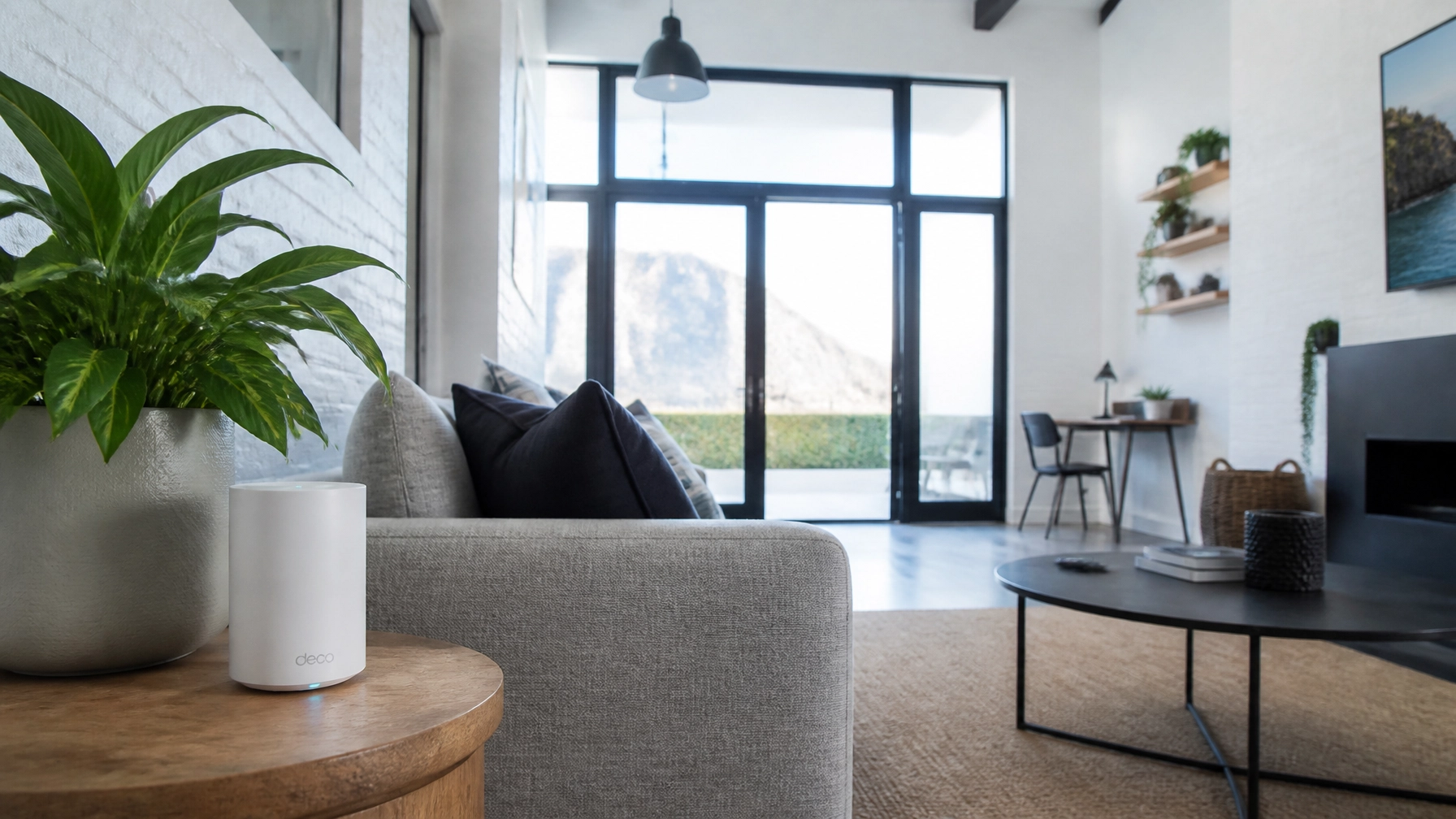
WiFi signals are like light; they don’t like walls, and they definitely don't like being stuffed into cupboards. If your router is hidden behind a TV or inside a wooden cabinet to "hide the wires," you are effectively choking your signal.
The Fix:
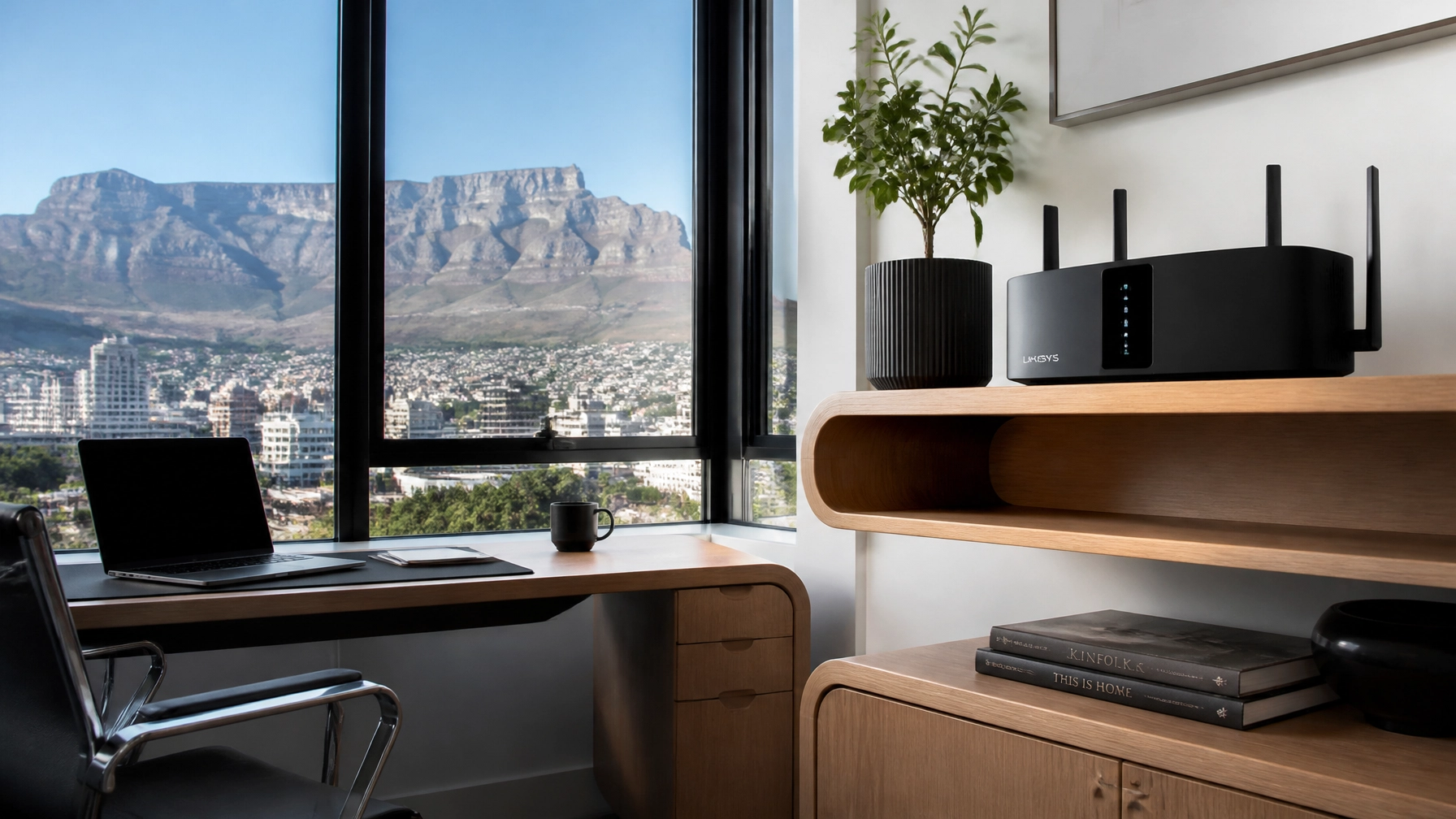
Move your router to a central, elevated position. Ideally, it should be at chest or head height, not on the floor. If your fibre entry is in a bad spot, you might need a structured data cabling solution to move the router to the heart of the home.

2. Relying on One Device for a Large Home
In South Africa, many of our homes are built with thick brick and mortar or even reinforced concrete. These are the natural enemies of WiFi. An ISP-provided router is a single point of failure; it simply doesn’t have the "punch" to get through three walls and reach the upstairs study.
Expecting a single free router to cover a 4-bedroom house in Bishopscourt is like trying to light up a whole mansion with one candle in the hallway.
The Fix:
Stop asking one device to do everything. Upgrading to a mesh system or, better yet, installing professional Ubiquiti access points ensures that your signal is handed off seamlessly as you move from room to room. No more "dead zones."

3. The "Set and Forget" Security Risk
Did you change the password for your router’s admin panel? No, not the WiFi password, the admin password. Most ISP routers ship with a default login like "admin/admin" or "admin/password." If someone gets onto your WiFi, they can easily take over your entire network.
Furthermore, most users never check for firmware updates. Firmware is the software that runs your router; manufacturers release updates to patch security holes and improve stability.
The Fix:
Log into your router settings (usually by typing 192.168.1.1 into your browser) and change the admin credentials immediately. While you're there, check for a "Firmware Update" button. If your ISP locks these settings, it’s a sign you should probably be using your own high-speed equipment.
4. Band Confusion: 2.4GHz vs. 5GHz
Most modern routers are "dual-band," meaning they broadcast two different signals.
- 2.4GHz: Slower but travels further through walls.
- 5GHz: Much faster but has a shorter range.
A common mistake is connecting your high-demand devices (like your work laptop or PlayStation) to the 2.4GHz band because it has "more bars," even though the actual speed is a fraction of what 5GHz offers. Conversely, some ISP routers use "Smart Steering" which tries to choose for you, and it often gets it wrong, leaving you stuck on a crowded, slow frequency.
The Fix:
If possible, name your 2.4GHz and 5GHz networks differently (e.g., "Home_WiFi" and "Home_WiFi_Fast"). Connect your smart plugs and lightbulbs to 2.4GHz, but keep your phones, TVs, and laptops on the 5GHz band for maximum performance.
5. Ignoring Local Interference
Cape Town is a "noisy" environment for WiFi. If you live in a high-density area like Green Point or the CBD, there are dozens of other routers all fighting for the same "channels." Your ISP router is likely set to "Auto Channel," which doesn't always pick the clearest path.
Interference from microwaves, baby monitors, and even your neighbour’s old router can cause your connection to jitter or drop during peak hours.
The Fix:
Use a free WiFi analyzer app on your phone to see which channels are the most crowded. You can then manually set your router to a less congested channel. Or, call in the experts for a WiFi Consultancy session where we use professional-grade tools to map out the interference in your specific space.
6. Bottlenecking Your High-Speed Fibre
If you’ve just upgraded to a 500Mbps or 1Gbps line with an ISP like RSAWeb or Cool Ideas, but you’re still using the router they gave you three years ago, you’re likely bottlenecking your own speed. Many older ISP routers have "Fast Ethernet" ports (limited to 100Mbps) or outdated WiFi standards that physically cannot transmit the speeds your fibre is providing.
It’s like buying a Ferrari but only ever driving it in a school zone.
The Fix:
Check your router’s specs. If it doesn't support "Gigabit Ethernet" or "WiFi 6," it’s time for an upgrade. Investing in a tailored WiFi solution ensures that every Megabit you pay for actually reaches your devices.
7. Thinking You Have to "Live With It"
The biggest mistake of all is resignation. Many Cape Town residents accept that "the WiFi is just bad in the kitchen" or "I can’t work when the kids are gaming." You don’t have to settle for the bare minimum that your ISP provides.
The hardware provided by ISPs is built for cost-efficiency, not for your specific home layout or your specific needs as a remote worker or power user.
The Fix:
Call a "Hero." At WiFi Heroes, we specialise in WiFi troubleshooting and custom installations that go far beyond what a standard ISP technician is trained to do. Whether it’s running discreet cables or setting up a managed network, we ensure your home connectivity is bulletproof.

Conclusion: Take Back Your Connection
Your internet connection is the backbone of your modern life, it’s how you work, how you learn, and how you relax. Relying on a basic, entry-level ISP router is the most common hurdle to a seamless digital experience.
By making a few small changes to placement and settings, or by upgrading to a professional setup, you can transform your home network from a source of frustration into a silent, high-speed powerhouse.
Ready to say goodbye to dead zones and buffering?
Contact WiFi Heroes today. We offer a Money Back Guarantee and same-day support to get your Cape Town home or business connected properly.