Let’s be honest: in 2026, your home or office router isn’t just a little box that gives you Netflix. It’s the front door to your digital life. And if that door has a flimsy lock: or worse, no lock at all: you’re basically inviting every digital porch pirate in the world to come in and help themselves to your data.
We’ve come a long way from the days of simple password-guessing. Today, hackers use AI-driven bots to probe for vulnerabilities in real-time. With the rise of smart homes, your "secure" network is now connected to everything from your toaster to your security system in Cape Town. If one device is weak, the whole house of cards can come tumbling down.
At WiFi Heroes, we spend our days fixing messy networks and building bulletproof setups. We know what works, what’s marketing fluff, and what’s actually going to keep your bank details safe. So, if you’re looking to upgrade, here is everything you need to know about choosing a secure router in 2026.
Why Your ISP Router Is (Probably) a Risk
We love our Internet Service Providers (ISPs), but let’s talk straight: the "free" router they gave you when you signed up is usually the bare minimum. They are built for cost-efficiency, not high-level security.
Most ISP-provided routers have:
- Slow Update Cycles: Manufacturers often take months to patch critical security holes.
- Hardcoded Backdoors: Some have "management ports" that are easy for hackers to exploit.
- Weak Privacy: Many ISPs track your DNS requests to see which websites you visit (and then sell that data).
If you’re serious about your privacy, the first thing you should do is put that ISP router into "Bridge Mode" and get a dedicated, high-security router to do the heavy lifting.
The "Must-Have" Security Features for 2026
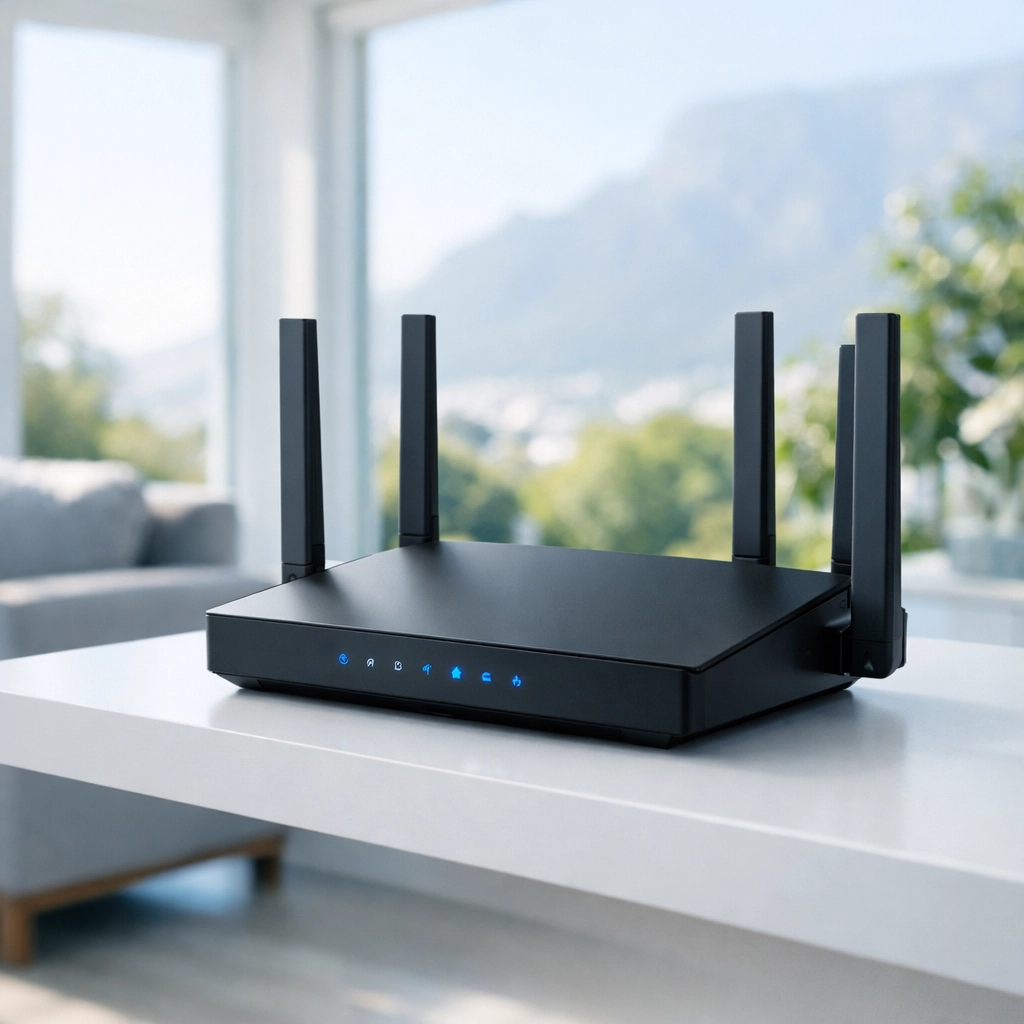
When you’re browsing the shelves or scrolling through Amazon, don't just look at the "Megabits per second" (Mbps) numbers. In 2026, speed is a given. Security is the variable. Here are the features that are non-negotiable:
1. WPA3 Encryption
WPA2 was great for a decade, but it’s old news now. WPA3 is the current standard, and it provides much stronger protection against "brute-force" attacks (where a computer tries millions of passwords a second). If a router doesn't support WPA3 in 2026, leave it on the shelf.
2. Automatic, Verified Firmware Updates
You shouldn’t have to remember to update your router. The best secure routers, like those from Peplink or Firewalla, handle this automatically. More importantly, they use "digitally signed" firmware, which means the router will refuse to install any update that hasn't been verified as coming directly from the manufacturer. This prevents "man-in-the-middle" attacks where a hacker tries to push a malicious update to your device.
3. Network Segmentation (VLANs)
This is a big one. You should be able to separate your network into different "zones." Your work laptop, where you handle sensitive emails, should not be on the same segment as your cheap smart lightbulb from an unknown brand. If that lightbulb gets hacked, a router with VLAN support prevents the hacker from jumping over to your laptop. Check out our services page to see how we help clients set up these advanced configurations.
4. Hardware-Accelerated VPN (WireGuard)
In 2026, everyone should be using a VPN, but running a VPN on an old router can slow your internet to a crawl. Look for a router that supports WireGuard. It’s the fastest, most secure VPN protocol available today. Having it built into the router means every device in your house: even your smart TV: is protected by the VPN automatically.
Which Brands Actually Care About Security?
Not all manufacturers are created equal. Some focus on flashy LEDs and gaming "modes," while others focus on code audits and security patches. Based on our experience and current industry standards, here are the heavy hitters:
- Peplink: These are the gold standard for reliability. They have an incredible track record with zero critical security flaws over the last decade. They are great for businesses and high-end homes that can’t afford a second of downtime.
- Firewalla: If you want a "plug-and-play" experience with insane security, Firewalla is the way to go. It gives you an app that alerts you every time a device on your network does something weird.
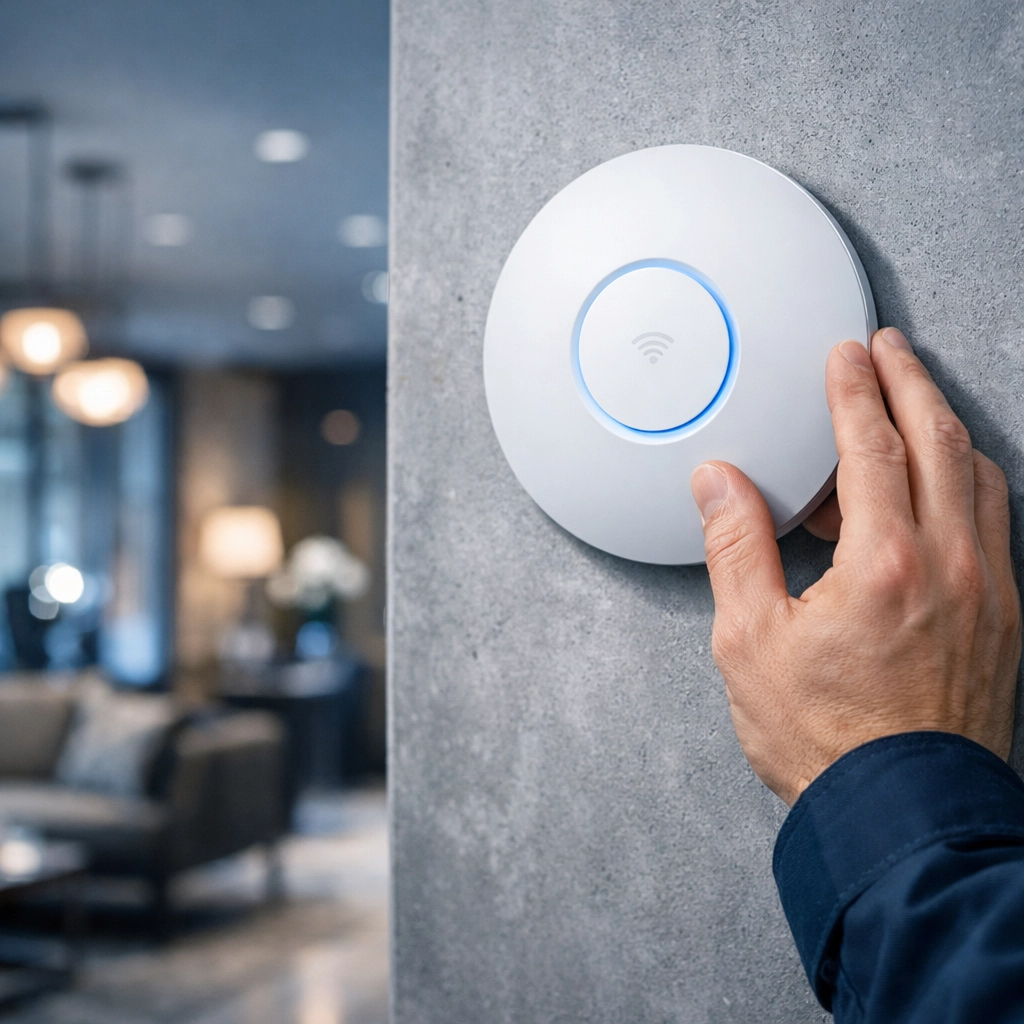
- Ubiquiti (UniFi): We use a lot of Ubiquiti gear for access control systems and large-scale WiFi. Their Dream Machine line offers great security features and excellent remote management.
- pfSense / OPNsense: For the tech-savvy crowd, these open-source firewalls are incredibly powerful. However, they aren't for the faint of heart: you’ll need some serious networking knowledge to get them right.
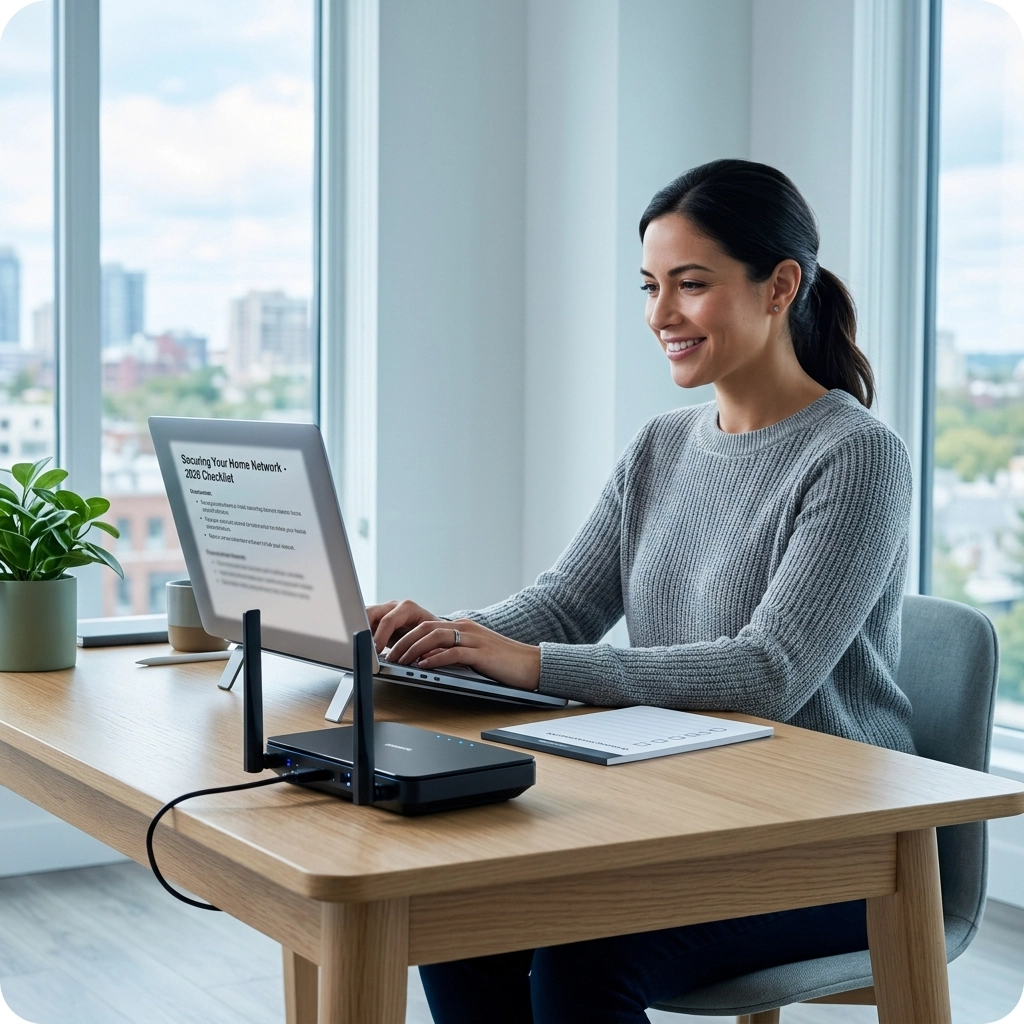
The 2026 Pro Router Checklist
Before you tap that "Buy Now" button, run through this checklist. If the router doesn’t tick at least 80% of these boxes, keep looking.
- WPA3 Support: Is it the default encryption?
- Wi-Fi 7 Ready: In 2026, don't buy old Wi-Fi 6 tech if you want it to last.
- Automatic Updates: Can it patch itself while you sleep?
- Built-in Firewall: Does it have Deep Packet Inspection (DPI)?
- VLAN Support: Can you create a separate "Guest" and "IoT" network?
- WireGuard Support: Does it support the modern VPN standard?
- Encrypted DNS: Does it support DNS-over-HTTPS (DoH) to keep your browsing private?
- No Hardcoded Passwords: Does it force you to change the password on the first boot?
- Physical Security: Does the hardware look solid, or is it a cheap plastic shell?
- App-Based Management: Can you see who’s on your network from your phone?
Don’t Forget the Physical Side
While we’re talking about routers, we have to mention the physical security of your home. A secure router is great, but it’s only one part of the puzzle. If someone can walk into your house and reset your router manually, your digital security is gone.
We often see people invest thousands in their network but forget to secure their perimeter. If you’re in the Western Cape, consider pairing your high-tech network with an electric fence installation or a modern CCTV camera setup. A truly secure home is a blend of digital and physical barriers.
Why Professional Setup Is the Secret Sauce
You can buy the most expensive router in the world, but if you leave the settings on "default," you’re still at risk. Most security breaches happen because of a misconfiguration, not a hardware failure.
Setting up things like firewall rules, port forwarding (or avoiding it), and VLAN tagging can get complicated quickly. That’s where we come in. Whether you’re in a boutique hotel in Sea Point or a home office in Camps Bay, getting a professional to audit your network ensures that your "secure" router is actually doing its job.
Final Thoughts
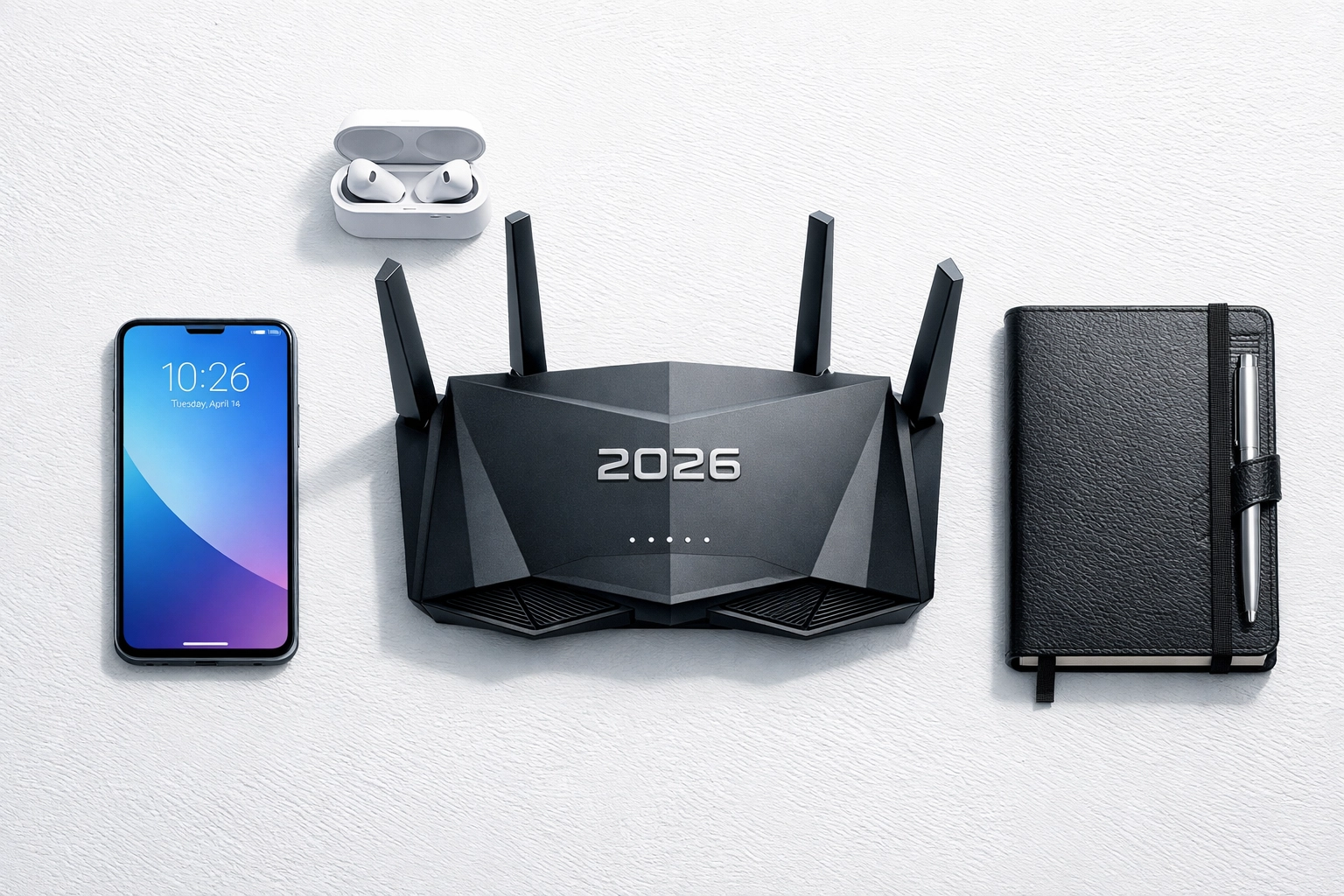
Choosing a router in 2026 isn't about finding the one with the most antennas: it's about finding the one that treats your data like gold. Stick to reputable brands, look for the features on our checklist, and don't be afraid to ask for help.
If you’re feeling overwhelmed by all the technical jargon, don't sweat it. That’s what we’re here for! You can check out more tips on our blog or contact us directly for a consultation. Let’s make your home network a fortress.
Stay safe out there!