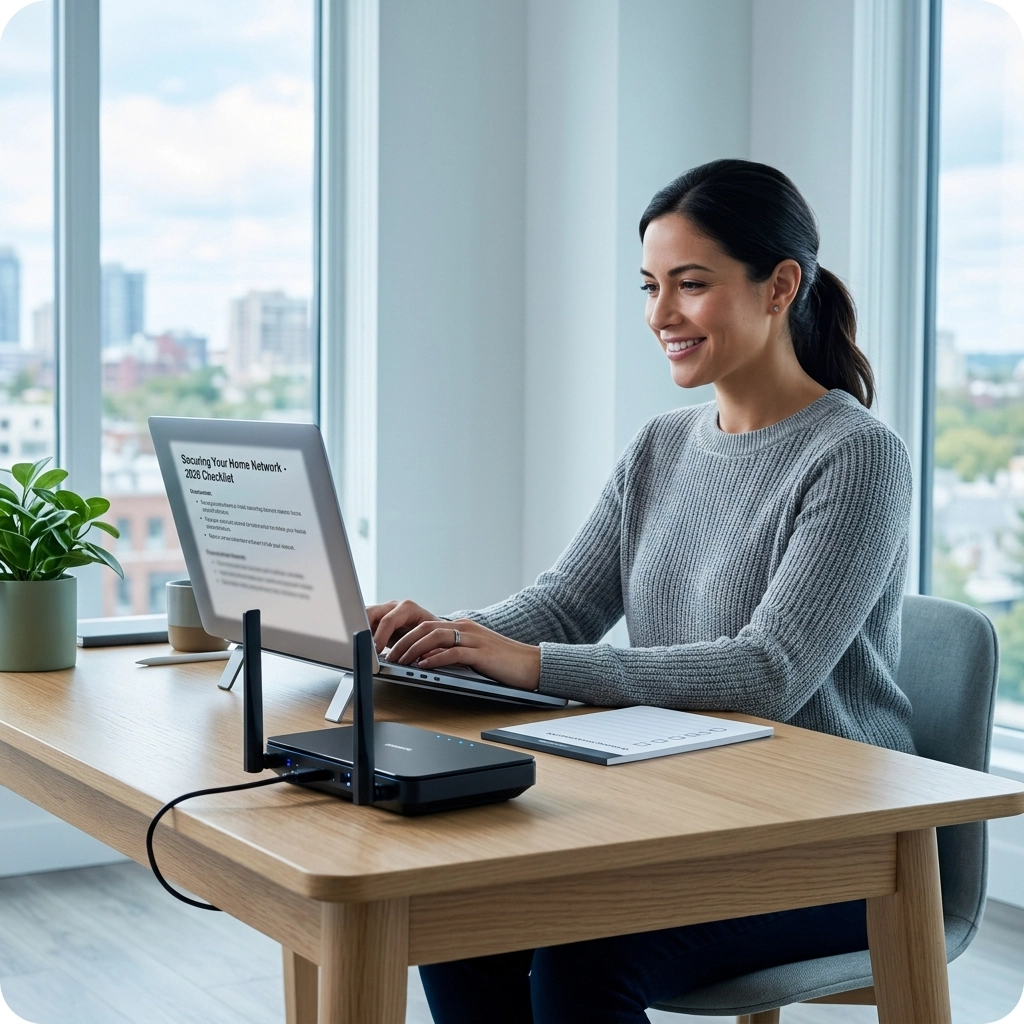

If you’re working from home in Cape Town, you already know the drill. You’ve got the perfect desk setup, a view of Table Mountain (if you’re lucky), and a Great Dane or a persistent tabby cat as your "colleague." But there’s one thing that can turn a productive morning into a stress-filled disaster: a patchy internet connection.
We’ve all been there, right in the middle of a high-stakes Zoom call with a client in London or New York, and suddenly your screen freezes. You’re left staring at a pixelated mess while your audio cuts out just as you were making your best point.
In Cape Town, we’re fortunate to have some of the best fibre infrastructure in South Africa, but having a fast pipe into your house is only half the battle. The real magic (or the real frustration) happens in the air between your router and your laptop. That’s where WiFi 7 comes in.
At WiFi Heroes, we’ve seen every type of home office setup imaginable, from Sea Point apartments to sprawling estates in Constantia. And we’re telling you: WiFi 7 isn't just a small upgrade. It’s a total game-changer for the remote work lifestyle.
What Exactly is WiFi 7?
Before we dive into why it's great for your morning meetings, let's talk about what it actually is. Technically known as IEEE 802.11be, WiFi 7 is the latest wireless standard. If WiFi 6 was a reliable family sedan, WiFi 7 is a turbocharged Formula 1 car that somehow also has the storage space of a moving truck.
It’s designed to handle massive amounts of data with almost zero delay. It operates across three bands: 2.4 GHz, 5 GHz, and the relatively new 6 GHz band. But the real secret sauce lies in how it manages those bands to give you a smoother experience than ever before.

Speed That Blurs the Line Between Home and Office
When people talk about WiFi 7, the first thing they mention is speed. We’re talking about potential data rates of up to 19,000 Mbps (and eventually even higher). To put that in perspective, that is significantly faster than most physical Ethernet cables people use in their homes today.
For a remote worker in Cape Town, this means that "big" files aren't big anymore. Whether you’re a video editor in Camps Bay uploading 4K footage or an architect in Kloof sharing massive 3D renders, WiFi 7 makes these transfers feel instantaneous. You no longer have to plan your day around "when the upload will finish." You just hit send and move on to your next task.
Goodbye, Latency: The End of the "Zoom Lag"
Speed is great, but for remote work, latency is actually more important. Latency is the delay between you doing something and the network responding. High latency is what causes that awkward "No, you go ahead" overlap in video calls.
WiFi 7 brings latency down to under 1 millisecond. That is effectively real-time. When you combine this with Cape Town’s stable fibre backbones, your virtual meetings will feel like you’re sitting in the same room as your colleagues. This near-instant responsiveness is also crucial if you use cloud-based software or virtual desktops, where every mouse click needs to be registered on a server miles away.
The 6 GHz Band: Your Private Fast Lane
One of the biggest issues we face in densely populated areas like Green Point or Sea Point is signal interference. Everyone has a router, and everyone’s signal is bumping into everyone else’s. It’s like trying to have a conversation in a crowded bar.
WiFi 7 fully utilizes the 6 GHz band, which is like opening a brand-new, multi-lane highway that only a few cars are allowed to use. This band is wider and much less congested than the old 2.4 GHz and 5 GHz bands. By moving your work traffic to this "VIP lane," you avoid the interference from your neighbor’s Netflix binge or their microwave.

Multi-Link Operation (MLO): The Real Secret Weapon
This is probably the coolest feature of WiFi 7. In previous versions of WiFi, your device would connect to one band at a time (either 2.4, 5, or 6 GHz). If that band got congested, your device had to switch, often causing a momentary drop or slowdown.
With Multi-Link Operation (MLO), WiFi 7 devices can connect to multiple bands simultaneously. Imagine your data being split across two different highways at the same time. If one highway hits a traffic jam, the other one keeps things moving without a hitch. This results in a connection that isn't just faster, but incredibly more reliable. For a remote worker, reliability is everything.
Managing a House Full of Devices
Let’s be honest: you aren't the only one using the internet during the day. While you’re trying to lead a brainstorm, your partner might be in another room on their own call, the smart fridge is updating its software, the CCTV cameras are streaming to the cloud, and the kids (if it's school holidays) are definitely gaming.
Traditional routers struggle to talk to all these devices at once. They essentially "take turns" talking to each one very quickly. WiFi 7 is much better at multitasking. It can handle dozens of high-bandwidth devices simultaneously without any of them feeling a drop in performance. This is a massive win for the "Smart Home" enthusiast. If you’ve invested in access control systems or intruder alarms, you want them to have a dedicated, rock-solid connection that doesn't interfere with your work.

Future-Proofing for Immersive Collaboration
As we move toward 2026 and beyond, work is becoming more immersive. We’re seeing more companies experiment with Virtual Reality (VR) and Augmented Reality (AR) for meetings and training. These technologies require massive amounts of data and incredibly low latency to prevent "VR motion sickness."
WiFi 7 is the first wireless standard that truly makes professional VR/AR collaboration possible at home. Even if you aren't using a headset today, upgrading to WiFi 7 ensures that your home network is ready for whatever the "office of the future" looks like next year.
Why You Need a Pro Setup in Cape Town
You might be thinking, "Great, I'll just go buy a WiFi 7 router and I'm done." Not so fast. Cape Town homes are notorious for being "WiFi killers." Our thick brick walls, concrete slabs, and even certain types of reflective glass are great for insulation but terrible for wireless signals.
Simply plugging in a powerful router in the corner of your lounge usually won't give you the full benefits of WiFi 7 in your upstairs study. To truly get what you’re paying for, you need a strategic layout.
That’s where we come in. At WiFi Heroes, we don't just "install routers." We design network services tailored to the unique layout of your home. We look at interference patterns, wall density, and where your "high-priority" work zones are. We ensure that your WiFi 7 signal is distributed perfectly, giving you a seamless "mesh" experience where you can walk from the kitchen to the garden office without losing a single packet of data.

Is It Time to Upgrade?
If your current setup is working "okay," you might be tempted to wait. But think about how much your productivity is worth. If WiFi 7 saves you just 10 minutes of frustration a day: or prevents one dropped call with a major client: it pays for itself in no time.
If you are:
- Frequently on video calls.
- Handling large data files.
- Living in a high-density area like the CBD or Atlantic Seaboard.
- Managing a home with multiple users and smart devices.
…then WiFi 7 is definitely for you.
Cape Town is a hub for innovation and remote excellence. Don't let 2010s technology hold back your 2026 career. Whether you're looking for a complete home office overhaul or want to integrate your work network with your security system installation, we’ve got your back.
Let’s Get You Up to Speed
At WiFi Heroes, we’re obsessed with making technology work for people, not the other way around. We want you to forget your router even exists because it’s working so perfectly in the background.
If you’re ready to experience what true "hero-level" connectivity feels like in your Cape Town home, reach out to us today. Let’s get your home office running at the speed of light: or at least at the speed of WiFi 7!
Want to learn more about what we do? Check out our About Us page or dive into more tips on our blog. Your better work-from-home life is just one upgrade away.