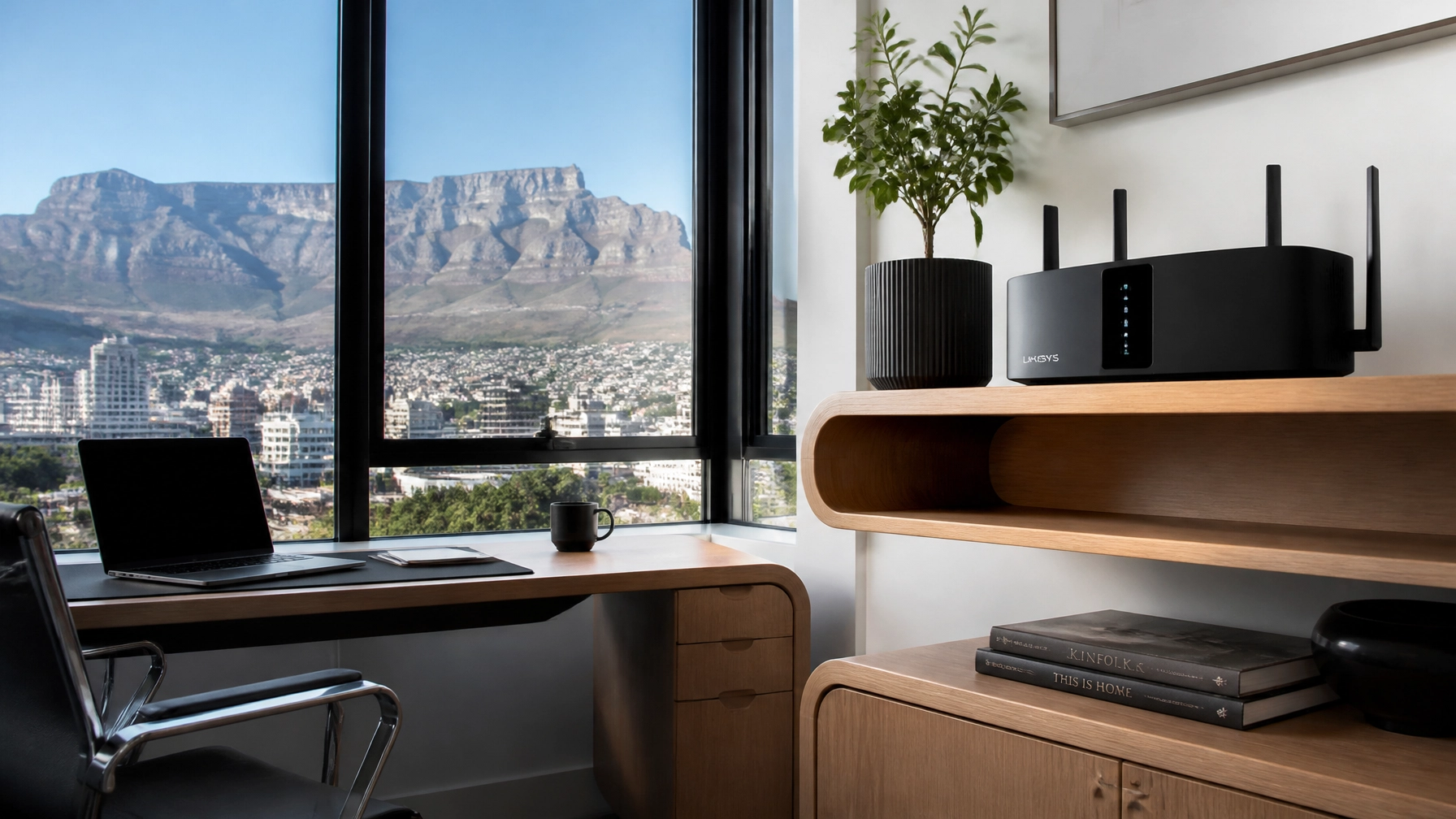

You finally did it. You upgraded to that 200Mbps or 500Mbps fibre line from Octotel or Vumatel. You expected the internet to move at the speed of light, but instead, you’re still staring at the dreaded buffering wheel while trying to watch Netflix in the bedroom.
It’s the great Cape Town fibre paradox: your line is fast, but your internet is slow.
At WiFi Heroes, we see this every day. Most people think the problem lies with the "cable in the street," but 90% of the time, the issue is what we call "The Last 10 Metres." This is the gap between the fibre box on your wall (the ONT) and the device in your hand.
Here are the 10 most common reasons your "fast" fibre feels like a crawl: and exactly how you can fix it.
1. The "Free" ISP Router Trap
When you sign up for fibre, your ISP usually gives you a "free" router. Here’s the secret: those routers are built for cost-efficiency, not high performance. They are often basic entry-level models that struggle to handle more than a few devices or punch a signal through more than one wall. If you have a high-speed line but a cheap router, you’re trying to push a fire hose of data through a drinking straw.
2. The Cape Town "Fortress" Factor (Thick Walls)
Cape Town is full of beautiful, older homes with thick, solid brick or stone walls. While they’re great for keeping the heat out, they are absolute Wi-Fi killers. Wi-Fi signals hate dense materials. A signal that starts at 500Mbps in the lounge can drop to 10Mbps the moment it has to pass through a Victorian-era brick wall into the study.

The Fix: If you live in an older home, you cannot rely on a single router. You need a professional solution like Structured Data Cabling or a high-end Mesh system to carry the signal around those obstacles.
3. The 2.4GHz Frequency Fight
Living in a busy suburb like Sea Point, Green Point, or the CBD? Your router is likely fighting a war with every single one of your neighbors. Most older routers use the 2.4GHz frequency, which only has a few "channels" to work with. If ten neighbors are all on the same channel, your signal gets jammed.
The Fix: Switch your devices to the 5GHz band if your router supports it. It’s faster and much less crowded. For more tips on living in high-density areas, check out our guide on Smart WiFi for Cape Town Apartments.
4. The "Cupboard of Doom" (Bad Placement)
We get it: routers aren't always pretty. Many people hide them inside TV cabinets, under desks, or even inside metal cupboards. This is a disaster for your signal. Metal, glass, and wood all dampen the signal before it even has a chance to reach your couch.

The Fix: Your router should be out in the open, ideally at waist height or higher. Think of it like a lightbulb: if you put it in a cupboard, it won't light up the room!
5. Cable Confusion: Cat5 vs. Cat6
The cable connecting your fibre box to your router matters. If you are using an old "Category 5" (Cat5) cable you found in a drawer from 2010, it is physically capped at 100Mbps. Even if you have a 1Gbps line, that cable will act as a permanent speed limit.
The Fix: Ensure all your Ethernet cables are labeled Cat5e or, even better, Cat6. This ensures your hardware can actually handle the speeds your ISP is sending.
6. Load-Shedding Hangovers
In South Africa, our equipment takes a beating from load-shedding. When the power goes off and on, routers and ONTs (the fibre boxes) can sometimes get "stuck" or experience software glitches. After a few cycles of power cuts, the internal memory gets cluttered, leading to slower speeds or dropped connections.
The Fix: The "Turn it off and on again" advice is a cliché for a reason: it works. Reboot your ONT and your router once a week to clear out any load-shedding-induced gremlins.
7. Neighborly Interference (Channel Overlap)
Even if you aren't in a high-rise apartment, your neighbor's new high-powered router could be stomping all over your signal. If their router is set to the same channel as yours, they’ll cause "noise" that slows you down.

The Fix: Use an app like WiFi Analyzer to see which channels are busy. Or, better yet, call in the pros. At WiFi Heroes, we use professional-grade diagnostic tools to find the "quietest" channels for your home.
8. Your Devices Are Showing Their Age
That laptop from 2015 might still work fine for emails, but its internal Wi-Fi card likely doesn't support modern high-speed standards. If your phone gets 200Mbps but your laptop only gets 30Mbps in the same spot, the problem is the device, not the fibre.
The Fix: For older desktop PCs, you can often buy a cheap USB Wi-Fi 6 adapter to give them a modern speed boost without replacing the whole machine.
9. Background Hogs (The Invisible Drain)
Sometimes your fibre feels slow because it’s actually working really hard on something you didn't ask for. Cloud backups (like iCloud or Google Photos), Windows updates, or Steam game downloads running in the background can eat up your bandwidth before you even open a browser.
The Fix: Check your "Task Manager" (on PC) or "Activity Monitor" (on Mac) to see if any apps are hogging the data.
10. FNO Congestion During "Prime Time"
If your internet is blazing fast at 10 AM but crawls at 8 PM, the problem might be external. During peak hours, the Fibre Network Operators (like Frogfoot or Openserve) can experience congestion in certain neighborhoods.
The Fix: Run a wired speed test using Speedtest.net directly into your router. If the speed is low there, it’s an ISP/FNO issue. If the speed is high there but slow on your phone, it’s a "Last 10 Metres" issue that we can fix!
How to Finally Fix Your WiFi for Good
If you’ve tried moving your router and rebooting your boxes and you’re still getting dead zones, it’s time to stop guessing.
At WiFi Heroes, we specialize in taking that fast fibre and making sure it actually reaches every corner of your home. Whether you need a high-performance Mesh WiFi system or expert WiFi Consultancy to map out your home's "dead zones," we’ve got the tools to fix it.

Don't settle for "okay" internet. You're paying for the speed: let's make sure you actually get to use it.
Ready to banish the buffering? Contact WiFi Heroes today for a custom solution that actually works.