
If you’ve ever been in the middle of a high-stakes Call of Duty match or an important Zoom call with a client in London, you know the sudden, cold dread of "The Lag." One second you’re lining up the perfect shot or explaining your quarterly projections, and the next, your screen freezes, your voice sounds like a malfunctioning robot, and you’re staring at a "reconnecting" spinning wheel of death.
In Cape Town, we pride ourselves on a lot of things: our mountains, our wine, and our resilience. But let’s be honest: our home WiFi is often not one of them. Whether you're living in a modern apartment in Century City or a beautiful old Victorian home in Gardens with walls thicker than a castle’s, lag is the ultimate enemy.
Most people think the answer is "faster" internet. They call their ISP, upgrade to a 500Mbps or 1Gbps fiber line, and… the lag is still there. Why? Because speed isn't the same thing as latency.
Today, I’m going to let you in on a little insider secret. There is one "simple" trick to kill lag once and for all. It’s not a software hack, and it’s not a magic router setting. It’s about going back to basics.
Speed vs. Latency: Why Your "Fast" Internet Still Lags
Before we reveal the trick, we need to understand the enemy. People often use "speed" and "latency" interchangeably, but they are very different things.
Imagine you are ordering a pizza.
- Bandwidth (Speed) is how many pizzas the delivery guy can carry at once.
- Latency (Lag/Ping) is how long it takes for the delivery guy to get from the shop to your front door.
You can have a massive 1Gbps line (a truck full of pizzas), but if it takes 200 milliseconds for your computer to "talk" to the game server or the video call host, you’re going to experience lag. For gaming and video calls, low latency is actually much more important than high raw speed. You only need about 5-10Mbps for a clear HD video call, but if your latency spikes, the call drops.

The Invisible War in Your Living Room
So why does WiFi cause high latency? Your WiFi signal is essentially a radio wave. In a perfect world, those waves travel cleanly from your router to your device. But we don't live in a perfect world: especially not in Cape Town.
Your WiFi is fighting an invisible war every single second. It’s battling:
- Physical Obstacles: Those thick brick and mortar walls we love so much are absolute WiFi killers.
- Interference: Your neighbor’s WiFi, your microwave, baby monitors, and even Bluetooth devices all operate on similar frequencies.
- Congestion: If you have twenty devices (phones, tablets, TVs, smart fridges) all shouting at one router at the same time, the router has to "queue" the data packets. That queueing creates: you guessed it: latency.
Even if you have the latest and greatest Wi-Fi 7 tech, you are still dealing with the inherent instability of sending data through the air.
The "Simple" Trick: The Power of the Wire
Here it is: The most effective way to stop lag right now is to move your high-demand devices off WiFi and onto a hard-wired Ethernet connection.
I know, I know. It sounds "old school." We live in a wireless world, right? But here’s the truth that every pro gamer and high-end IT consultant knows: Copper is king.
By using structured cabling to connect your gaming PC, your console, or your work-from-home laptop directly to your router, you bypass the "invisible war" entirely. You aren't fighting the microwave for bandwidth anymore. You aren't worrying about the signal dropping because someone closed a door.
Why Ethernet Beats WiFi Every Single Time:
- Zero Interference: A shielded cable doesn't care if your neighbor is running a heavy-duty server next door.
- Consistent Ping: Your latency remains flat and stable, which is the "holy grail" for gaming.
- Full Speed: You actually get the speeds you pay your ISP for.
- Security: It’s much harder to hack a physical cable than a wireless signal.

But I Don't Want Cables Running Across My Floor!
This is usually where Samuel and the team at WiFi Heroes come in. When most people think of "wiring their house," they imagine messy blue cables stapled to skirting boards or tripping hazards running across the hallway.
That is not what we do.
The trick to a professional setup is Structured Cabling. This involves installing discreet, high-speed data points (little sockets in the wall, just like your power outlets) exactly where you need them.
We hide the cables inside the walls, in the ceiling, or behind neat trunking so that the only thing you see is a clean, professional wall plate. You plug your laptop or PlayStation into the wall, and suddenly, your lag disappears. It’s like magic, but with physics.
Cat6 vs. Cat6A: Which One Do You Need?
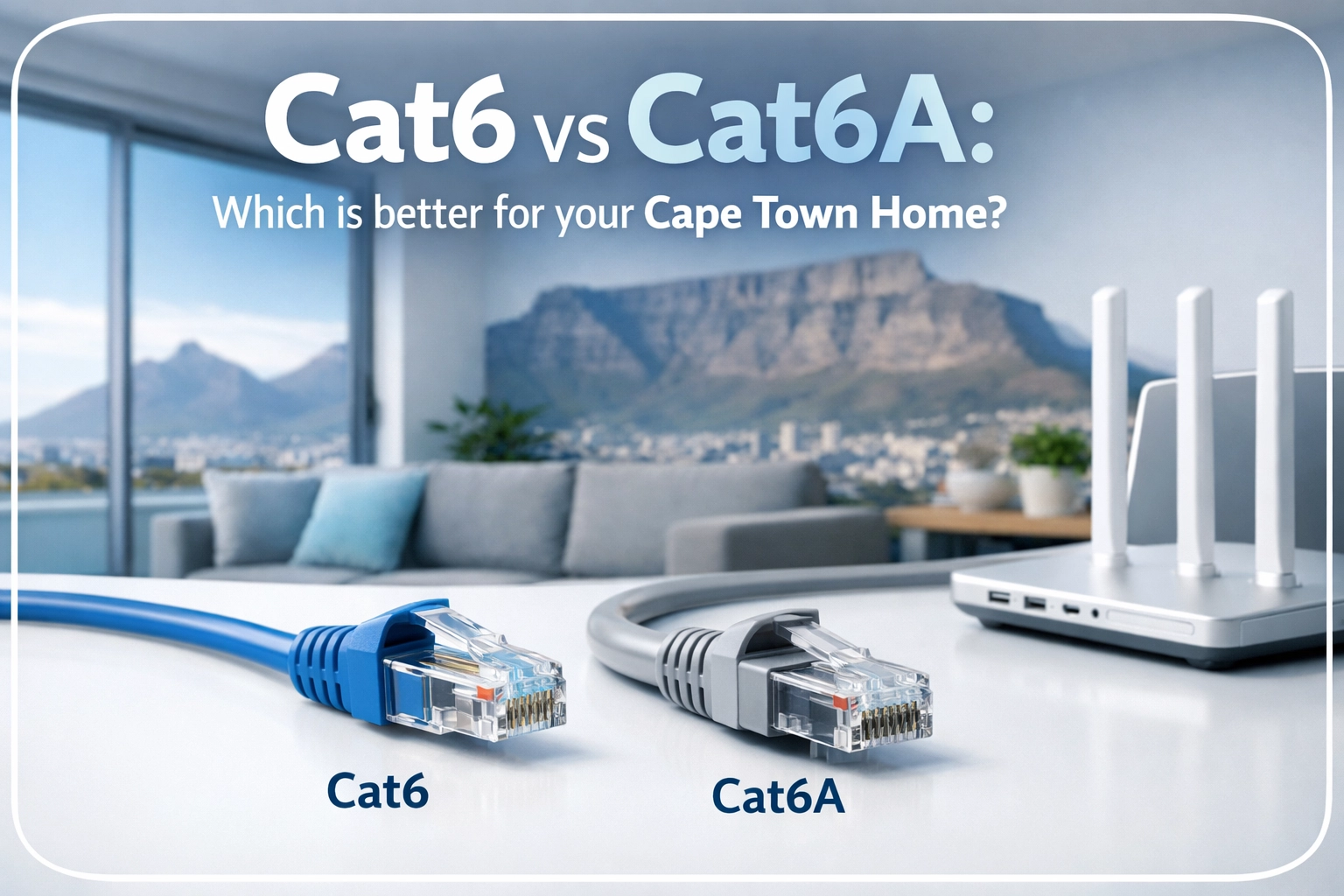
If you're going to pull the trigger on a wired setup, you need to choose the right "pipe." In 2026, we generally recommend two standards: Cat6 and Cat6A.
- Cat6: Great for most homes. It handles up to 10Gbps over shorter distances and is plenty for 4K streaming and hardcore gaming.
- Cat6A: The "Future-Proof" choice. It has better shielding against interference and maintains top speeds over longer distances.
If you’re curious about which one fits your specific Cape Town home, we’ve actually written a deep dive on Cat6 vs Cat6A here.
The "Hybrid" Approach (The Best of Both Worlds)
We aren't saying you should plug your phone into a wall. That would be ridiculous. The ultimate "Hero" setup is a hybrid one:
- Wired Backbone: Your stationary devices (TVs, Gaming Consoles, PC, Office Laptop) are plugged into Ethernet data points.
- Wireless Excellence: Because your heavy-lifting devices are off the WiFi, the "airwaves" are now clear for your phones and tablets. To make this even better, we use those wired points to install Access Points.
Instead of one router in the far corner of the house trying to do everything, we place discreet Access Points on the ceiling or walls. These APs are "fed" by the high-speed Ethernet cables, giving you full-strength, low-latency WiFi in every single room. This is much more effective than a standard mesh system. If you want to know why, check out our guide on Mesh vs. Access Points.

Other Quick Fixes (While You Wait for the Pros)
If you can’t get a WiFi Heroes team out to your house today, there are a few "mini tricks" you can try to help your latency:
- The 5GHz Rule: If your router has two networks (2.4GHz and 5GHz), always put your gaming or work devices on the 5GHz band. It’s faster and has less interference, though the range is shorter.
- Reboot Everything: It sounds like a cliché, but "turning it off and on again" clears the cache on your router and can often drop your ping by a few milliseconds.
- Close the Background Junk: Check if your Steam, Epic Games, or OneDrive is running an update in the background. Those are "latency leeches."
- Positioning: Get your router out of the cupboard! Every wooden door or glass panel between you and the router adds a tiny bit of delay.
Why Cape Town Homes Need a "Hero" Touch
Cape Town architecture is unique. From the coastal moisture in Camps Bay that can corrode cheap outdoor equipment to the thick stone walls in Constantia, "off-the-shelf" WiFi solutions usually fail here.
At WiFi Heroes, we specialize in making technology invisible. We believe you should have the fastest, most stable internet in the world without having to look at a single messy wire. Whether it's setting up a lag-free gaming den or ensuring your outdoor braai area has perfect signal, we’ve seen it all and fixed it all.

Final Thoughts: Stop Settling for "Good Enough" WiFi
Lag isn't something you just have to "live with." It’s a technical problem with a very physical solution. By using the "simple trick" of hard-wiring your most important devices, you reclaim your internet experience.
No more stuttering video calls. No more getting kicked from game servers. No more "Mom, turn off your phone, I’m lagging!"
If you’re ready to stop the lag and turn your home into a high-speed sanctuary, we’re here to help. From structured cabling to the latest Wi-Fi 7 deployments, we’ll make sure your connection is as rock-solid as Table Mountain.
Ready to kill the lag for good? Contact WiFi Heroes today and let's get your home wired for success.