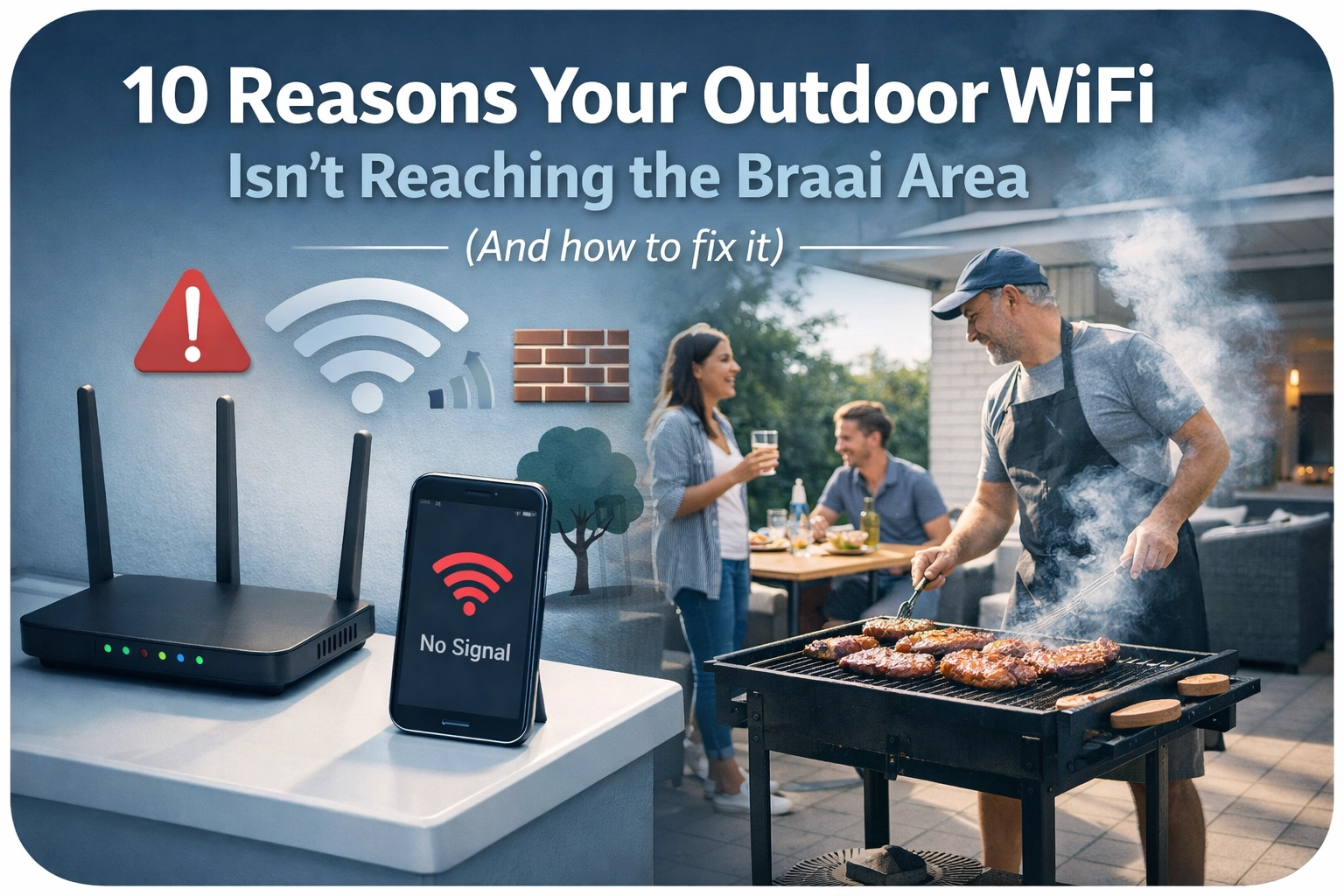
There’s nothing quite like a Saturday afternoon in Cape Town. The fire is crackling, the chops are sizzling, and the Springboks are about to kick off. You’ve got the outdoor TV set up or your phone ready to stream the commentary, but then it happens: the dreaded buffering circle.
You walk three steps toward the lounge, and the signal returns. You step back to the braai, and it’s gone. It’s a classic Cape Town struggle. We love our outdoor lifestyle, but our homes weren’t exactly built with 21st-century wireless signals in mind.
At WiFi Heroes, we spend our days rescuing homeowners from "dead zone drama." If your outdoor WiFi is acting more like a dial-up connection from 1998, here are the top 10 reasons why: and, more importantly, how we can fix it.
1. The "Fortress" Effect: Cape Town’s Thick Walls
In Cape Town, we don’t just build walls; we build fortresses. Many of our homes: especially in older areas like Constantia, Newlands, or the City Bowl: feature double-brick construction, stone, or even reinforced concrete.
While these materials are great for keeping the house cool in summer, they are absolute kryptonite for WiFi signals. A standard 5GHz signal struggles to penetrate even a single brick wall, let alone the thick exterior wall separating your kitchen from the patio. By the time the signal reaches your braai tongs, it’s been absorbed by the masonry.
2. Distance is the Enemy
It sounds obvious, but physics doesn't take a day off. WiFi signals follow the "inverse square law," which basically means the further you get from the source, the power doesn't just drop: it plummets.
If your router is sitting in the front office and your braai area is 20 meters away at the back of the property, you’re asking a lot from that little plastic box. Even without walls, distance alone will cause your speeds to crawl.
3. Metal Obstacles and "Signal Reflectors"
Take a look around your patio. Do you have a corrugated iron roof? A large stainless steel braai? Aluminium sliding doors? Metal is the number one enemy of WiFi.
Instead of passing through, WiFi signals bounce off metal surfaces like a squash ball. If your router is trying to send a signal through a closed aluminium sliding door or past a massive Weber, you’re going to experience massive "dead zones" where the signal simply can't reach.
4. Dense Landscaping and Trees
We all love a lush, green garden, but water is a major signal absorber. Since plants and trees are full of water, a thick hedge or a line of trees between your house and the pool deck acts like a literal wall of water for your WiFi. In the summer, when the foliage is at its thickest, you might find your outdoor signal is significantly worse than in the winter when the leaves have thinned out.
5. Poor Router Placement (The "Cupboard" Trap)
We get it: routers aren't always the prettiest things to look at. Many Cape Town homeowners hide their routers inside TV cabinets, under desks, or even inside metal electricity cupboards.
If your router is tucked away in a cupboard at the center of the house, it’s fighting a losing battle before the signal even leaves the room. To get a signal outside, the router needs to be placed as high as possible and, ideally, within a clear line of sight of the windows or doors leading to the garden.
6. Using the Wrong Frequency (2.4GHz vs 5GHz)
Most modern routers are "dual-band."
- 5GHz is super fast but has a very short range and hates walls.
- 2.4GHz is slower but can travel much further and pass through obstacles more easily.
If your phone is stubbornly trying to stay on the 5GHz band while you’re outside, it might show "full bars" but deliver zero actual data. Sometimes, the fix is as simple as forcing your outdoor devices onto the 2.4GHz band: or better yet, installing a system that manages this automatically. For a deeper dive into this, check out our guide on mesh Wi-Fi vs traditional routers.

7. Neighborly Interference
If you live in a high-density area like Sea Point or a townhouse complex in Durbanville, your WiFi is competing with dozens of other networks. Everyone is shouting on the same "channels." This congestion causes interference, which drops your range significantly. When you’re outdoors, your devices pick up even more of these competing signals from the houses around you, making it even harder for your own router to be heard.
8. Outdated Hardware
If you’re still using the free router your ISP gave you three years ago, you’re likely running on WiFi 5 (or heaven forbid, WiFi 4). These older standards aren't designed to handle the 20+ devices the average modern family has connected.
Upgrading to WiFi 6 or the brand-new WiFi 7 standard makes a world of difference. These newer technologies are much better at "beamforming", literally aiming the signal at your device rather than spraying it in a circle and hoping for the best.
9. Indoor Gear Trying to Do an Outdoor Job
A common mistake is putting a standard indoor "extender" or "repeater" near the back door. These devices are often underpowered and can’t handle the heat and dust of a South African patio.
Indoor gear isn't built for the "harsh" environment of a Cape Town stoep. Moisture in the air, Salt spray (if you’re near the coast), and the afternoon sun will degrade the hardware quickly, leading to intermittent drops and poor performance.
10. The "Wireless Repeater" Myth
Many people try to fix the problem by buying a cheap "range extender" that plugs into a wall socket. Here’s the secret: most of those just repeat a signal that is already weak. If the extender is only getting 20% signal from the main router, it’s just going to broadcast a "loud" 20% signal. It’s like using a megaphone to repeat a whisper: it’s still just loud nonsense.
How to Fix It: The Professional Hero Way
So, how do we get that 4K stream working perfectly by the fire? At WiFi Heroes, we don't believe in "Band-Aid" fixes like cheap extenders. We believe in doing it right the first time.
1. The Outdoor-Rated Access Point (The Game Changer)
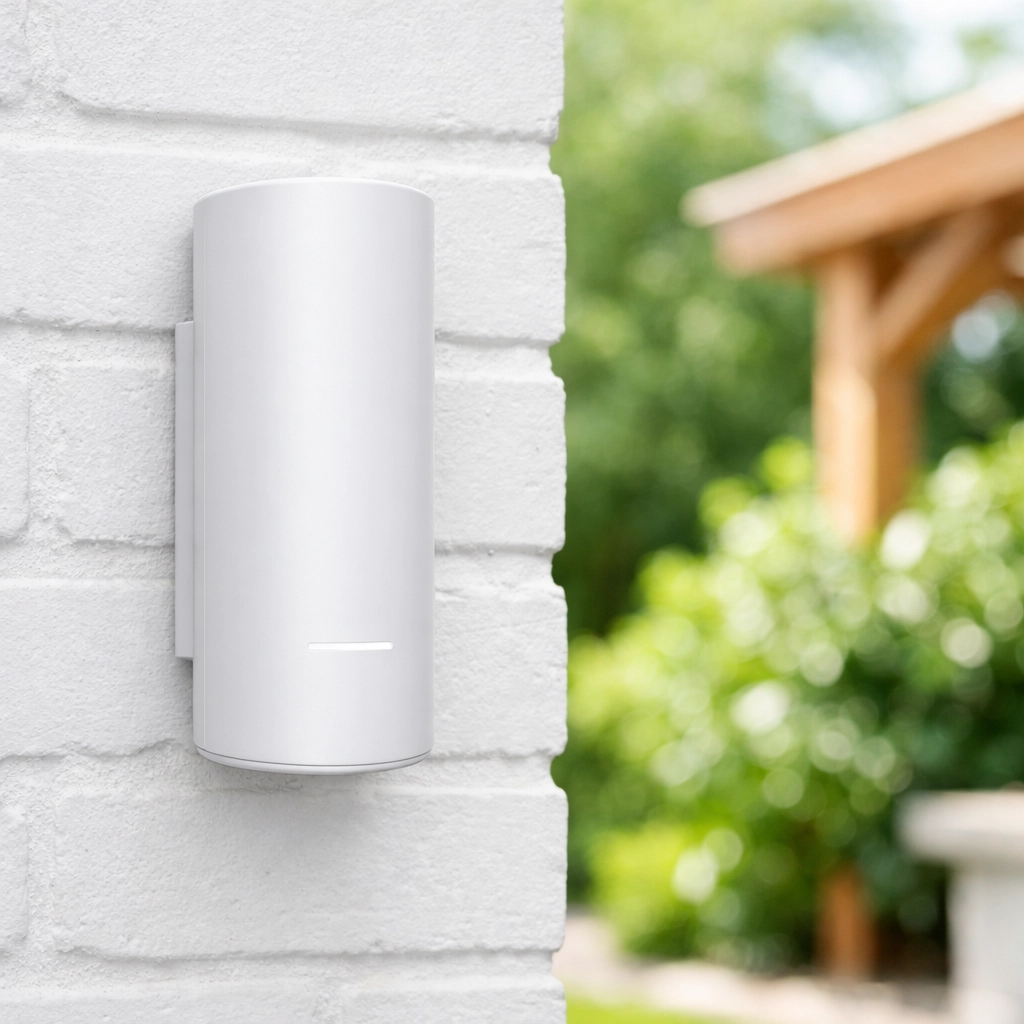
The single best way to get WiFi to your braai area is to install a dedicated, weather-proof outdoor access point. We are big fans of the UniFi U7 Mesh or the UniFi Swiss Army Knife Ultra.
These units are designed to be mounted on an exterior wall. They are sleek, discreet, and built to withstand the Cape Doctor wind and the winter rains. Because they sit outside the house, the "Fortress Wall" problem disappears instantly. You get a clear, unobstructed signal right where you need it.
2. Wired Backhaul (Proper Cabling)
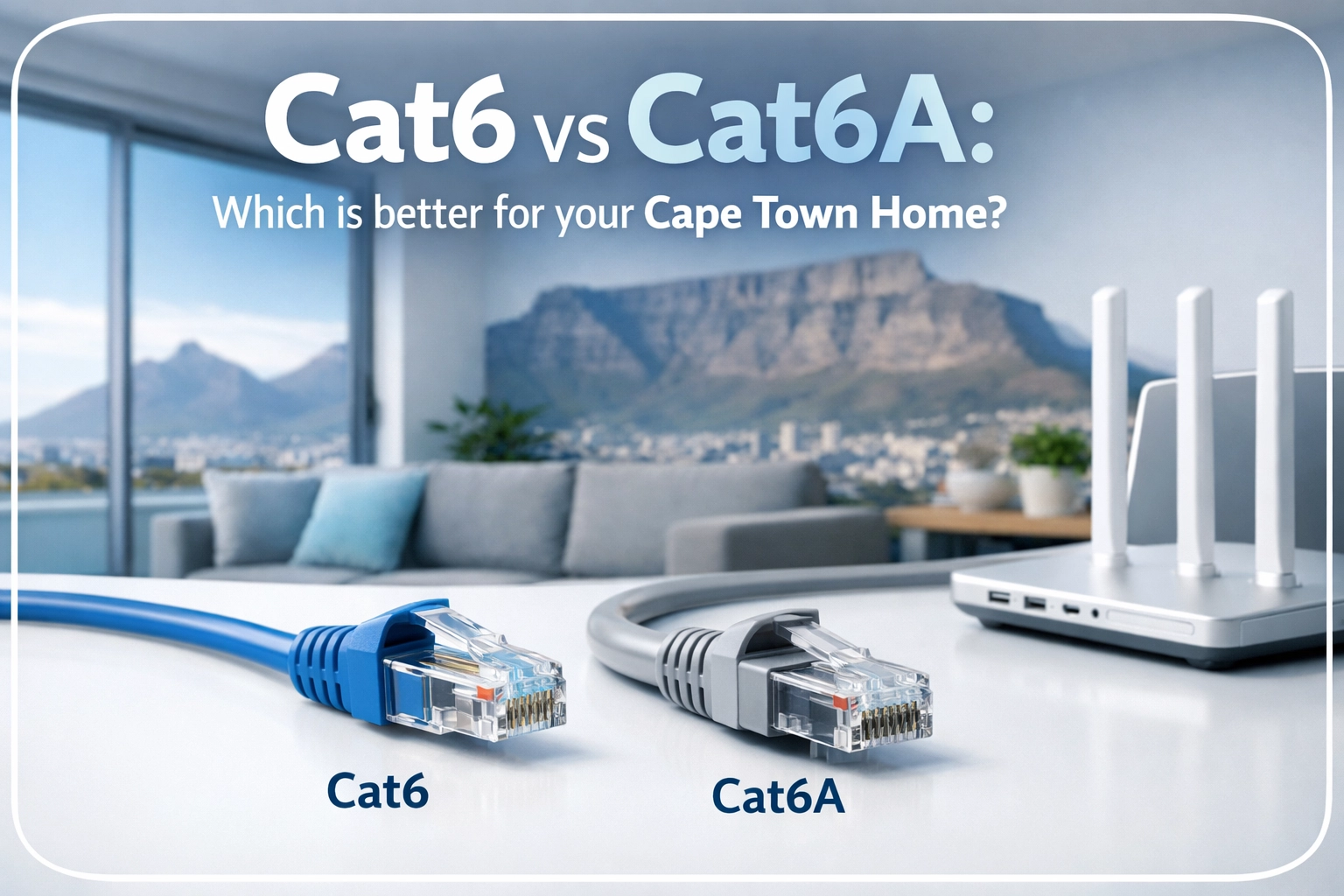
To get the best performance, we don’t connect these outdoor units wirelessly. We run a high-quality Cat6 ethernet cable from your main router directly to the outdoor access point. This ensures that the outdoor unit gets 100% of the speed your internet plan provides, with zero latency. No more buffering during the final conversion of the match!
3. Smart Mesh Systems
If your property is large, we might suggest a professional mesh system. Unlike cheap extenders, a pro-grade mesh allows your phone to "hand off" from the lounge router to the outdoor unit seamlessly as you walk outside. You won't even notice the switch. If you're wondering how many units you might need, have a look at our post on how many mesh Wi-Fi nodes you actually need.
4. Integrating Security
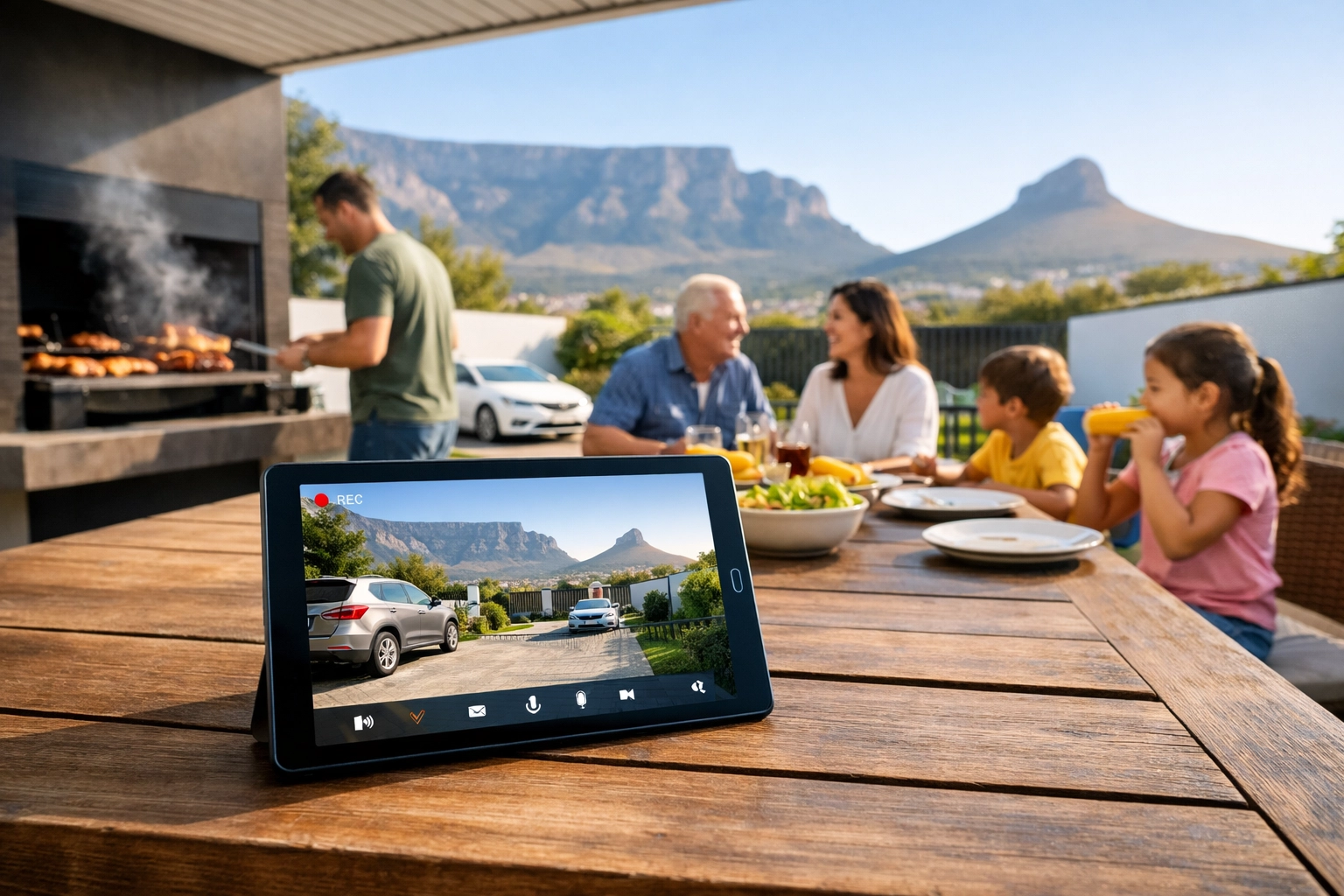
Once you have great WiFi in your garden, it opens up a world of other possibilities. You can finally install those high-definition WiFi security cameras or smart gate motors that previously wouldn't connect. Good outdoor WiFi isn't just about entertainment; it's the backbone of your Cape Town home security.
Ready to Save Your Summer?
You’ve spent time and money making your braai area the perfect place to relax. Don’t let a R500 router from 2019 ruin the vibe. Whether you’re in the Southern Suburbs, the Atlantic Seaboard, or the Northern Suburbs, the team at WiFi Heroes is ready to help you get your signal sorted.
We’ll come out, assess your home’s unique "fortress walls," and design a solution that gives you wall-to-wall (and fence-to-fence) coverage.
Don't miss another minute of the action. Contact WiFi Heroes today and let’s get your outdoor WiFi flying!